NativTap
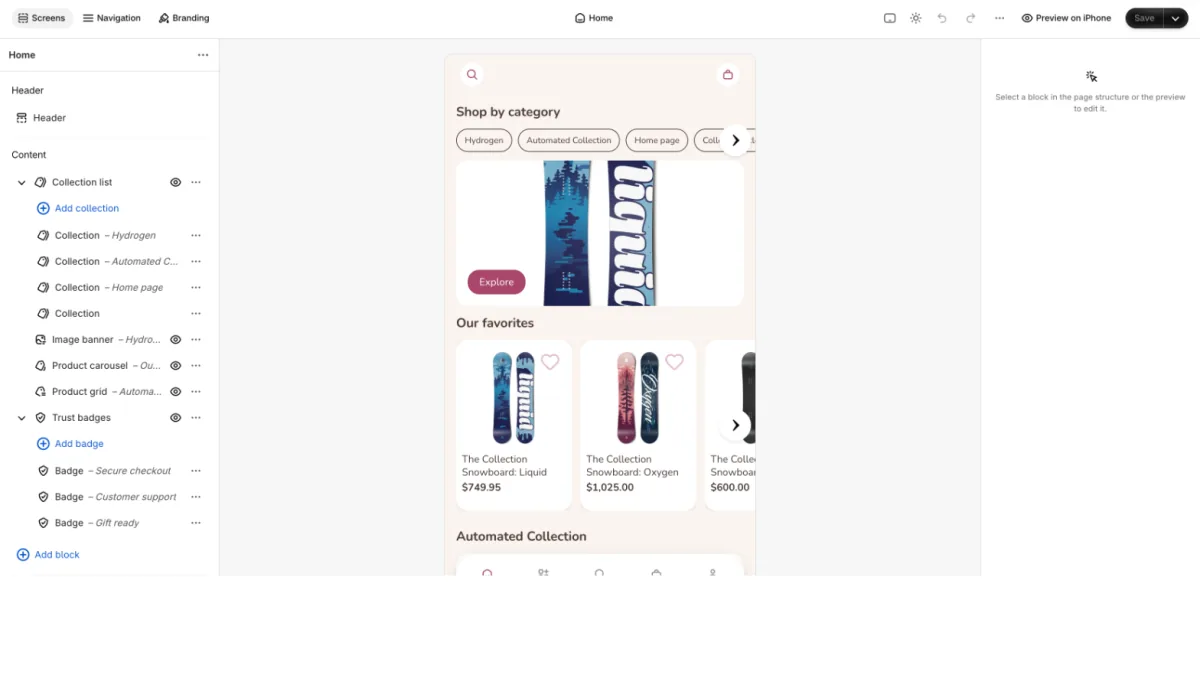
A visual editor made for mobile
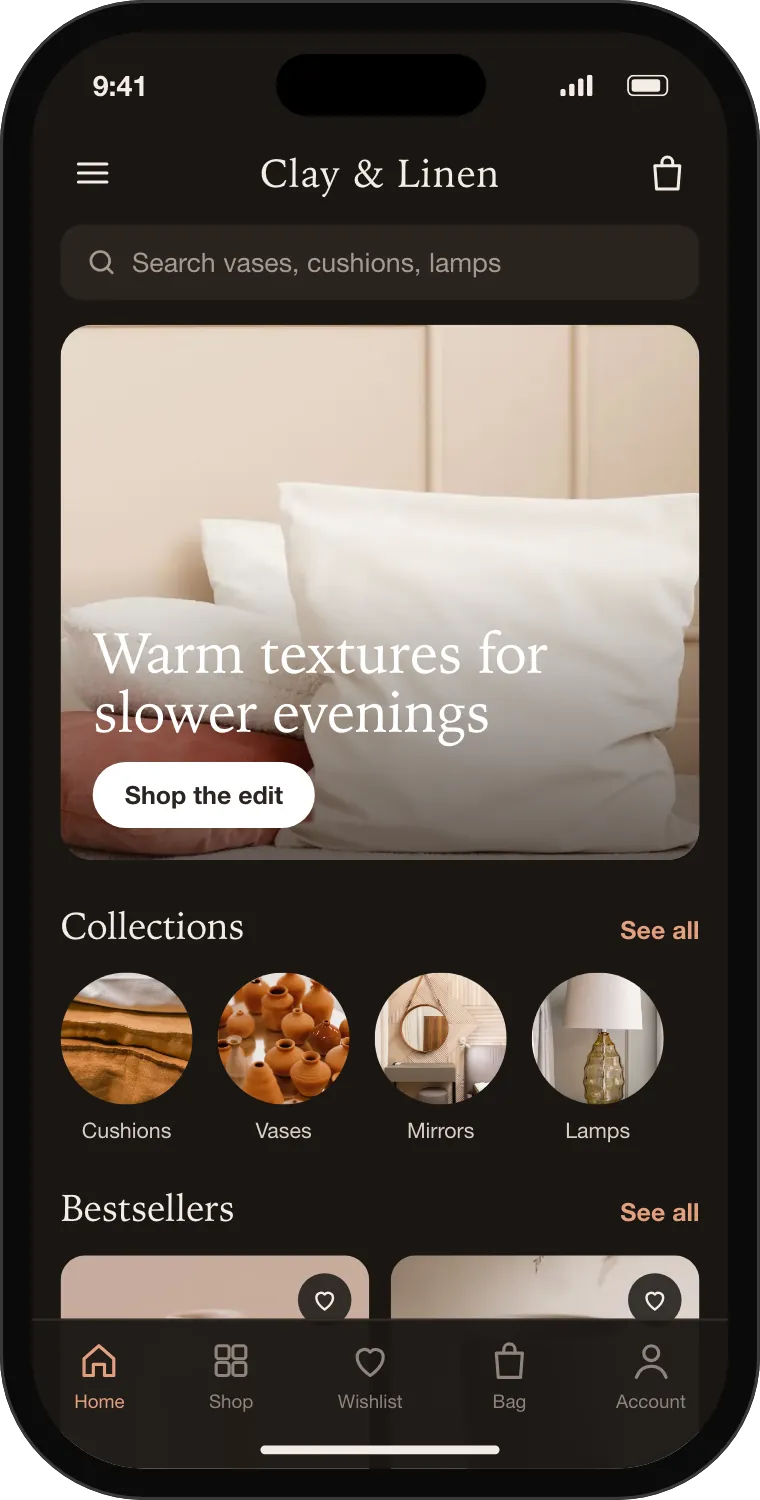
- Three themes, each with light and dark colors
- Your logo, colors and font, read from your store
- 14 block types for your home screen and three landing pages
- Undo, version history and rollback

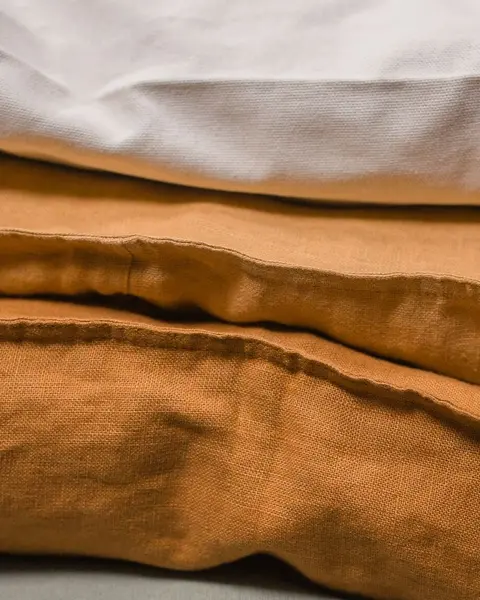 Cushions
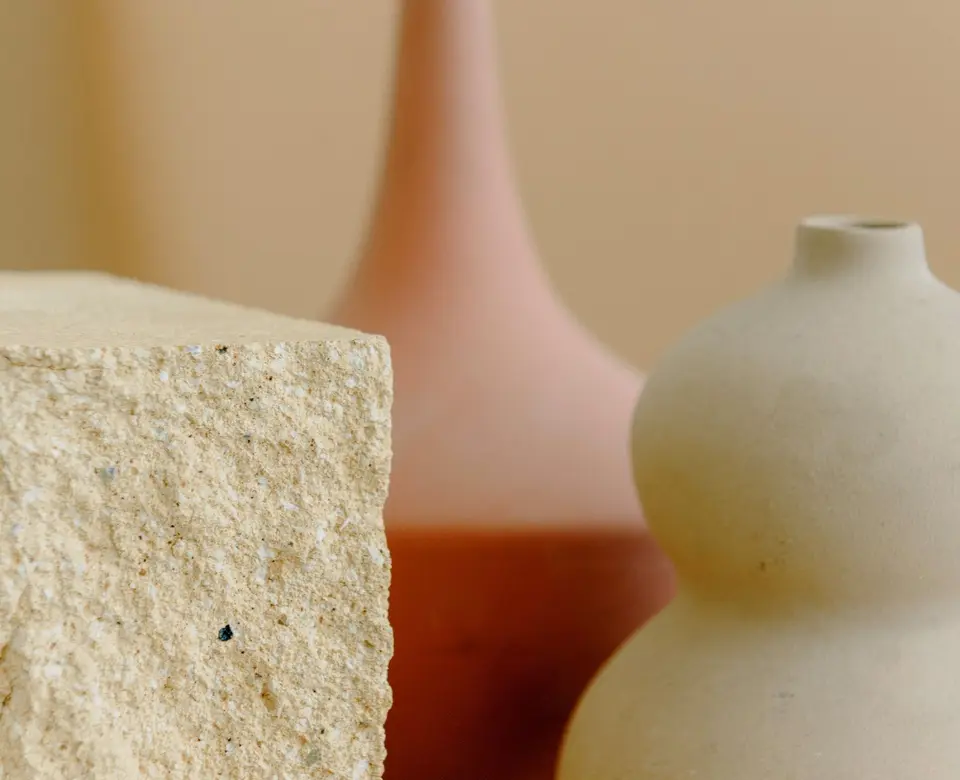
 Vases
 Mirrors
 Baskets
 Lamps
 Speckled bud vase$34.00
 Matte stoneware tumbler$22.00
 Stonewashed towel set$48.00
 Cream ring vase$64.00
 CushionsVasesMirrorsLampsSpeckled bud vase$34.00Matte stoneware tumbler$22.00
Scroll to continue
Your products and collections come into the app from your Shopify store, and new products follow on their own.
Start from one of three themes, then arrange your home screen and up to three landing pages with drag-and-drop blocks.
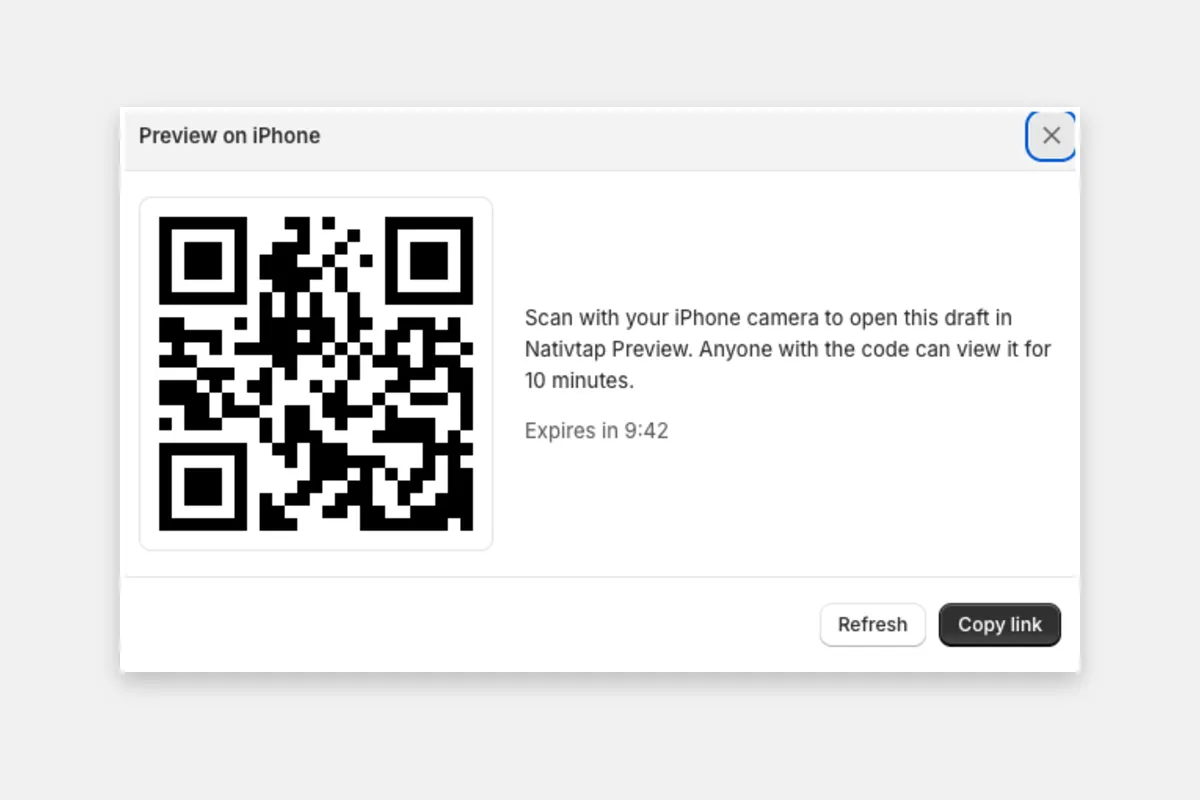
Check every change in a phone frame next to the editor, or scan a QR code to see your draft on an iPhone.
Connect your Apple Developer account with an API key. You never share your Apple ID password.
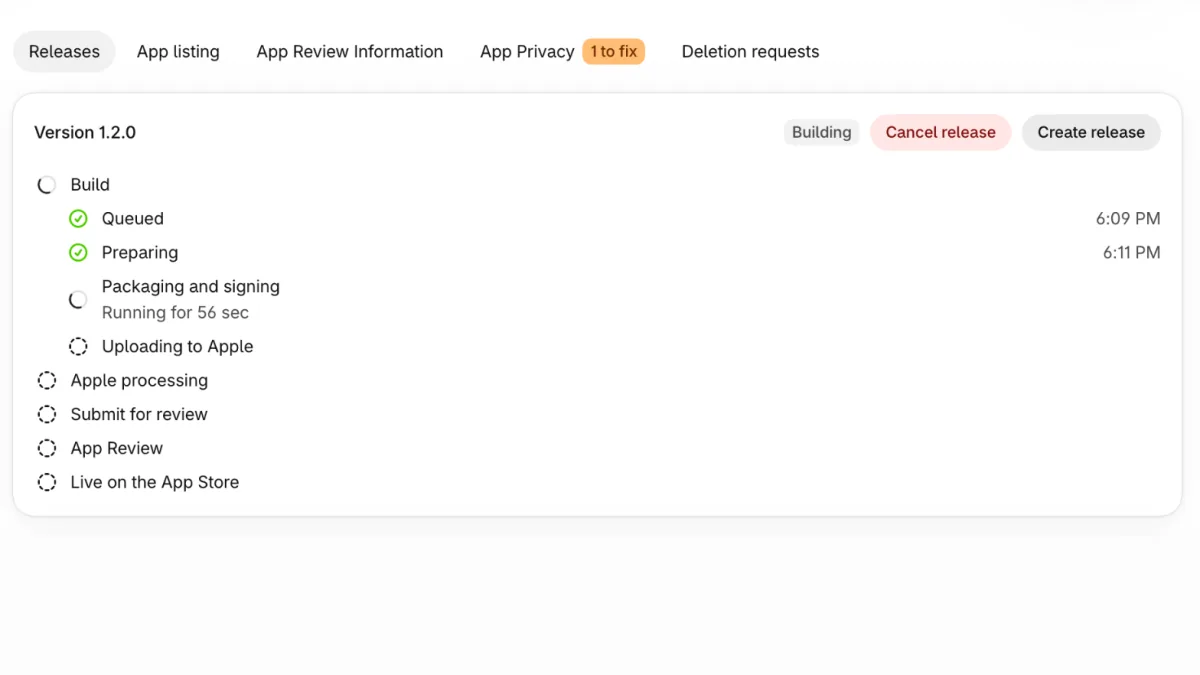
NativTap builds and uploads your app and fills in the listing. You press Submit for review.
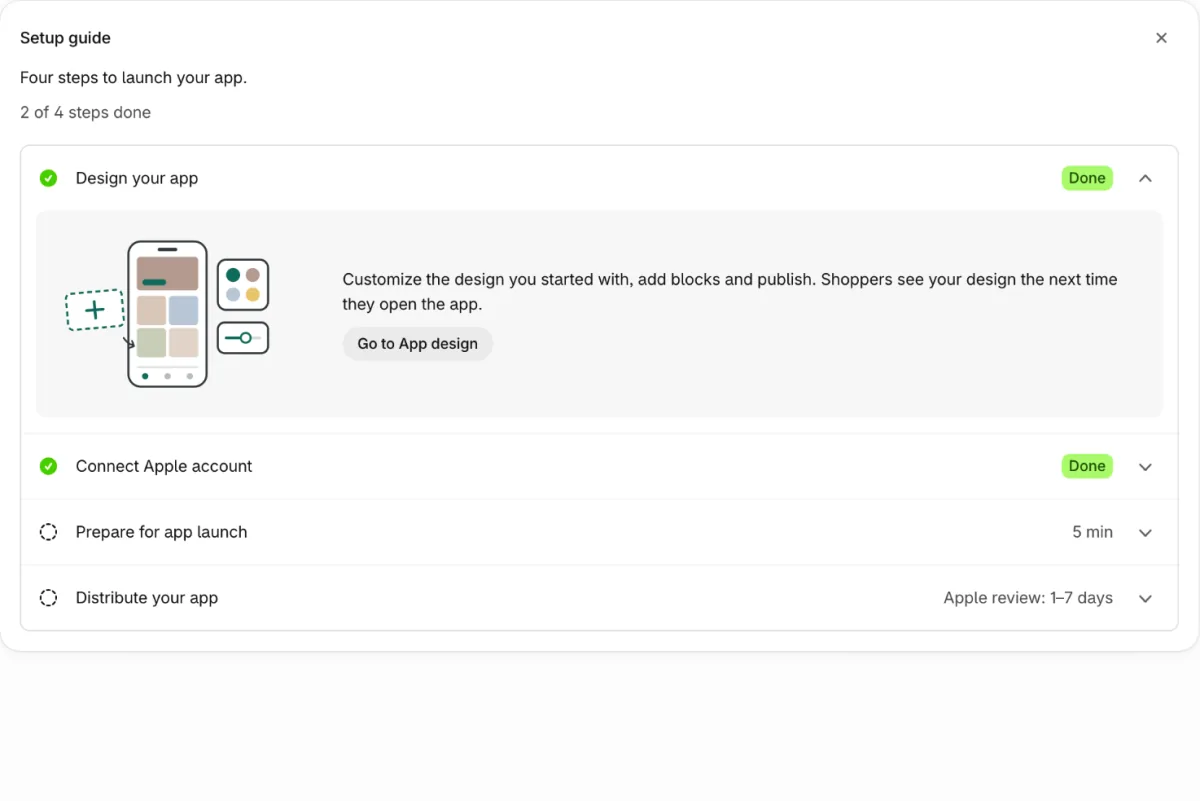
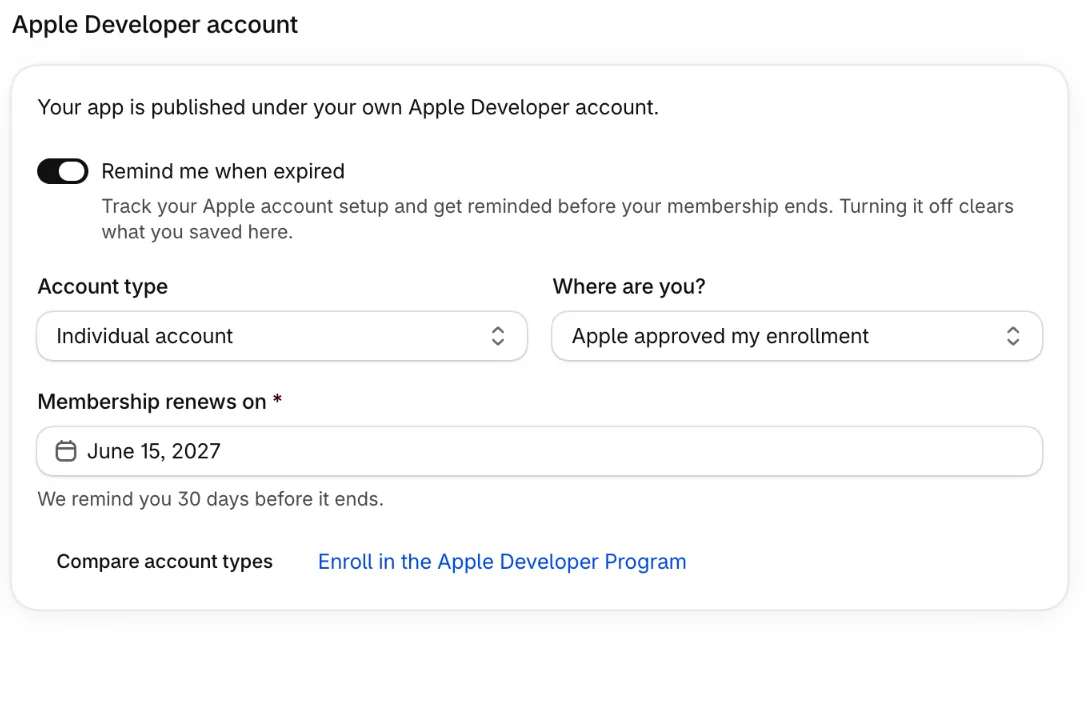
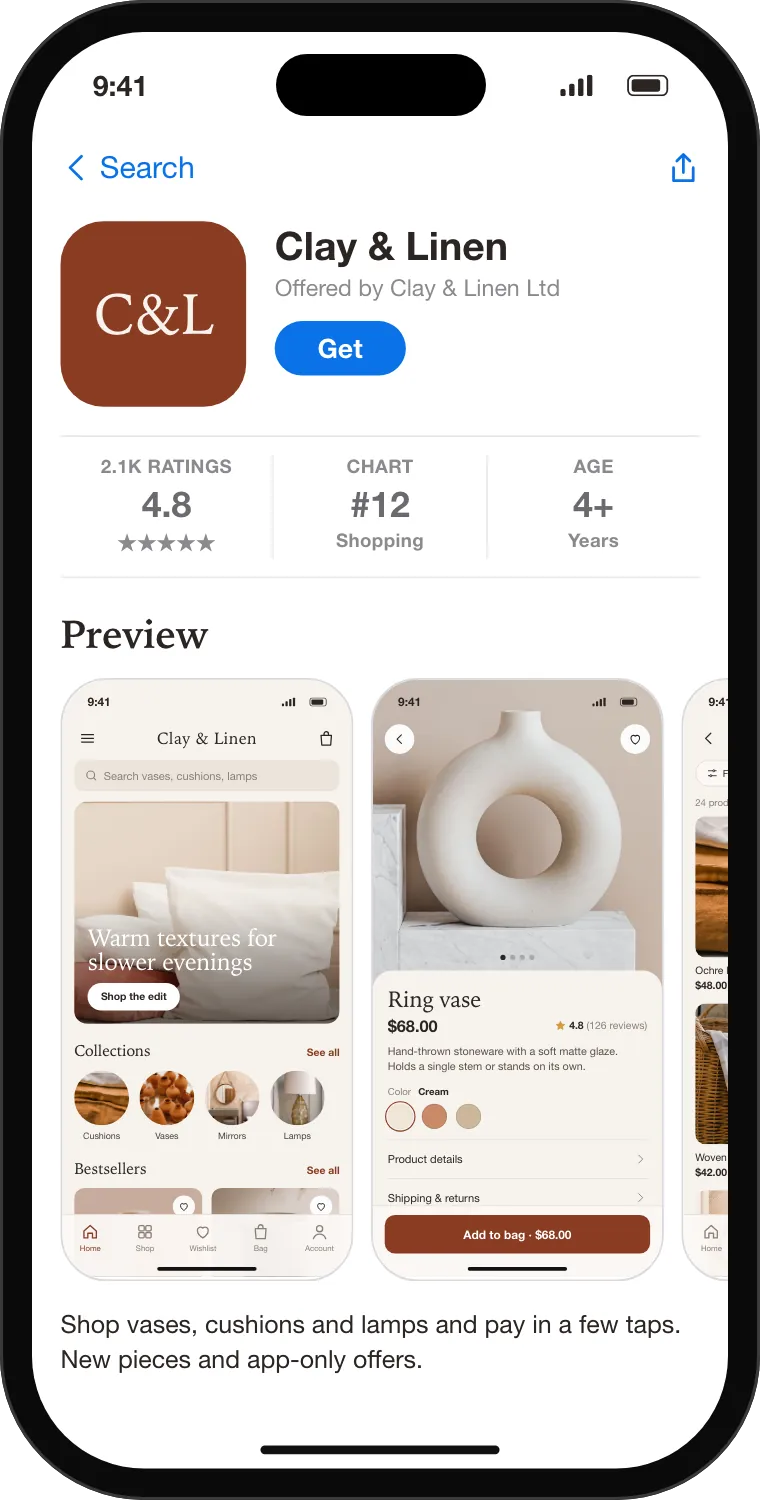
The app lives in your own Apple Developer account, so its listing, ratings and installs stay with you.
You create an API key with the App Manager role. Nobody is invited into your Apple account.
Each build goes to TestFlight for you to try. You press Submit for review when you are ready.
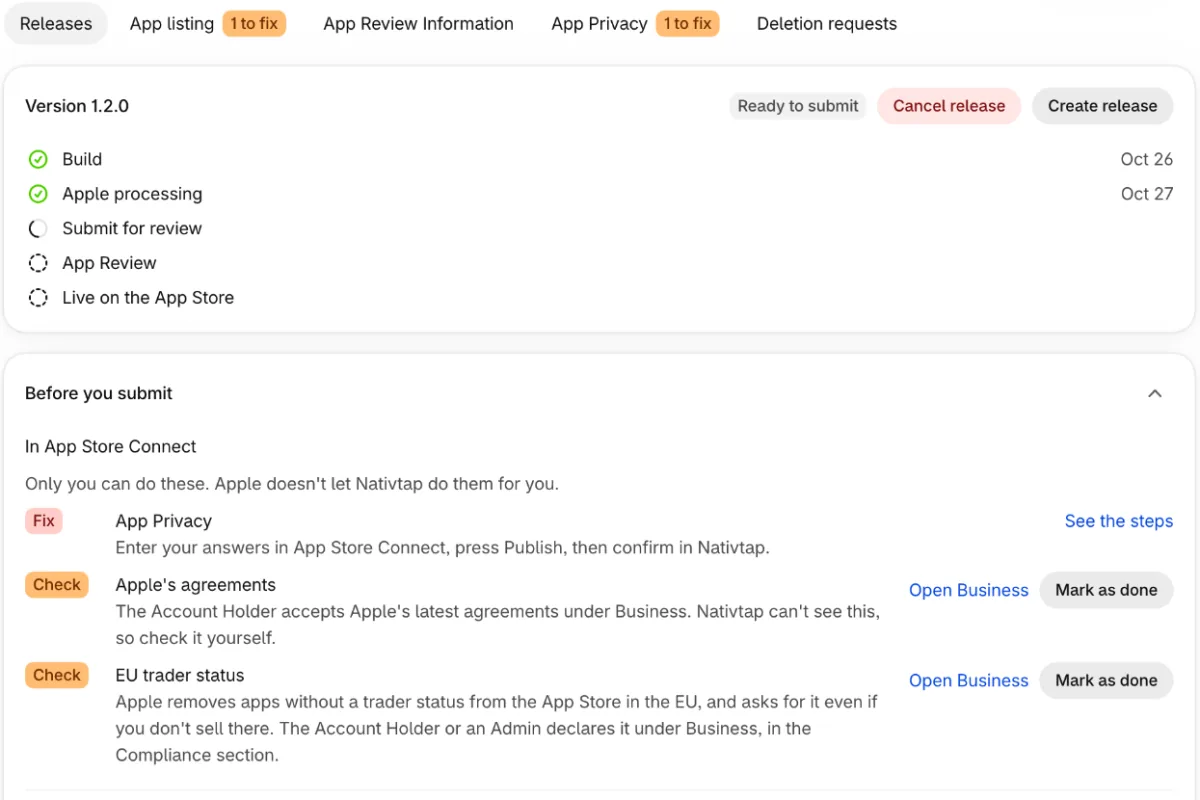
A release tracker follows every step, and checks before you submit point out what is missing, such as screenshots or a reachable privacy policy.
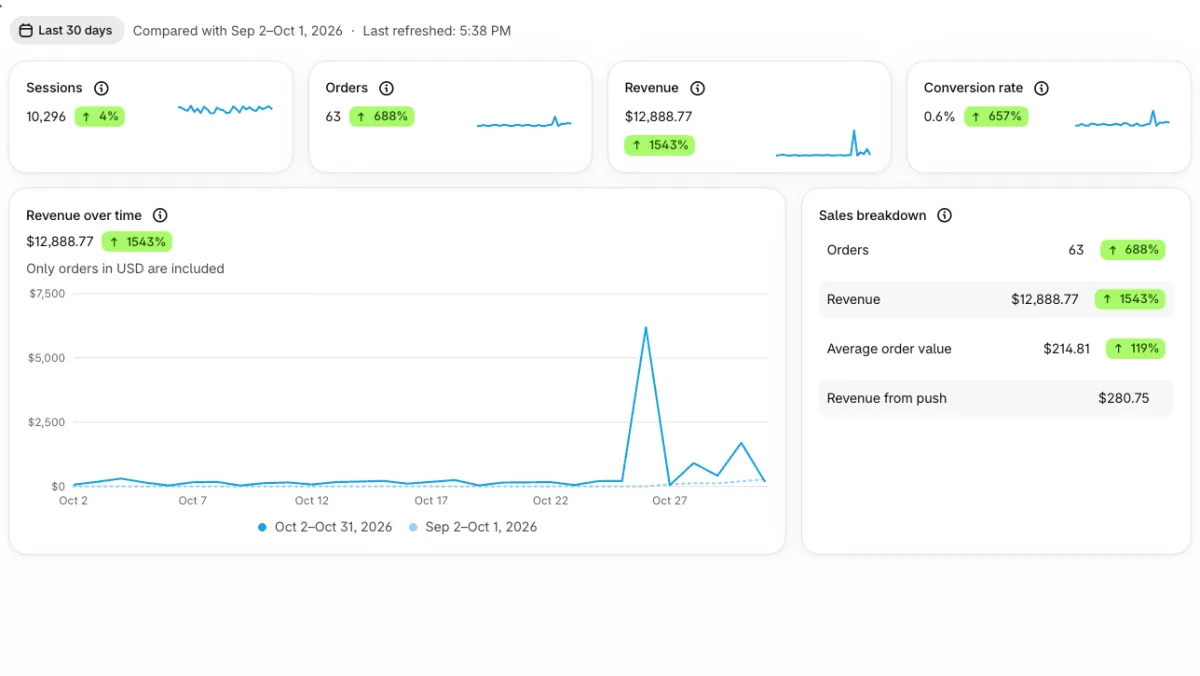
NativTap lives in your Shopify admin. Everything below comes with the free plan.
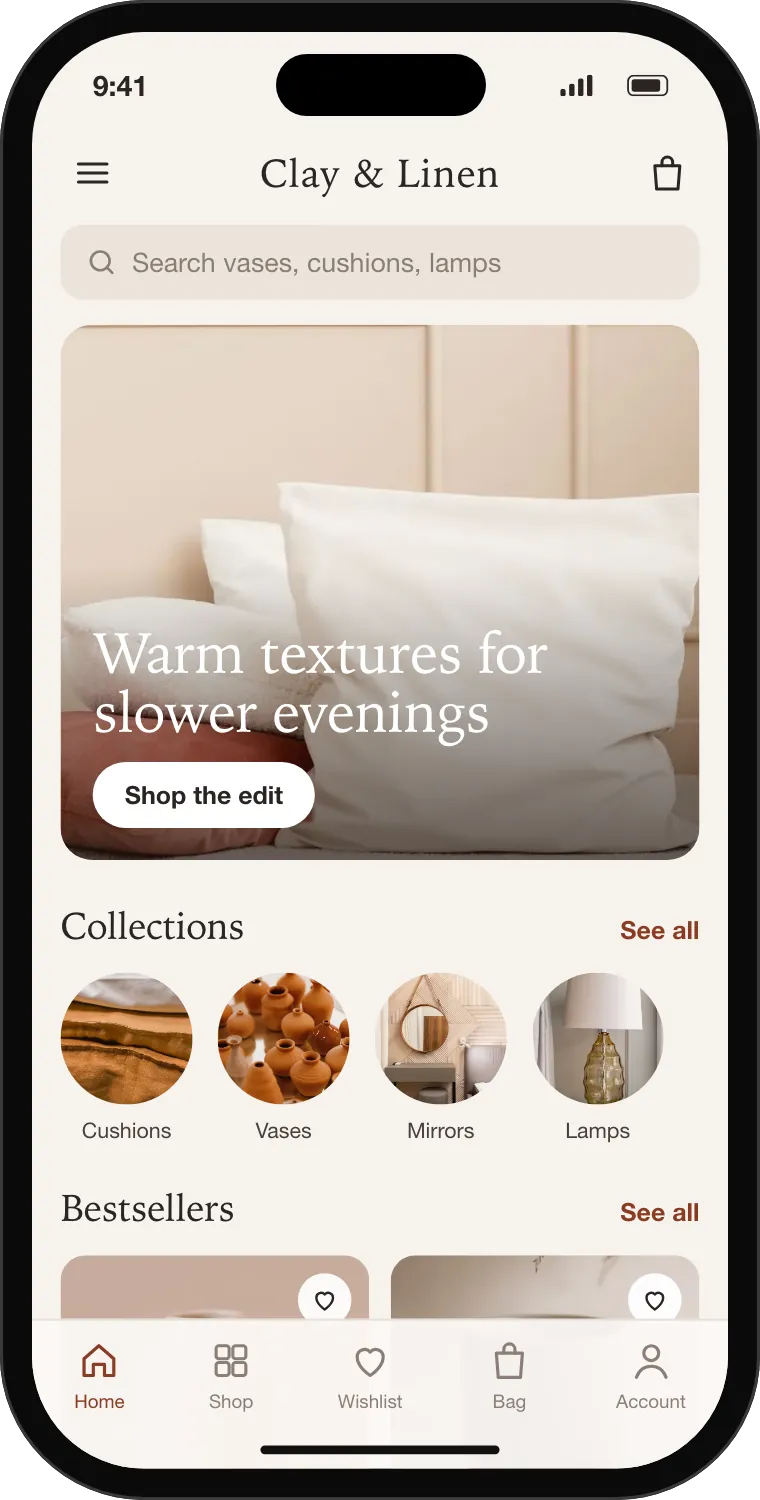 without a new release
Colors, blocks and screens publish straight to your app, and shoppers see them the next time they open it. New native features arrive with app updates.
The screens you design, with your products and collections.
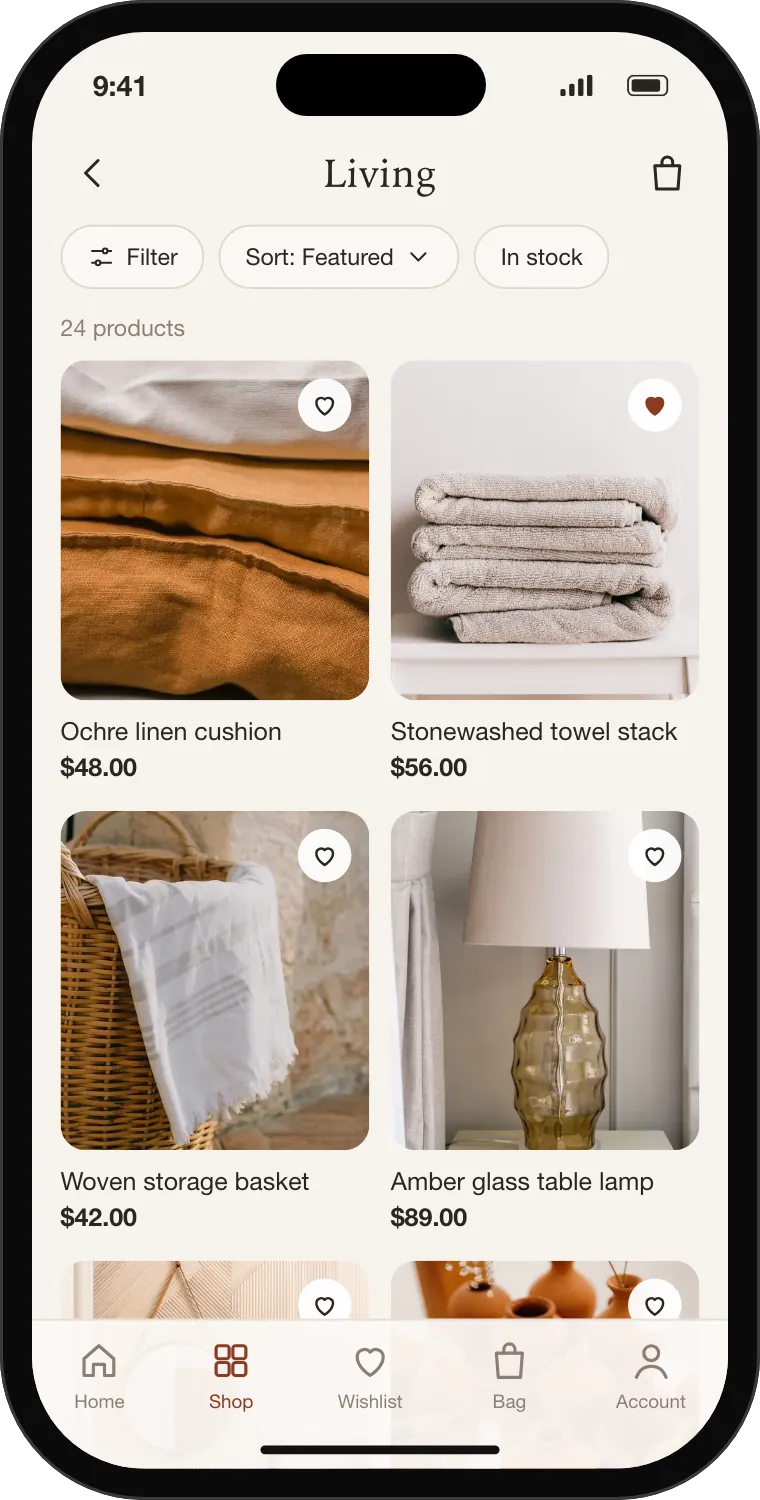
Sort and filter, with sold-out products hidden if you choose.
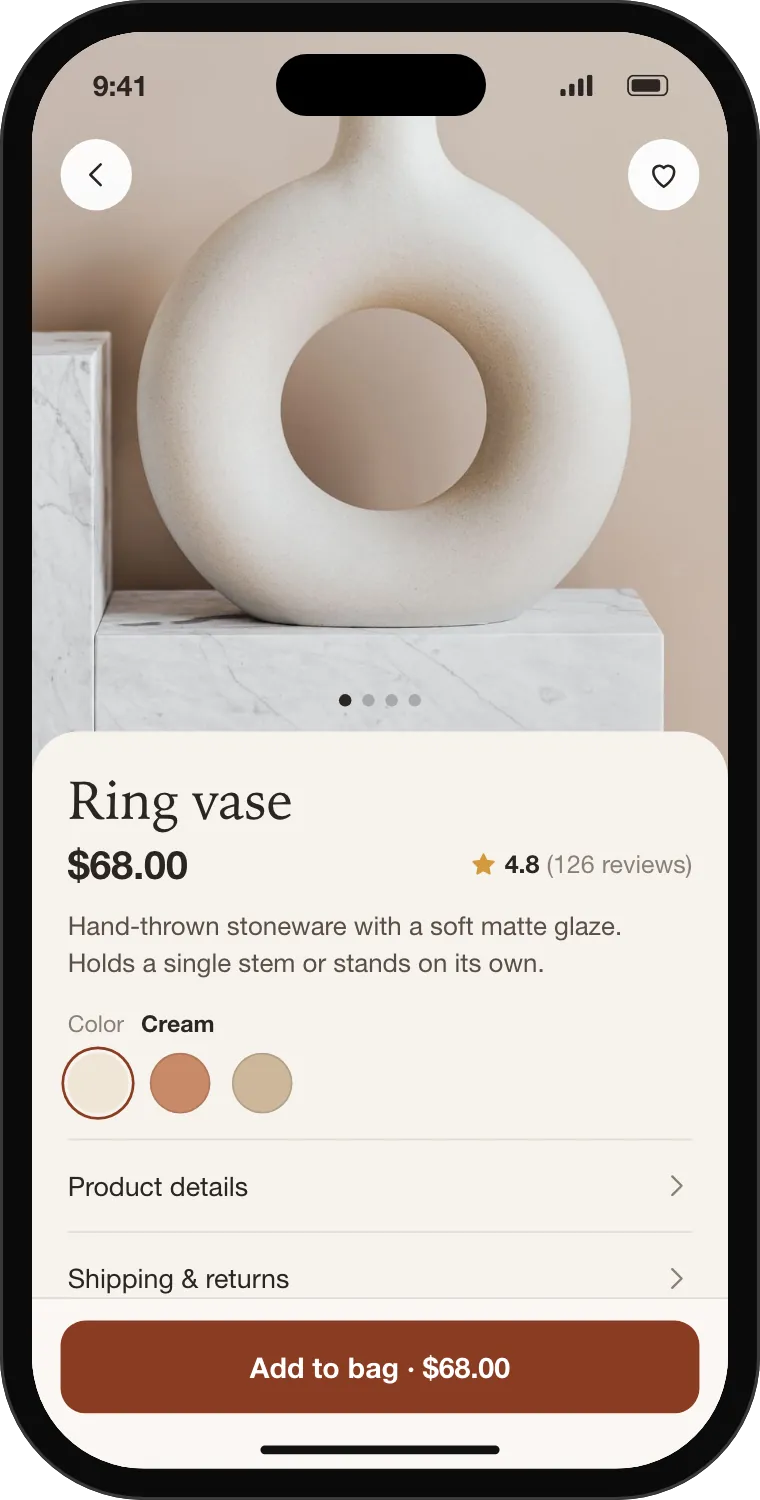
Photos, variants and two blocks you place under the price and the description.
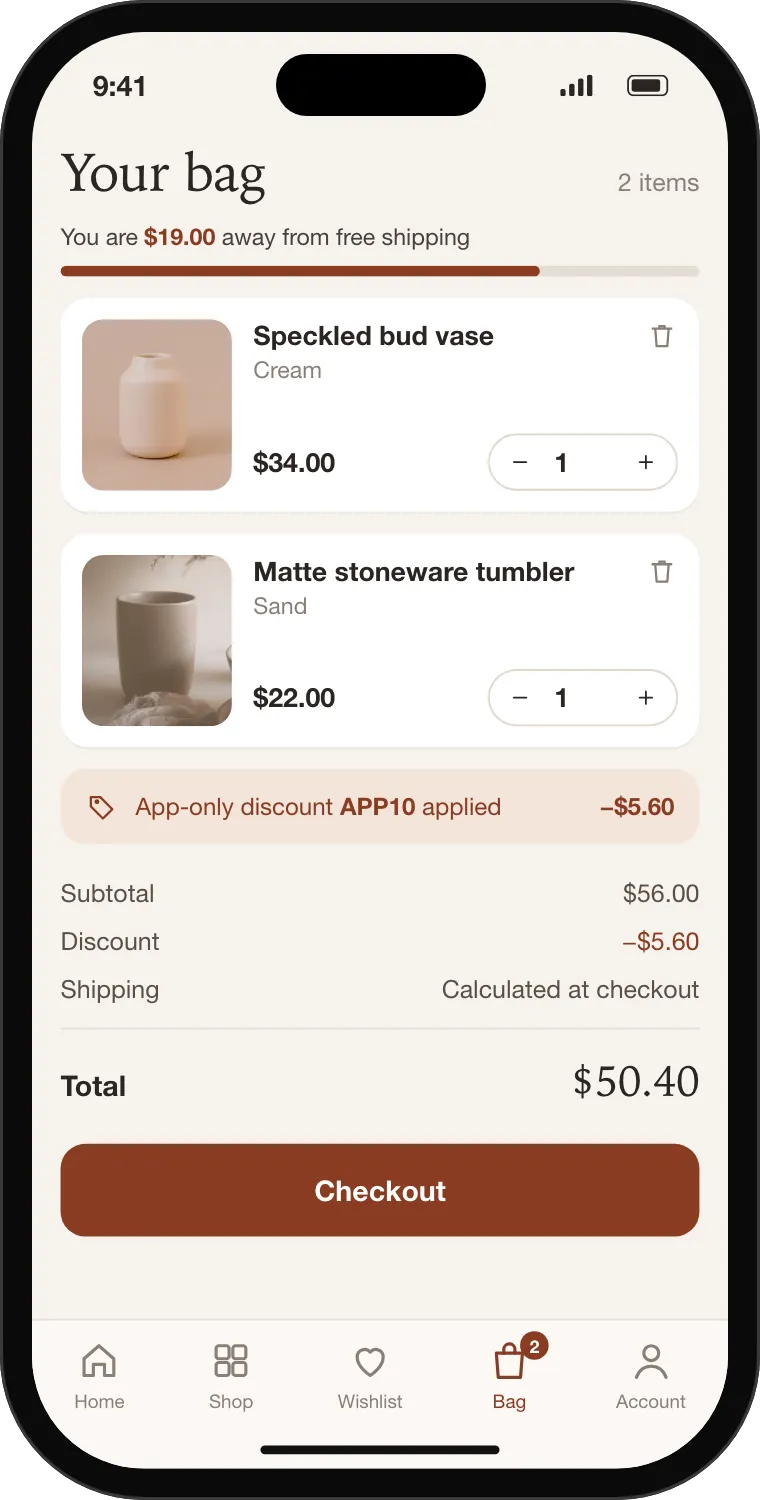
Shopify checkout opens inside the app, and app-only discounts apply on their own.
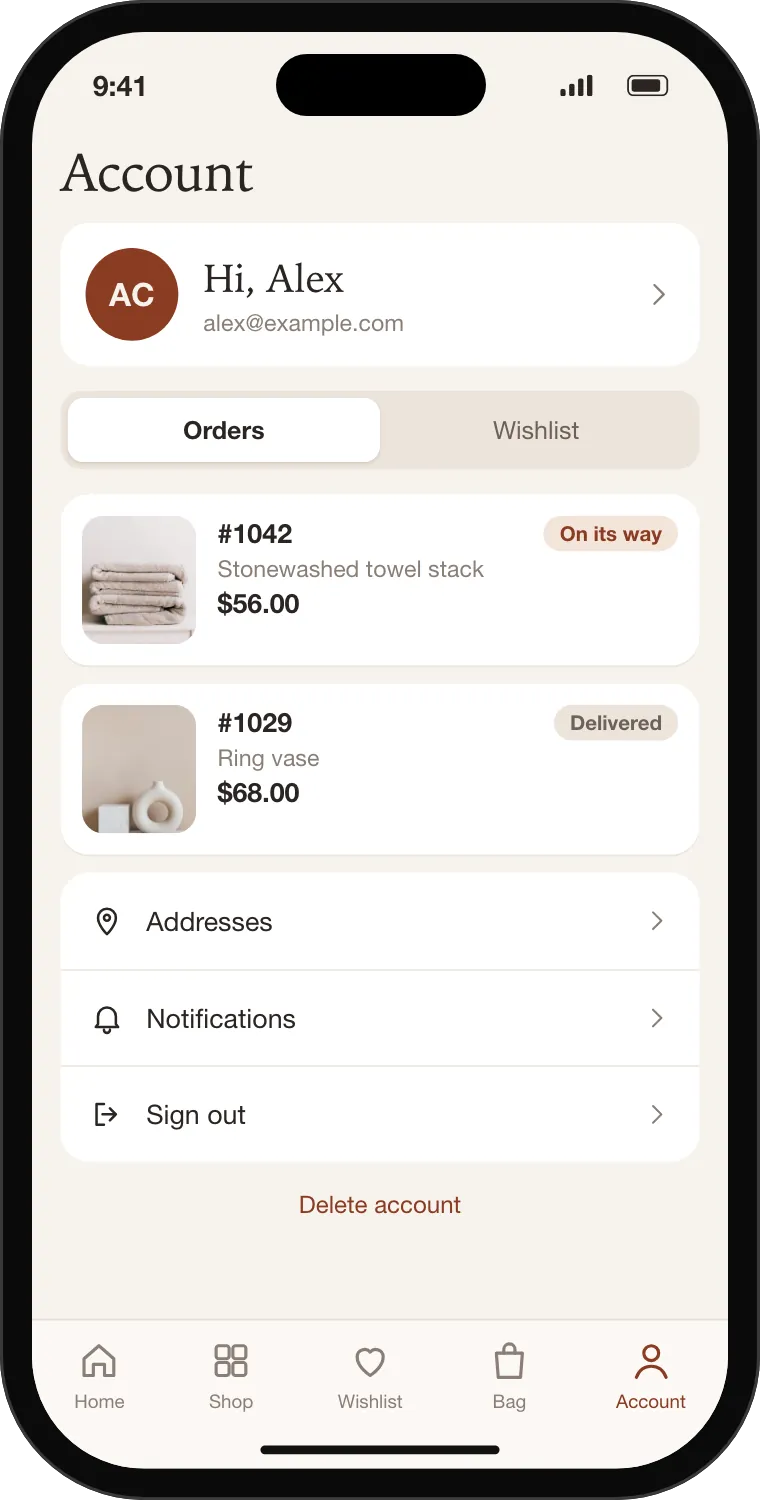
Sign-in with Shopify customer accounts, order history, wishlist and account deletion.*
The app follows the light or dark setting of each iPhone.
* Shopper sign-in needs the new customer accounts in your Shopify store settings.
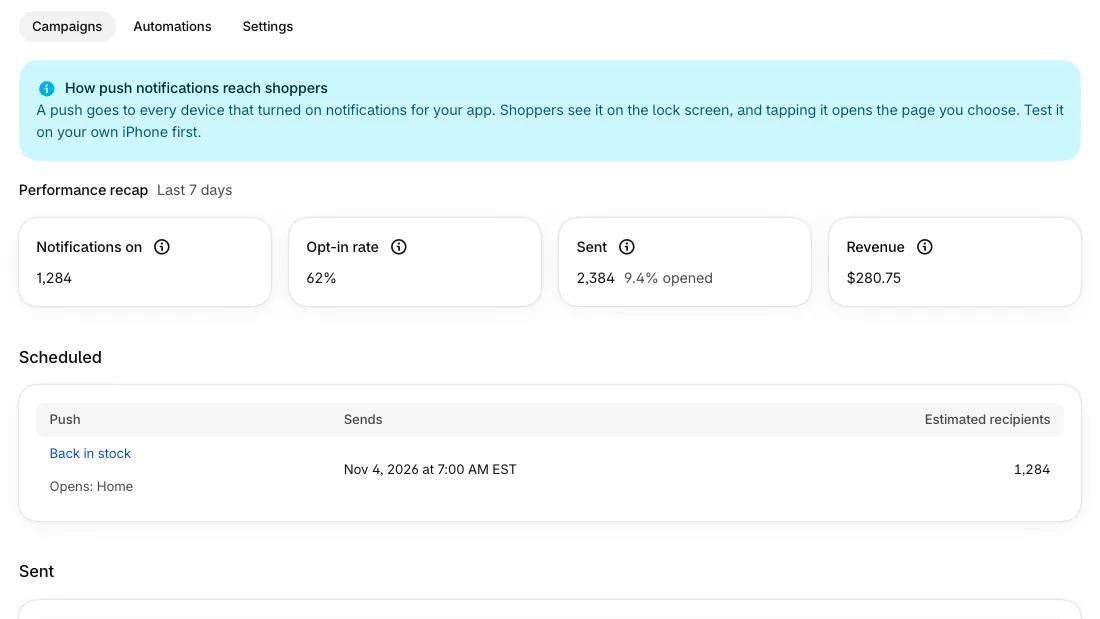
A push notification lands on the lock screen, where your website and your emails never reach.
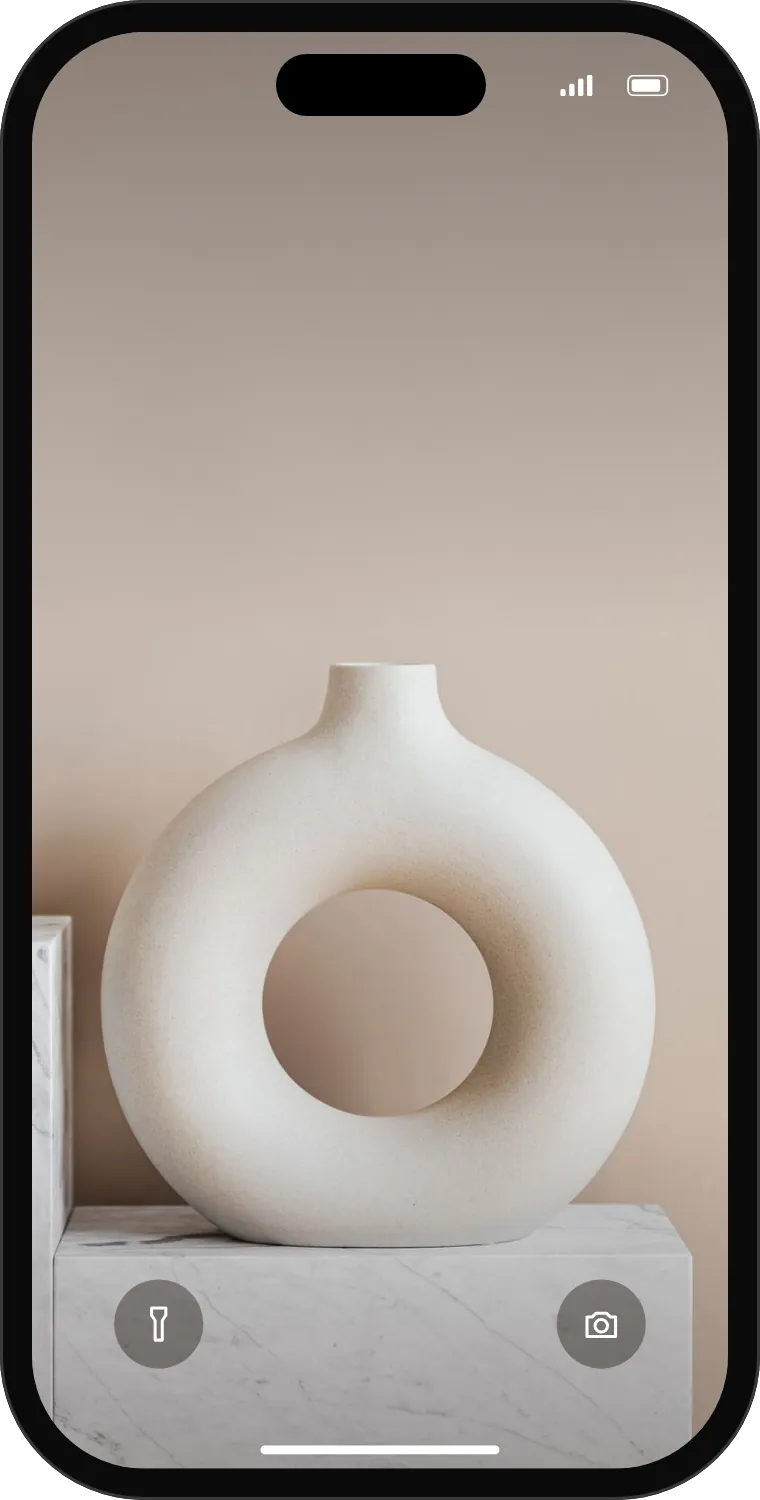
Send now or scheduleIn 5-minute steps, in your store's time zone, with a link to any product, collection or screen.
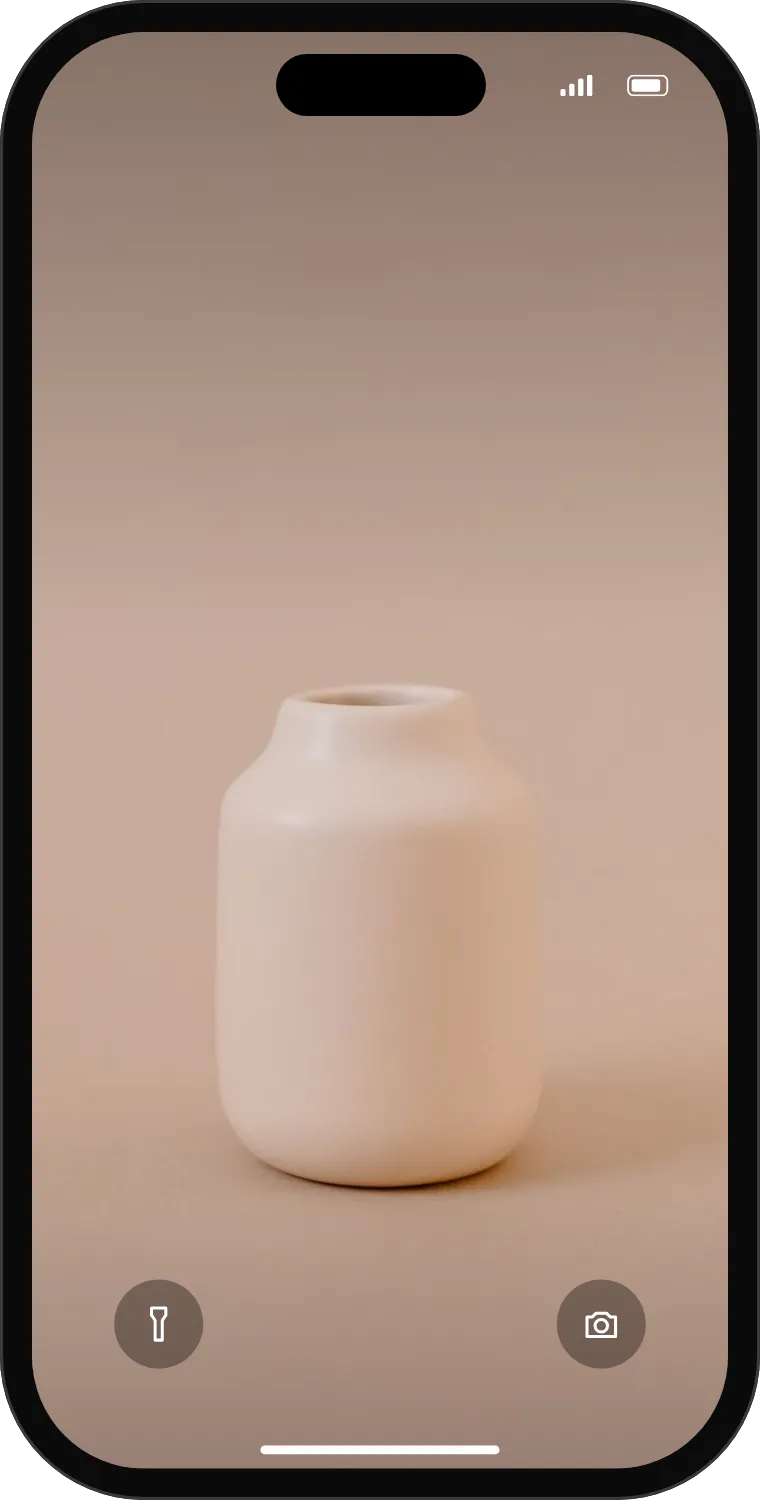
One reminder per cartAn hour after the cart last changed by default, and never during quiet hours at night.
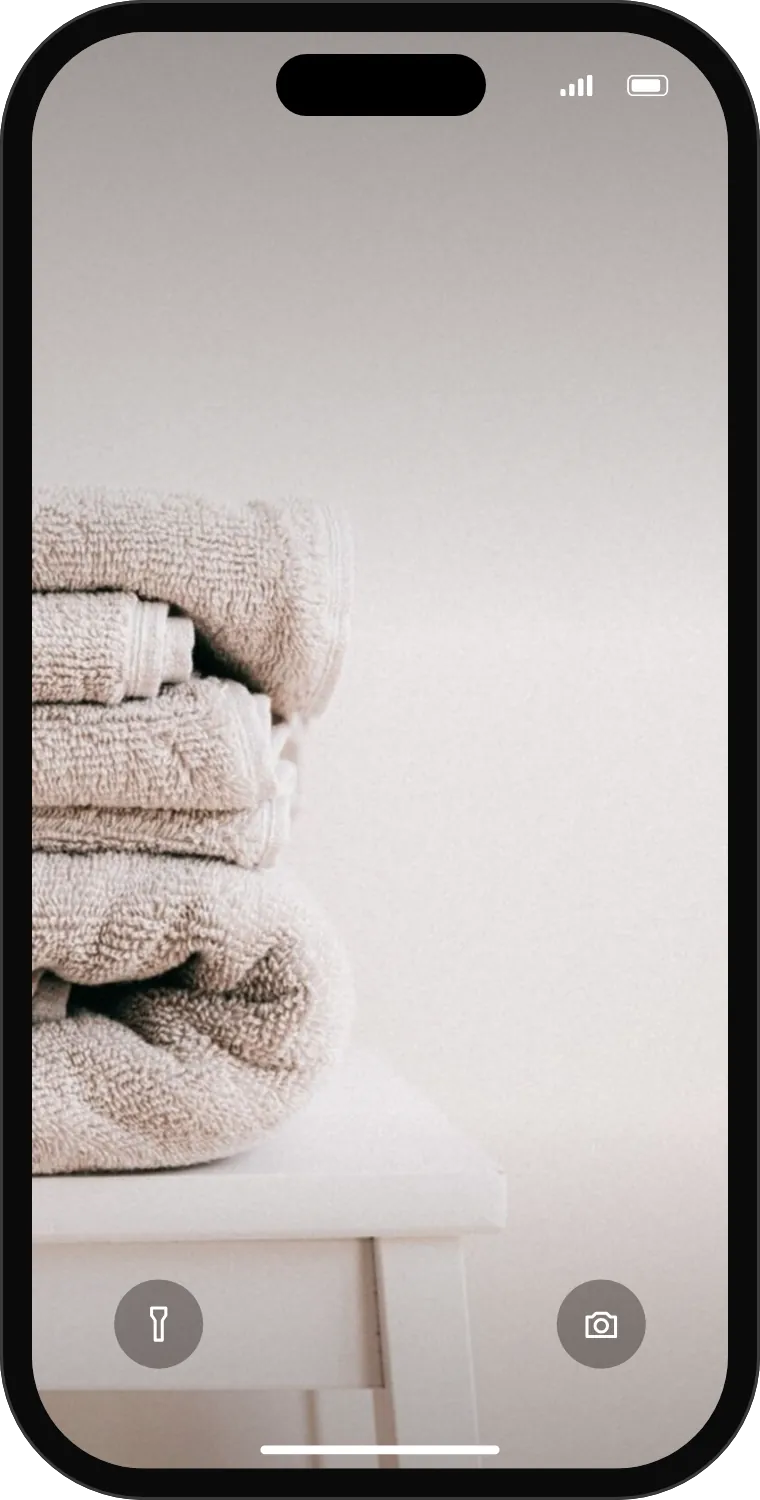
Show the productAdd a picture to any push, and open the right screen when it is tapped.
Sample store and messages.
Fill in one form. The app applies the code to every cart, and it does not work on your website.
A banner and a QR code for your online store, hidden until your app is live.
Every feature on this page is included. Stores that join during the early period keep a free basic plan for as long as they use NativTap.
Free during early access
Available nowEvery feature, for stores that join now.
$0/mo
No card and no trial clock. You pay Apple directly for your developer membership.
Start for freeThe short answers. The full FAQ and the help center go further.
To publish under your own name, yes. You can install NativTap, design your app and preview it while Apple reviews your enrollment. If you do not have one yet, Launch fast publishes your app under NativTap's account for a limited time.
You do. NativTap builds and uploads the app from your Apple account with an API key you create, then you press Submit for review. NativTap never asks for your Apple ID password.
No. Colors, themes, blocks and screens publish straight to the app, and shoppers see them the next time they open it. New native features arrive with app updates.
Yes. NativTap is free during the early period. If we start charging, stores that started during the early period keep a free basic plan for as long as they keep using NativTap.
Not yet. NativTap builds iPhone apps today.
Free during early access. Tell us about your store and we will get you started.