 NativTap
Brand from your store
NativTap reads the logo, colors and font of your online store theme. Compare them side by side, keep them or change them.
Design your app →Design your iPhone app, publish it from your own Apple account and bring shoppers back.
Start from a theme, bring in your logo, colors and font, and arrange each screen with blocks. You see every change in a phone frame next to the editor.
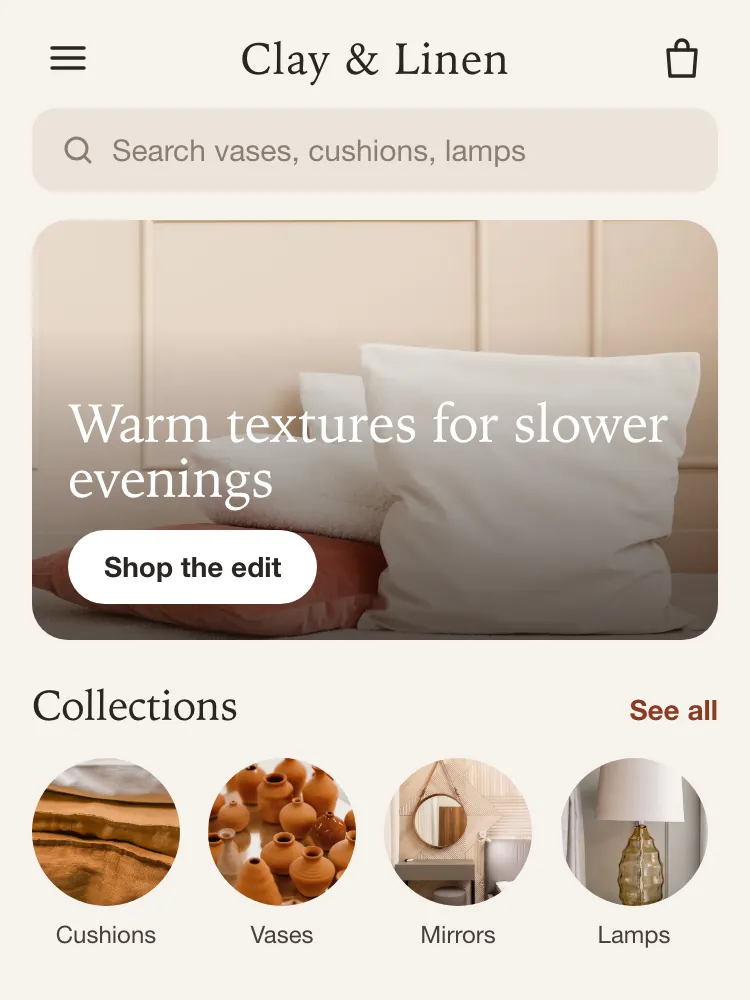
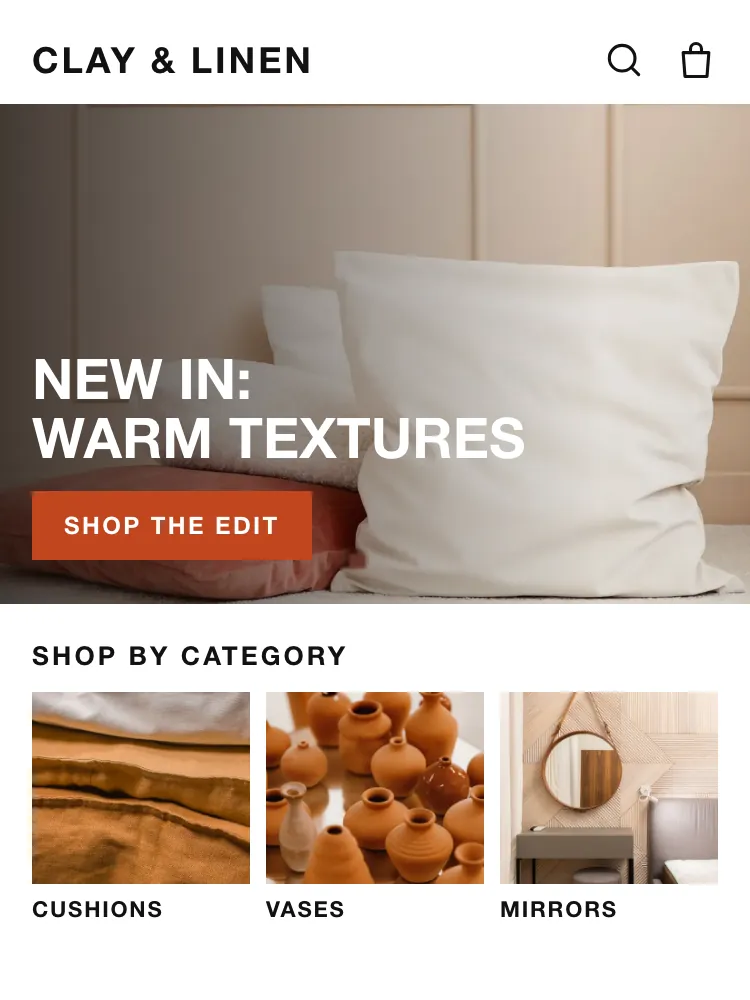
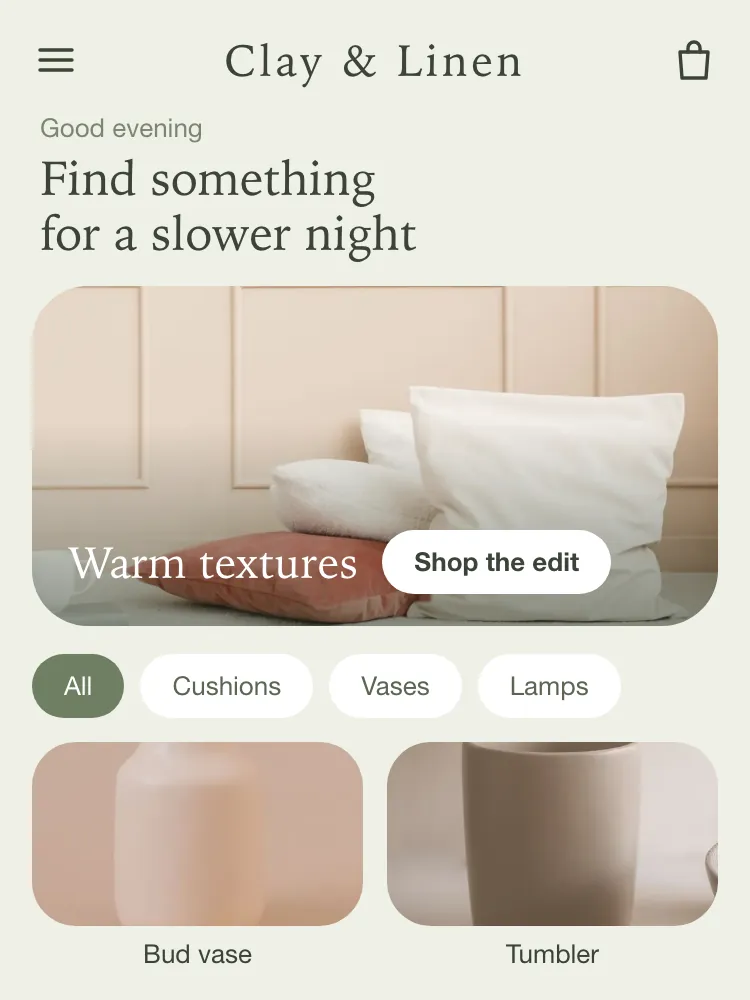
NativTap reads the logo, colors and font of your online store theme. Compare them side by side, keep them or change them.
Design your app →Classic, Bold and Soft each come with light and dark colors. The app follows the light or dark setting of every iPhone.
Themes →Build your home screen and up to three landing pages from 14 block types. Click a block in the preview to edit it.
The editor →Choose three to five tabs with your own labels, and place a block under the price and another under the description of every product page.
Navigation →Save a draft, undo and redo, publish when you are ready, and go back to an earlier version from the history.
Publishing changes →Set the name under your app icon, the icon itself and the screen shoppers see while the app opens.
App identity →Watch changes in the phone frame as you edit, or scan a QR code to open your draft in the NativTap Preview app on an iPhone.
Preview →Design changes publish straight to the app. Shoppers see them the next time they open it, with no new App Store version.
Publish →Slideshow, collection list, product grid, product carousel, image banner, countdown banner, video, text, announcement bar, image grid, image with text, brand story, trust badges, spacer and divider.
NativTap builds and uploads your app from your own Apple Developer account and prepares the listing. You stay the one who presses Submit for review.
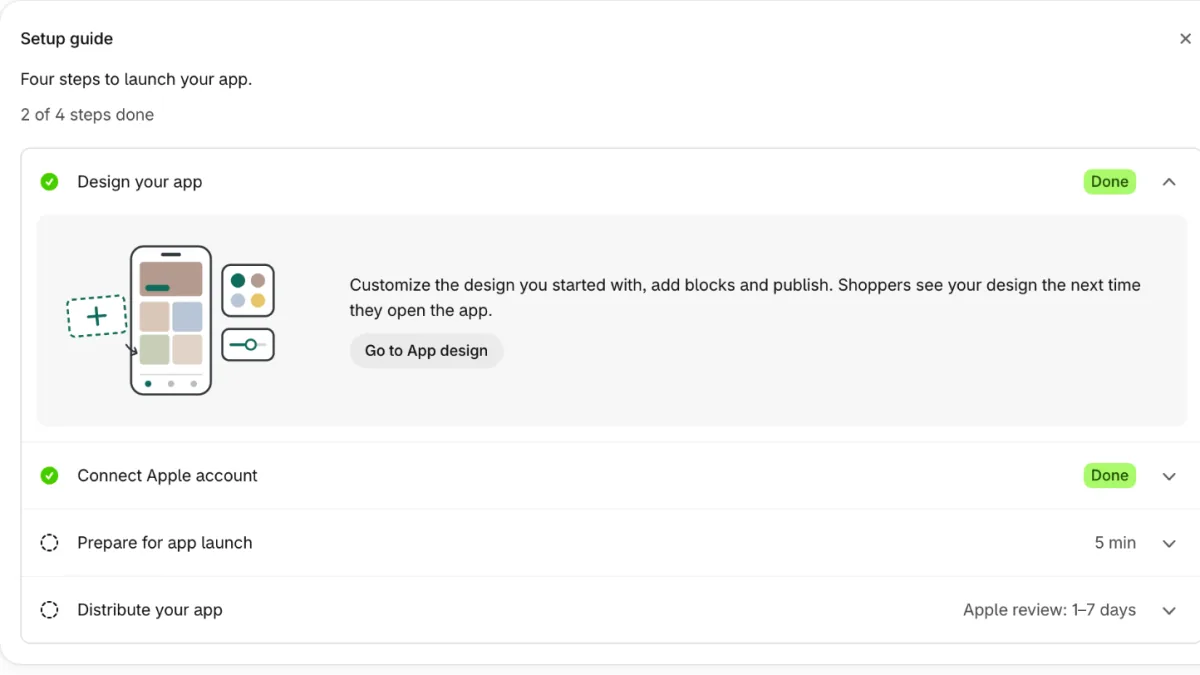
Individual or Organization, the D-U-N-S number and enrollment: what to choose and what each step needs.
Apple Developer account →An App Manager key from App Store Connect is all NativTap needs. No Apple ID password and no staff invites.
Connect Apple →NativTap builds your app, uploads it to App Store Connect and adds it to TestFlight so you can try it first.
App Store →Description templates for your type of store, and App Store screenshots made from your own design.
Listing →Answers to Apple's App Privacy questions, prepared from what the app really collects, for you to enter in App Store Connect.
App Privacy →Submit for review unlocks when the basics are in place, and a tracker shows where your app is, from upload to live.
Release tracker →Warnings in the admin and by email when an Apple agreement needs signing, a key is revoked or a membership is about to expire.
Account health →The app is built with Swift and SwiftUI. Your catalog comes from Shopify and checkout stays Shopify's own.
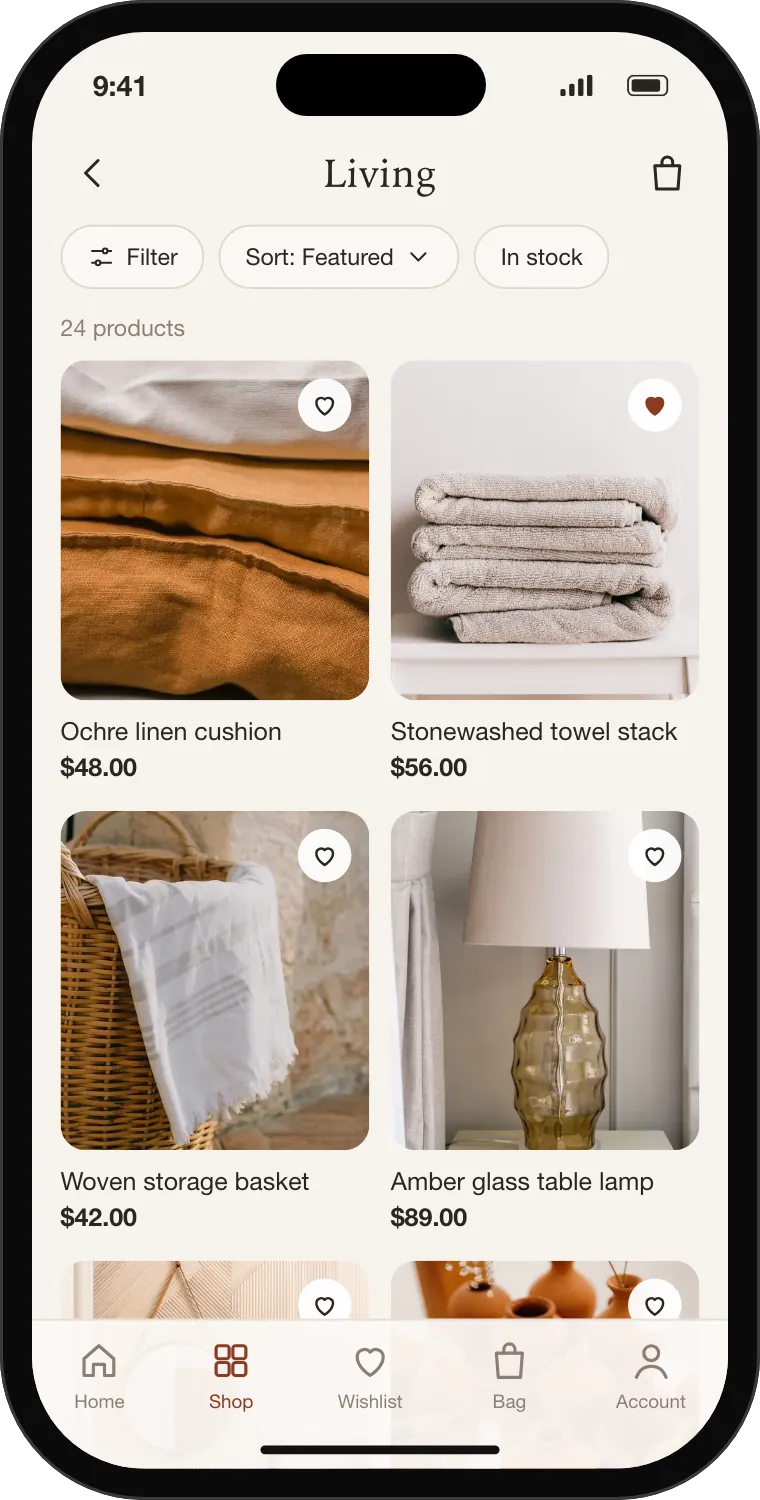
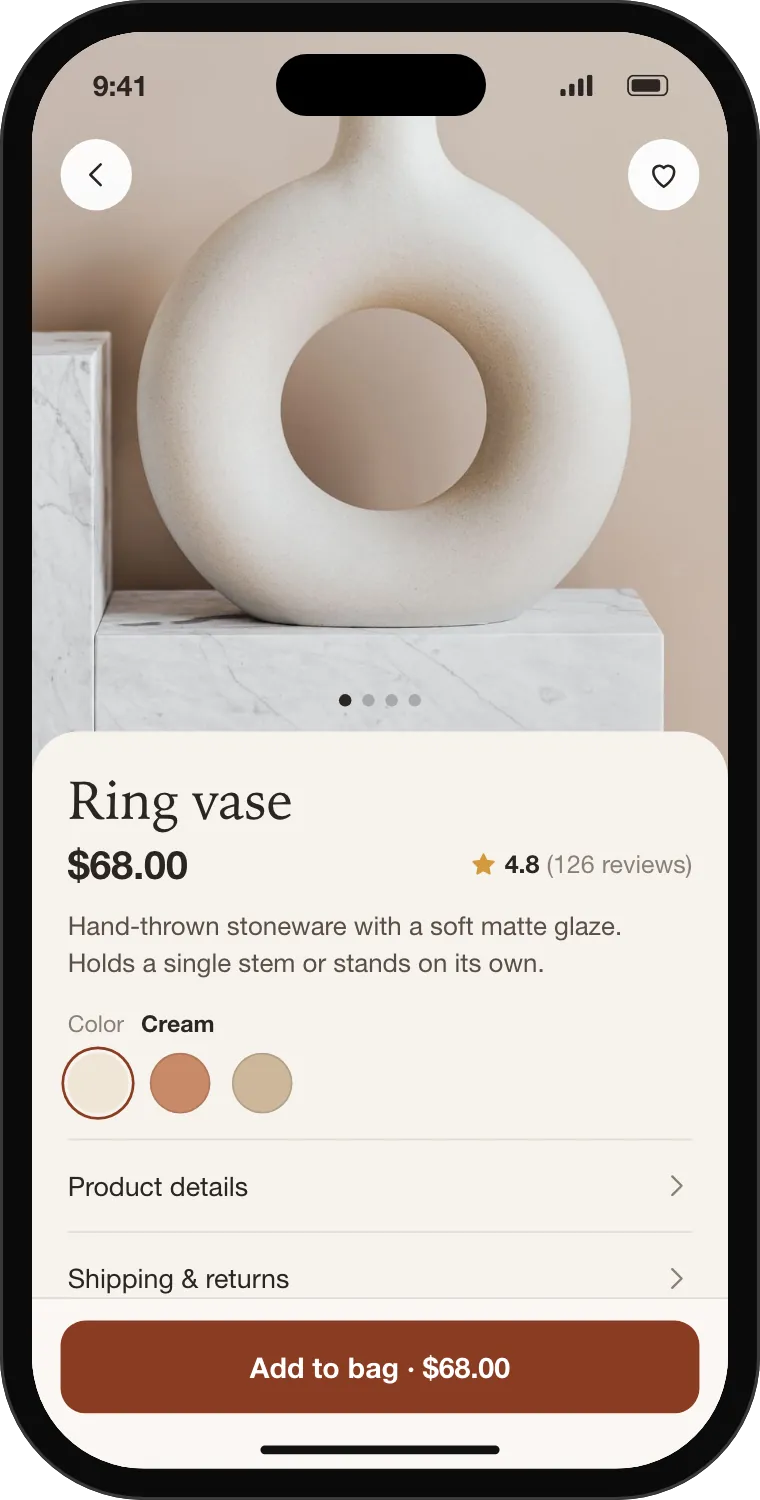
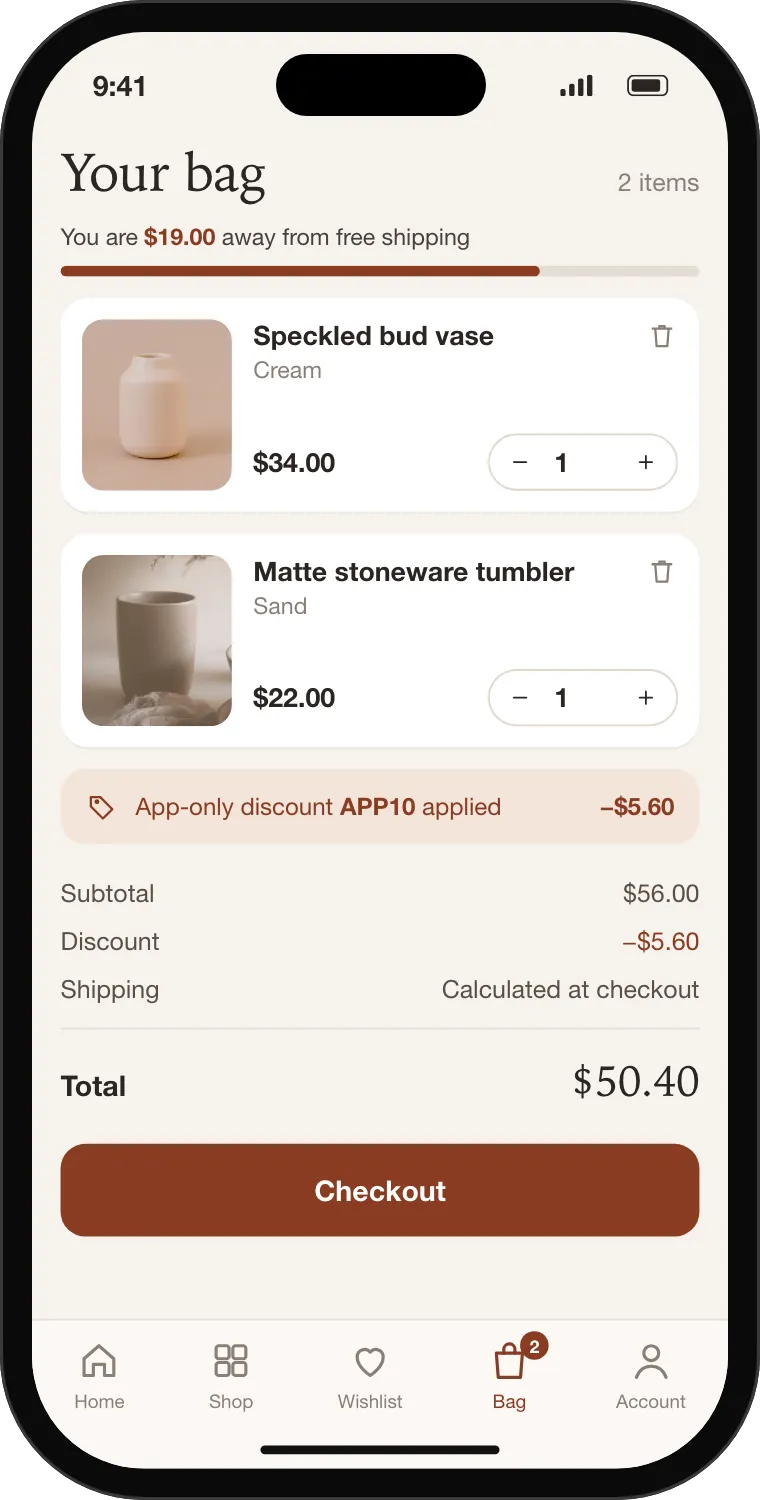
Active products join the app's sales channel on their own. Remove any product you like; new products follow unless you turn that off.
Publish your products →Sort and filter, search the whole catalog, and hide sold-out products if you choose.
Photos, variants and prices from Shopify, with the two blocks you placed under the price and the description.
Checkout opens Shopify's own checkout inside the app, with your store's payment and shipping settings.
Shoppers sign in with Shopify customer accounts and find their orders and wishlist. They can delete their account in the app. Needs the new customer accounts.
If NativTap's servers are unreachable, the app keeps its last design, and browsing and checkout still work through Shopify.
Reach everyone who allowed notifications, remind shoppers about their cart, and give app users a reason to come back.
Sample store and message.
Send now or schedule in 5-minute steps in your store's time zone, with an image and a link to a product, collection or screen.
Push notifications →One reminder per cart after 30 minutes, 1, 4 or 24 hours (1 hour by default), never during quiet hours on the shopper's phone.
Cart reminders →Sent, opened and the revenue of orders placed within 24 hours of a tap.
Results →A percentage or an amount, a minimum order, dates and a usage limit, in one form. The app applies the code; your website does not accept it.
App-only discounts →Apple's Smart App Banner in Safari, a banner for other browsers and a QR code on desktop, hidden until your app is live.
Website banner →Ask shoppers for an App Store rating with Apple's own prompt, once, after their first order in the app.
Settings →Sales and app usage in one page, in your store's time zone, with a definition and a freshness label on every number.
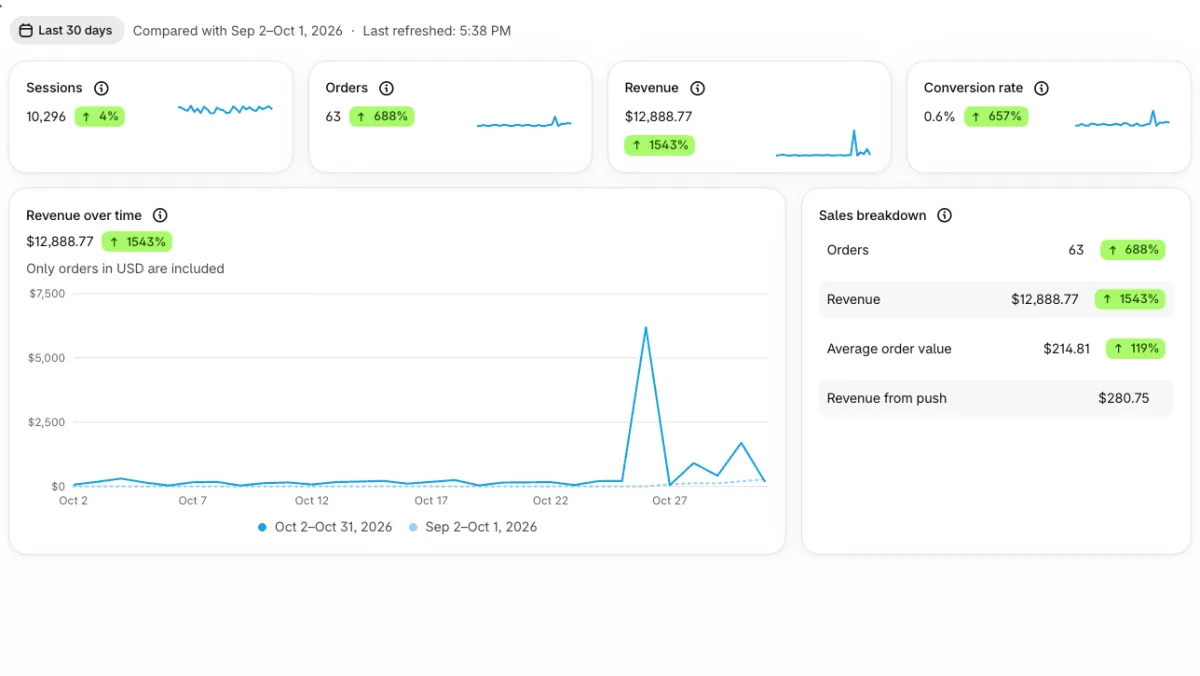
Orders, revenue and average order value of orders placed in your app.
Analytics →Sessions, conversion rate and the devices that opened the app for the first time.
Definitions →Push opens and revenue from push, next to your sales.
Push numbers →Today, 7, 30 or 90 days or your own range, compared with the period before.
App events carry no names, emails, phone numbers or advertising IDs, and the app shows no tracking prompt.
Privacy policy →Tell us about your store and we will get you started.