 NativTap
From your store to the App Store
Most of the waiting is on Apple's side. Design and preview while Apple reviews you.
-
01
Install and bring in your catalog
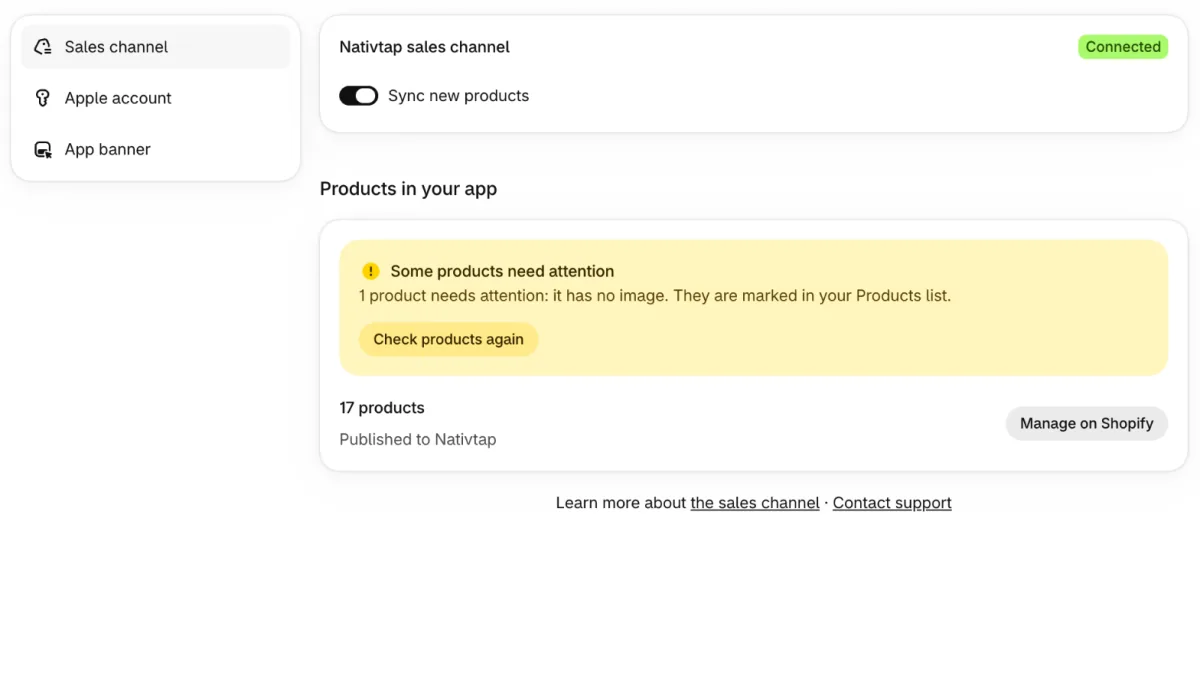
Install NativTap from the Shopify admin. It creates the NativTap sales channel and publishes your active products to it, so the app starts with your real catalog.
- New products join the app on their own, unless you turn that off
- Products you remove from the channel stay out
- A checklist on the Home page shows what is left to do
-
02
Pick a theme and design
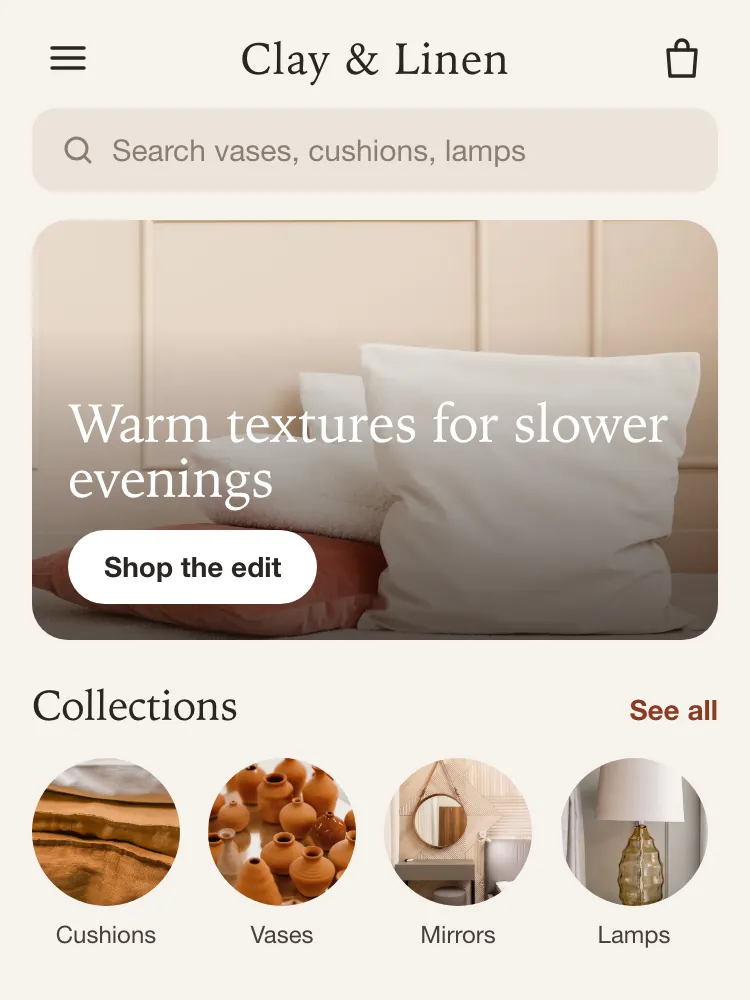
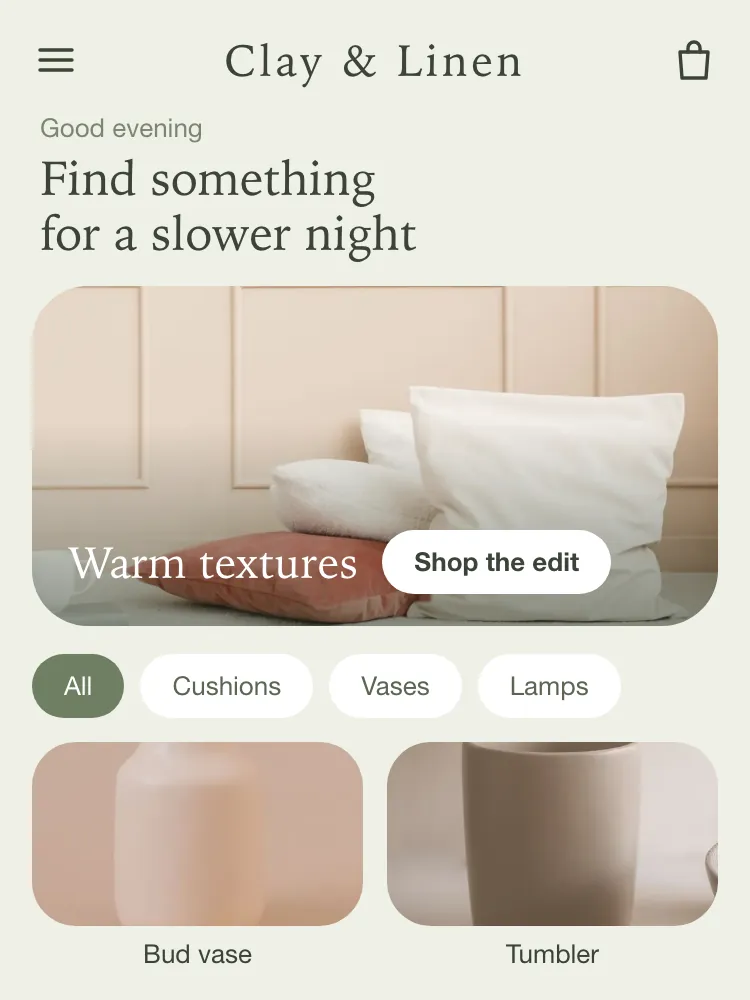
NativTap reads your logo, colors and font from your store. Choose Classic, Bold or Soft and your home screen is built from your own collections. Then make it yours with blocks.
- Home and up to three landing pages
- A tab bar with three to five tabs
- Light and dark colors for every theme

-
03
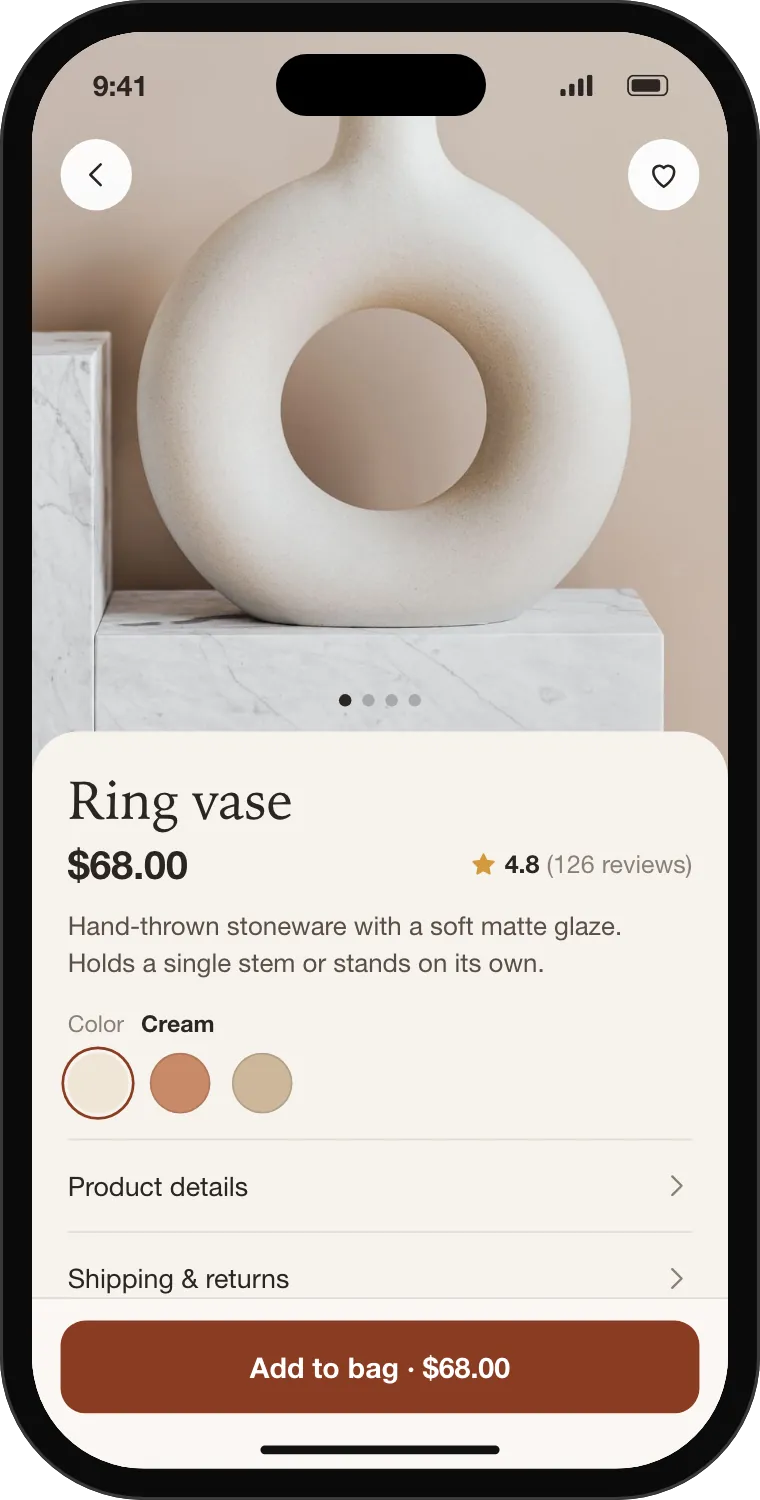
Preview it
The editor shows your app in a phone frame as you work. To hold it in your hand, scan a QR code with the NativTap Preview app; the code opens your draft and expires after 10 minutes.
Preview →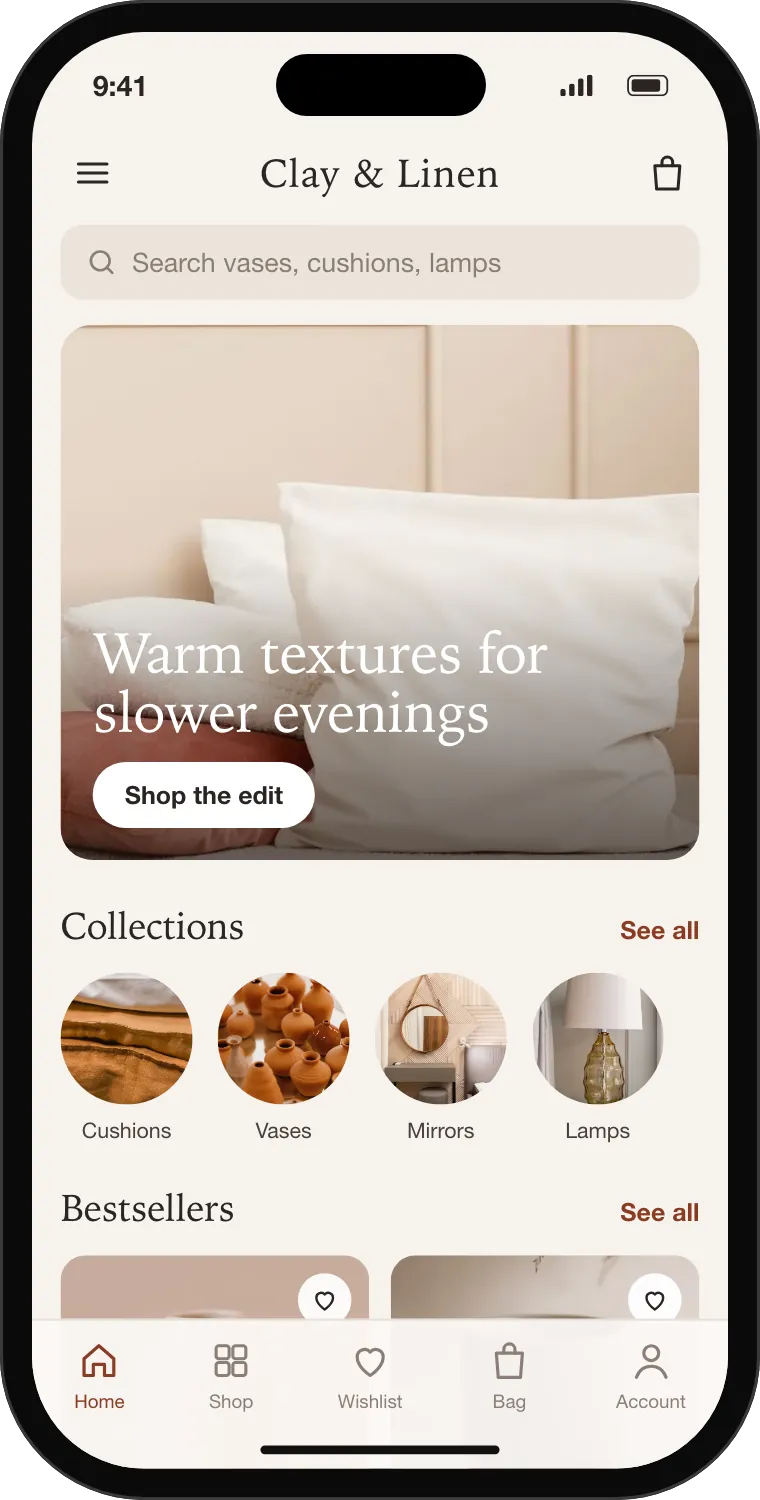
-
04
Get your Apple Developer account
Your app is published under your own Apple Developer account. Pick the type that fits your store; NativTap tracks where you are and reminds you when something is stuck.
Apple account guide →Account type Individual Organization Seller name on the App Store Your personal legal name Your company's legal name What you need An Apple Account with two-factor authentication A legal entity and a D-U-N-S number Time to approve, usually 1–2 days 2–4 weeks Good for Trying things quickly Stores that sell under a company name -
05
Connect Apple and build
You connect your account once with an API key. From then on, NativTap does the technical work: bundle ID, certificates, profiles, the build and the upload.
- 1
Your Account Holder presses Request Access once in App Store Connect.
- 2
You create a Team key with the App Manager role and add it in NativTap.
- 3
You create the app record once in App Store Connect; NativTap links it.
- 4
You add a push key, and NativTap checks it with Apple.
- 5
You create a release. NativTap builds the app and adds it to TestFlight.
- 1
-
06
Submit, and go live
Before you submit, NativTap checks what Apple usually rejects and links each fix. Then you press Submit for review. Apple usually reviews a first version in 1–7 days.
- At least 3 screenshots, made from your design
- A reachable privacy policy and account deletion in the app
- No storefront password, and a paid Shopify plan
- At least 10 products with images and 3 blocks on Home
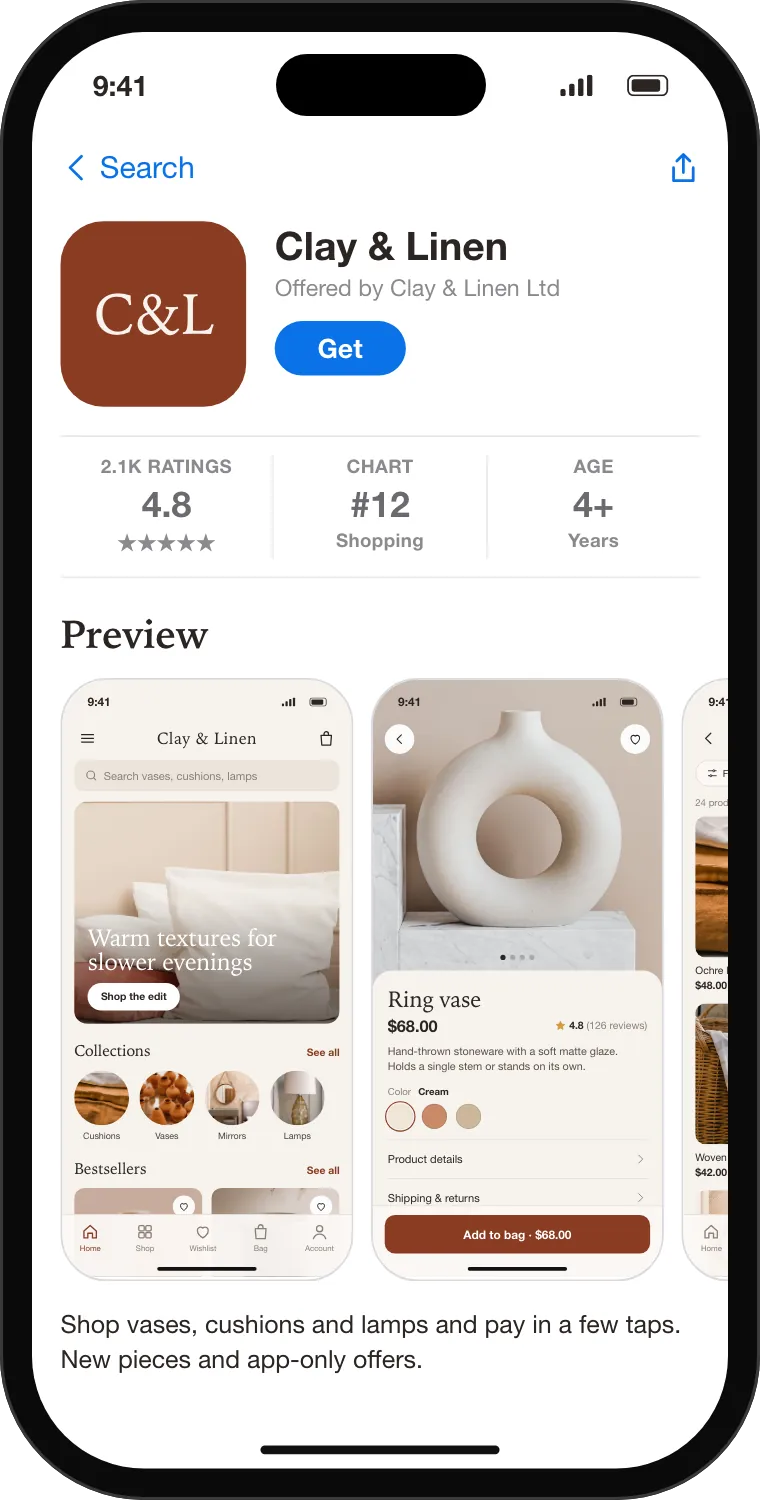
Sample app, listing and status. -
07
Keep it fresh
Once your app is live, design changes publish straight to it, and shoppers see them the next time they open the app. Send pushes, run app-only discounts and watch your analytics. New native features come with new app versions, up to 4 builds a month.
Growth tools →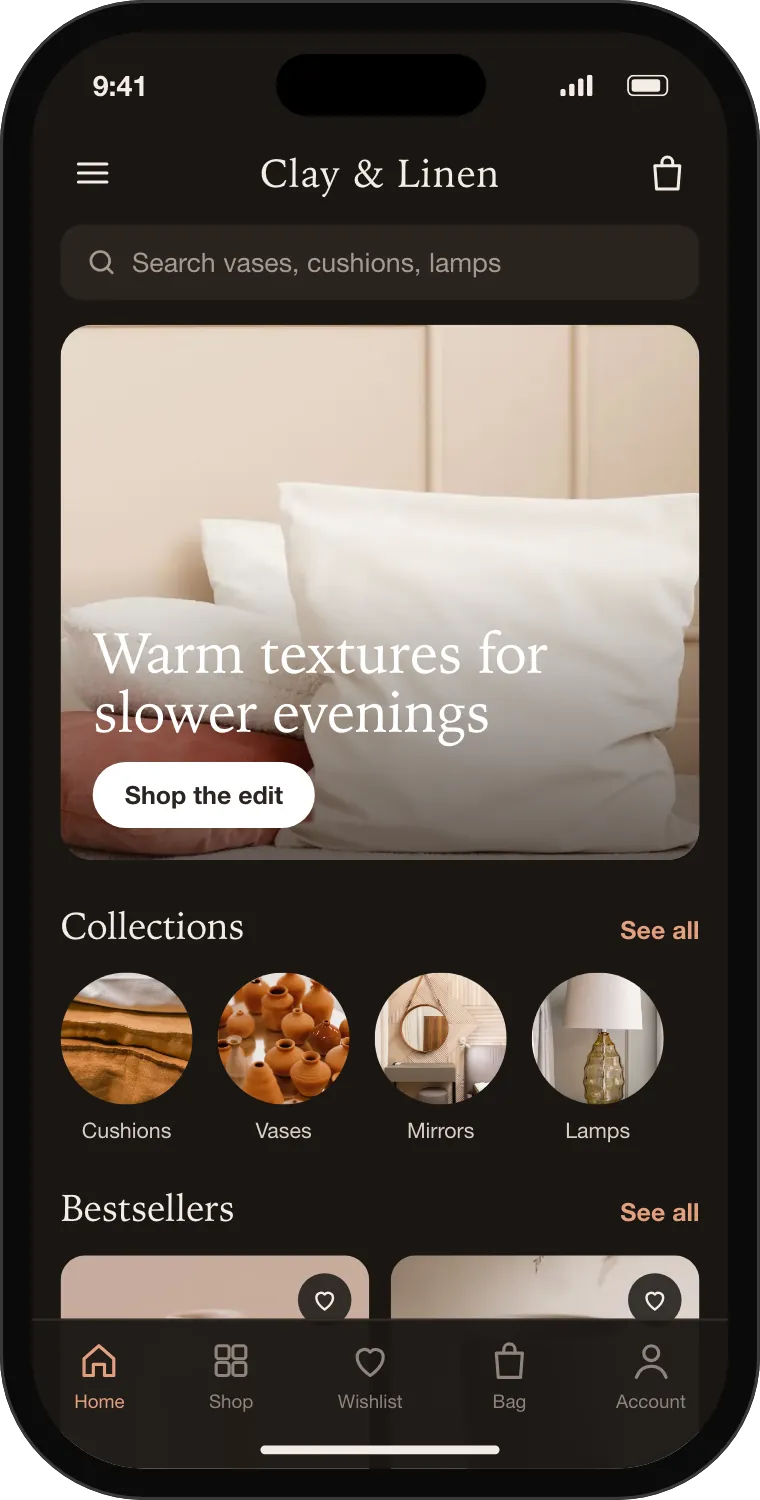
Before you start
What your store needs by the time you submit to Apple.
A Shopify store on a paid plan
Apple's reviewers must be able to check out, so the store cannot be on a trial, development or paused plan, or behind a storefront password.
An Apple Developer account
Individual or Organization.
New customer accounts, for sign-in
Shopper sign-in in the app uses Shopify's new customer accounts. Everything else works without them.
Products with images
At least 10 products with images in the NativTap sales channel.
Start with step one today
Free during early access. You can design and preview while Apple reviews your account.