 NativTap
To connect a Shopify app builder to your Apple account, create a Team key in App Store Connect under Users and Access → Integrations → App Store Connect API, give it the App Manager role, download the .p8 file once, and enter the Issuer ID, Key ID and file in the builder. You never share your Apple ID password, and nobody is invited into your account.
This guide is for Shopify store owners who publish an iPhone app from their own Apple Developer account. The Apple steps come from Apple's documentation, checked November 14, 2026.
Key takeaways
- An App Store Connect API key lets a tool upload builds and manage your app record without a login to your account.
- Only the Account Holder or an Admin can generate a Team key. The Account Holder requests API access once.
- Give the key the lowest role the tool needs. NativTap needs App Manager, not Admin.
- Apple lets you download the private key once. You can revoke the key at any time.
What an App Store Connect API key is
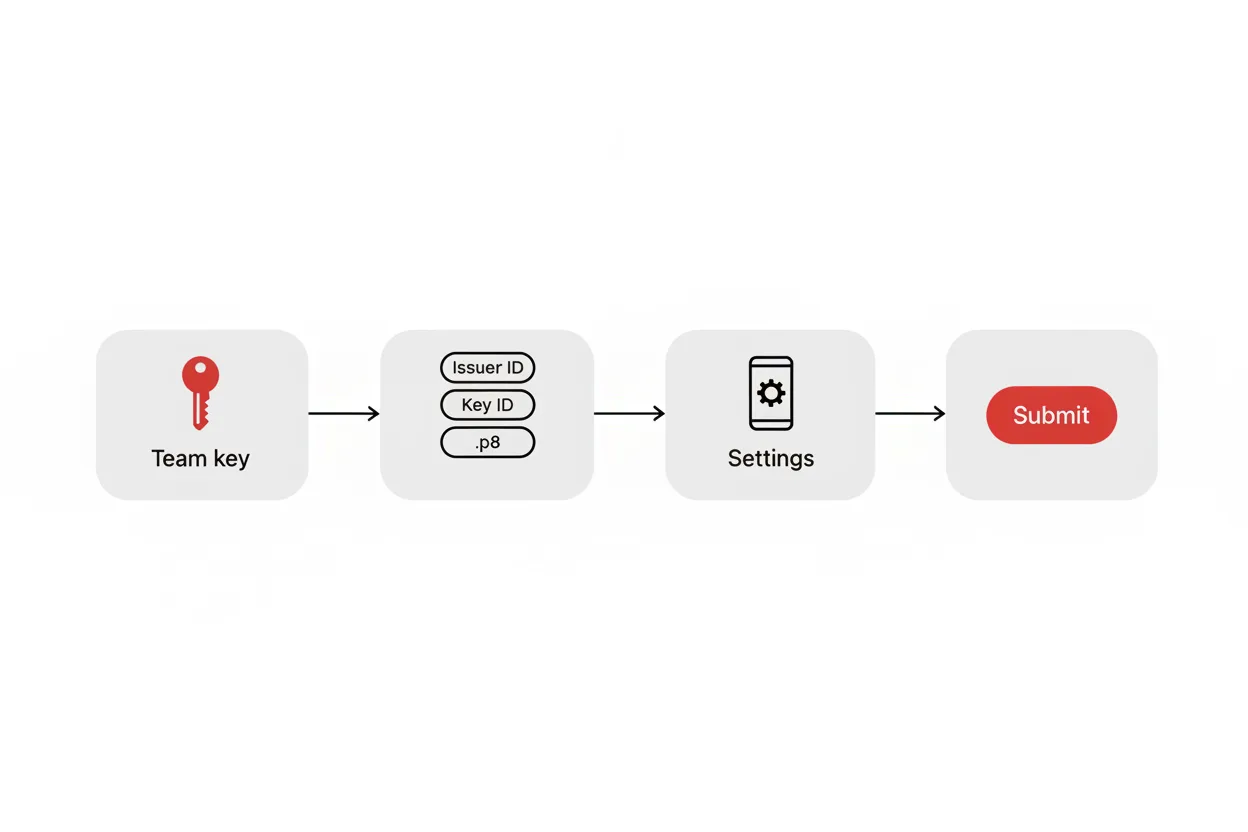
An App Store Connect API key is a credential you create in App Store Connect so software can work on your developer account through Apple's API. It has a public part that Apple keeps, a private .p8 file you download, an Issuer ID for your team and a Key ID for the key.
Apple offers two types. A Team key reaches every app in your account with the role you choose. An Individual key carries one user's permissions and can't use Apple's provisioning endpoints, which an app builder needs to create certificates and bundle IDs (Apple, checked November 14, 2026). That is why NativTap asks for a Team key.
Unlike inviting a builder's staff as users on your team, a key gives no person a login to App Store Connect. That means you keep your password to yourself, and you decide when the access ends.
Before you start
- An Apple Developer Program membership. You pay Apple directly. Enrollment review usually takes 1–2 days for an Individual and 2–4 weeks for an Organization.
- Account Holder or Admin access in App Store Connect. Only these roles can generate a Team key (Apple App Store Connect Help).
- API access turned on. The first time, the Account Holder opens Users and Access → Integrations, selects Request Access, agrees to the terms and submits. Apple reviews each request case by case.
- A safe place for the .p8 file, such as a password manager.
How to create an App Store Connect API key, step by step
- Sign in to App Store Connect and select Users and Access.
- Open the Integrations tab. App Store Connect API is selected in the left column.
- Make sure Team Keys is selected.
- Click Generate API Key. If you already have an active key, click the add button (+).
- Enter a name, such as the name of your app builder. The name is for your reference only.
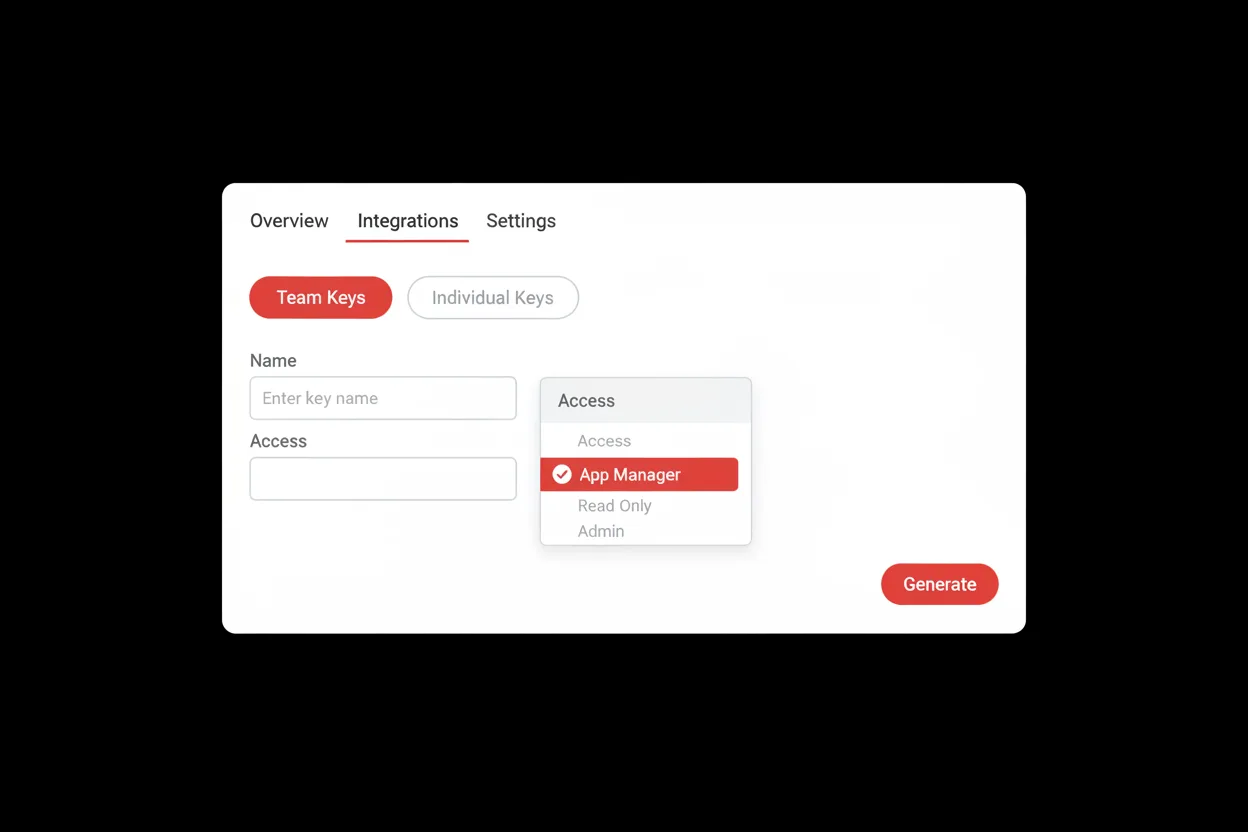
- Under Access, choose the role. For NativTap, choose App Manager.
- Click Generate. The key's name, Key ID and a download link appear.
- Click Download API Key and save the .p8 file. The link disappears once you download it, and Apple doesn't keep a copy.
- Copy the Issuer ID shown on the Team Keys page and the Key ID next to your key.
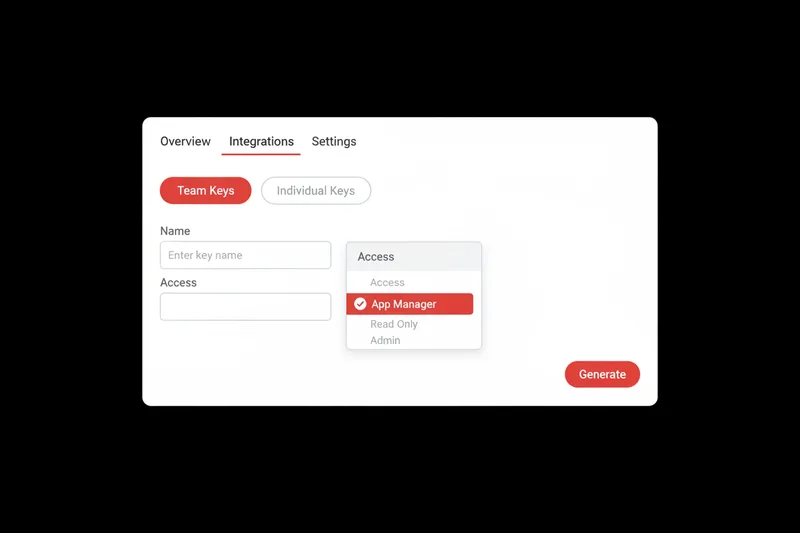
Illustration, not an Apple screenshot. Pick App Manager under Access.
You end up with three values. Keep them together until you connect the key.
| Value | Where to find it | What it does |
|---|---|---|
| Issuer ID | Team Keys page in App Store Connect | Identifies your team |
| Key ID | Next to the key in the list | Identifies this key |
| .p8 file | Download API Key link, available once | Signs each request the builder sends to Apple |
You can't change a key's name or role after you generate it. To change either, revoke the key and generate a new one.
Which role to give the key
Team keys apply across every app in your account, and Apple doesn't let you limit them to one app (Apple App Store Connect Help). The role is the main control you have. Apple notes that keys with the Admin role "have broad permissions and can do things like create new users and delete users" (Apple, checked November 14, 2026).
Give a key the lowest role the tool documents. If a builder asks for Admin, ask which task needs it before you agree. NativTap asks for a Team key with the App Manager role. If the role is too low, NativTap tells you and asks for a new App Manager key.
Connect the key in NativTap
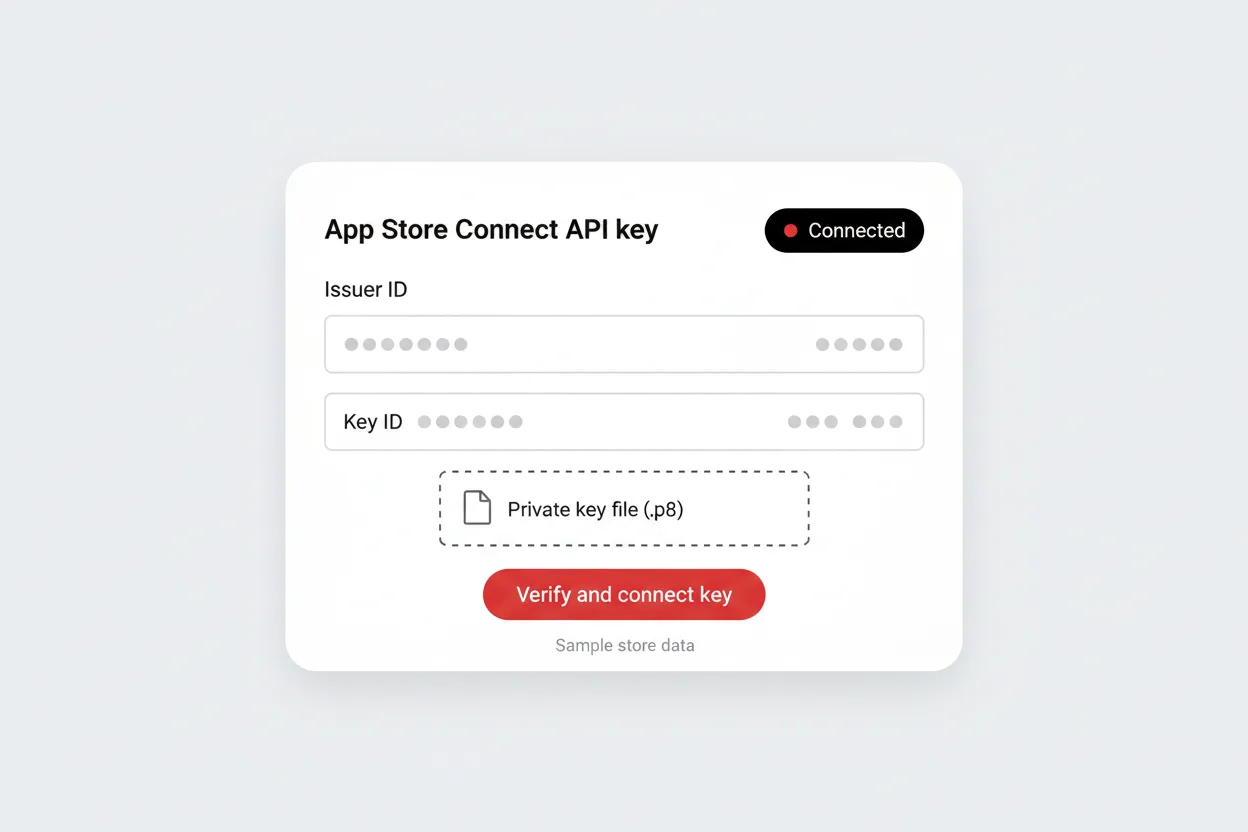
- In your Shopify admin, open NativTap and go to Settings → Apple account. The first card is App Store Connect API key.
- Enter the Issuer ID and the Key ID.
- Add the .p8 file under Private key file (.p8).
- Select Verify and connect key. When Apple accepts the key, the card shows Connected.
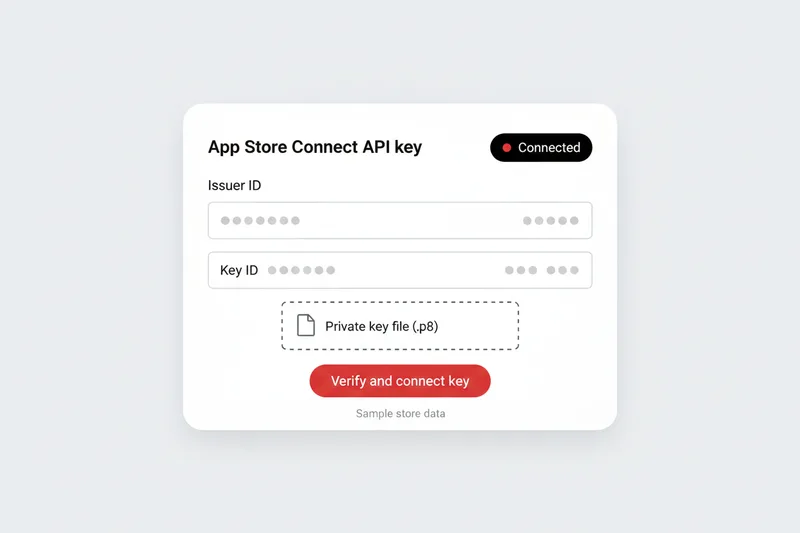
Sample store data.
From there, NativTap registers your bundle ID, builds your app and uploads each build to TestFlight. You press Submit for review yourself when you're ready. Apple's first review usually takes 1–7 days. You can run up to 4 builds per store per month; design changes are unlimited.
The full walkthrough, including the push notification key, is in Connect your Apple account. Before you submit, fill in your App Store listing and App Privacy.
Keep the key safe, and fix common errors
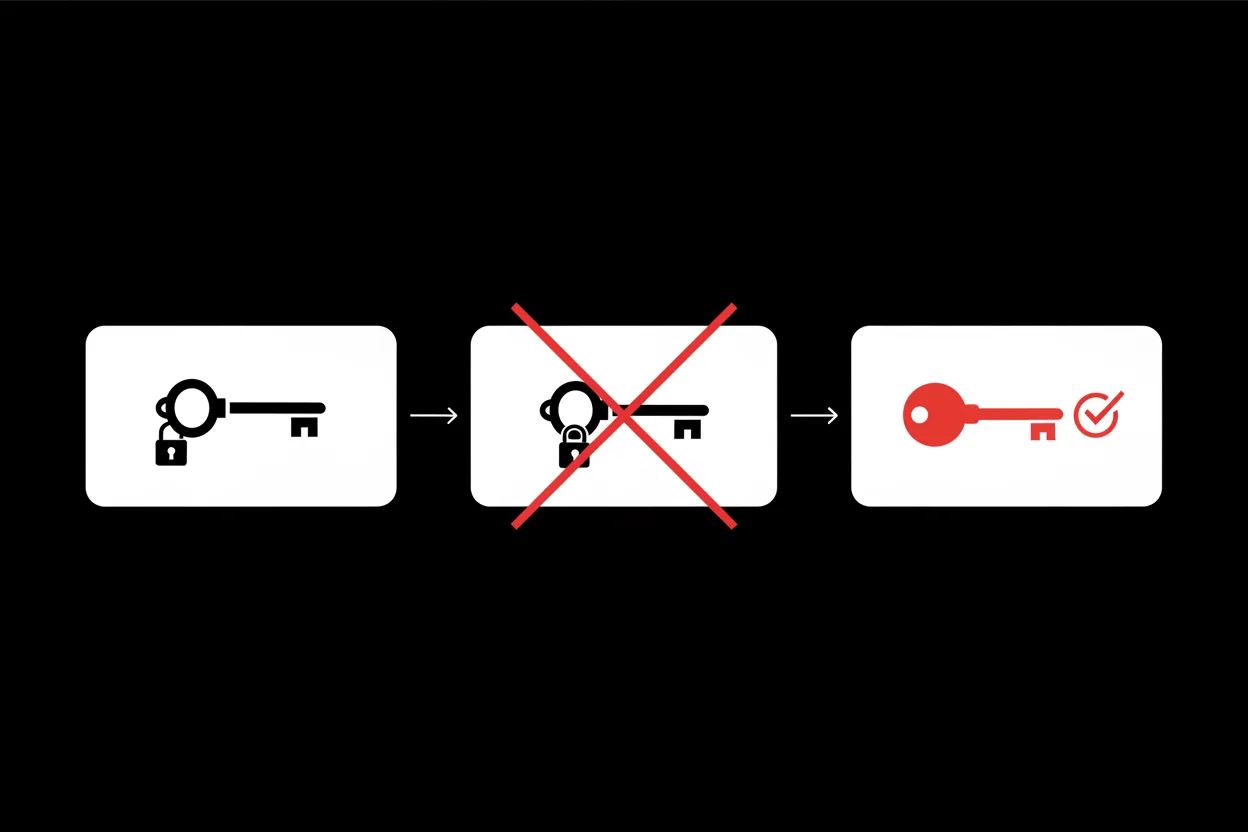
- Store the .p8 file in a password manager. Apple says not to share keys, store them in a code repository or put them in client-side code.
- If the key is lost or may be exposed, revoke it: Users and Access → Integrations → Team Keys → Edit, select the key, then Revoke Key. A revoked key can't be reinstated.
- Then generate a new App Manager key and select Replace API key on the same card in NativTap.
- If you stop using a builder, revoke its key. Nobody can authenticate with it after that.
Most connection errors come from four causes:
- You created an Individual key. Create a Team key instead.
- The role is too low. Create a new Team key with the App Manager role.
- The Account Holder hasn't accepted Apple's latest agreement. They accept it in App Store Connect → Business, then you select Verify and connect key again.
- The Key ID doesn't match the file. Apple names the download AuthKey_ followed by the Key ID, so compare the two.
An App Store Connect API key lets a Shopify app builder publish from your Apple account while the account stays yours. Create a Team key, pick App Manager, download the .p8 once and revoke it when you're done. NativTap is free, no card required. Start for free and open Settings → Apple account to connect your key.
FAQ
Do I need an App Store Connect API key to publish my Shopify app?
With NativTap, yes. The key lets NativTap register your bundle ID, build your app and upload it to TestFlight from your own Apple Developer account. You create it once in App Store Connect, and you press Submit for review yourself.
Should I give my app builder an Admin key?
Only if the builder documents a task that needs it. Apple says Admin keys can create and delete users, and Team keys can't be limited to one app. NativTap needs a Team key with the App Manager role, so you don't have to hand over Admin access.
What if I lose the .p8 file?
Apple lets you download a private key only once and doesn't keep a copy. Revoke the old key in Users and Access → Integrations, generate a new Team key with the App Manager role, and select Replace API key in NativTap.
Can I create the key if I'm not the Account Holder?
Yes, if you have the Admin role. Only the Account Holder can request API access the first time, and Apple reviews that request. After it's approved, an Admin can generate Team keys.
Does NativTap ever ask for my Apple ID password?
No. NativTap connects with the API key you create. Nobody is invited into your Apple account, and you can revoke the key at any time from App Store Connect.