 NativTap
To track installs and sales from your Shopify store's iPhone app, use two sources: App Store Connect for downloads, and your app builder's analytics for orders and revenue placed in the app. Campaign links and push results then show which marketing brings shoppers in.
This guide is for small Shopify stores with an iPhone app that is live or about to be. It covers where each number lives, what it counts, and a short check to run every week.
Key takeaways
- Installs come from Apple. App Store Connect counts first-time downloads and shows them once your app has at least five.
- Sales come from app orders only. Your Shopify total mixes web, app and in-person sales.
- App conversion rate is orders divided by sessions. The funnel shows where shoppers drop off.
- Give every install source its own campaign link, so you know whether the website banner or the QR code brought the install.
The numbers that matter for a store app
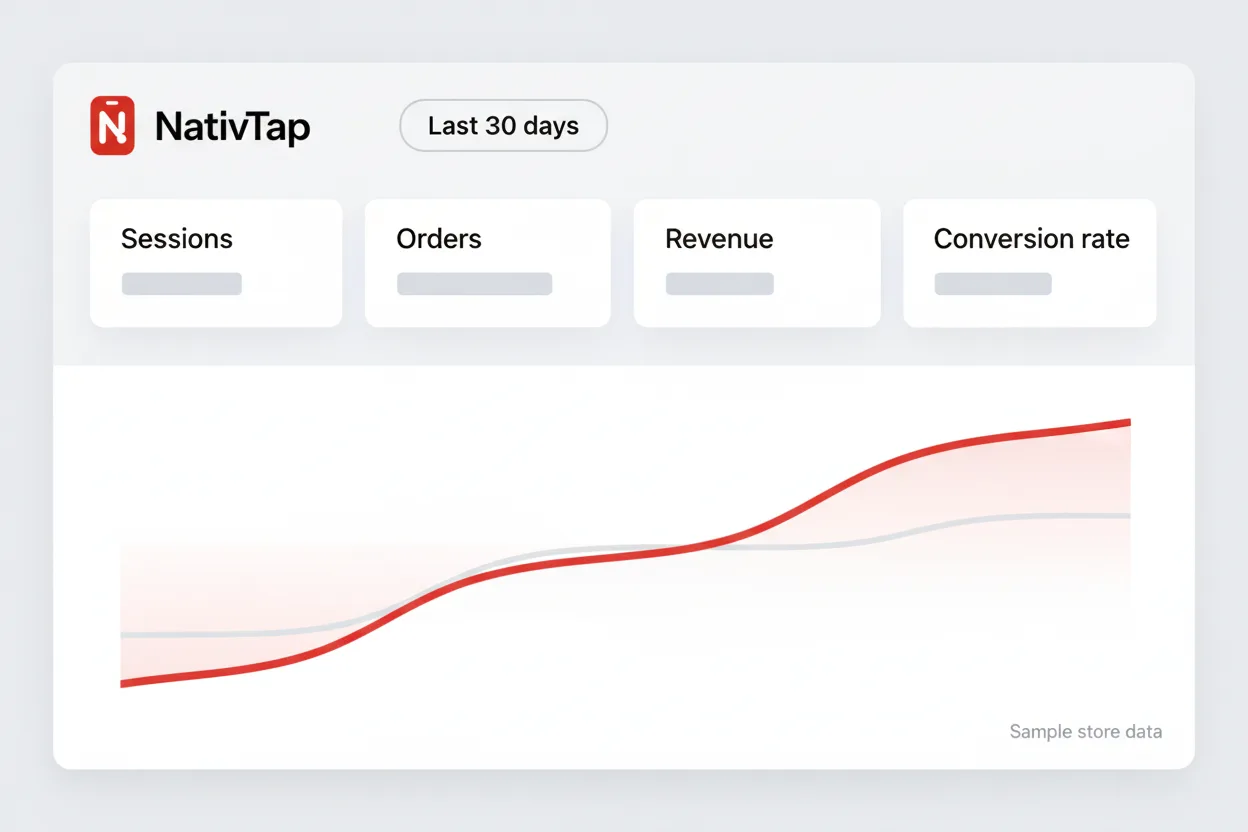
A store app needs fewer numbers than a website. These eight answer most questions a small store has.
| Number | What it counts | Where to find it |
|---|---|---|
| Installs | First-time downloads of your app | App Store Connect, or your app builder's analytics |
| Sessions | Times shoppers opened the app | App builder analytics |
| Orders | Orders placed in the app | App builder analytics |
| Revenue | Total value of app orders, before refunds | App builder analytics |
| Average order value | Revenue divided by orders | App builder analytics |
| Conversion rate | Orders divided by sessions | App builder analytics |
| Push opens | Times shoppers opened the app from a push | App builder analytics |
| Revenue from push | App orders placed within 24 hours of opening a push | App builder analytics |
The definitions follow NativTap's Analytics page. Other tools may define a session or a push window differently, so read each tool's own definition before you compare numbers across tools.
How to track installs
Apple counts installs. In App Store Connect, App Analytics reports First Time Downloads, defined as "the number of first-time downloads on devices with iOS, macOS, tvOS, or visionOS" (Apple metric definitions, checked November 13, 2026). Redownloads are counted separately, so a shopper who deletes and reinstalls your app doesn't inflate your new installs.
- Sign in to App Store Connect and open your app.
- Open App Analytics and choose a date range.
- Read First Time Downloads, and compare it with the same range last month.
Apple shows download metrics once you have at least five first-time downloads. Its usage data, such as sessions, comes only from people who opted in to share analytics with developers, so expect your app builder's session count to differ.
If your app builder reads Apple's reports, you can skip the trip. NativTap's Analytics shows installs from App Store Connect sales reports. When no report is available yet, it counts devices that opened your app for the first time.
See which source brought the install
Apple's campaign links answer this. You add two parameters to your App Store link: pt, a provider token that "identifies your developer account," and ct, a campaign token you create for each campaign. Analytics then captures "the impressions, product page views, downloads, usage, sales, and subscriptions tied to each campaign token."
- A download counts toward a campaign when the shopper installs within 24 hours of using the link.
- Campaign metrics appear once they reach 5 in the date range, so a small campaign can show nothing for a while.
- You can create campaign links only after your app has analytics data.
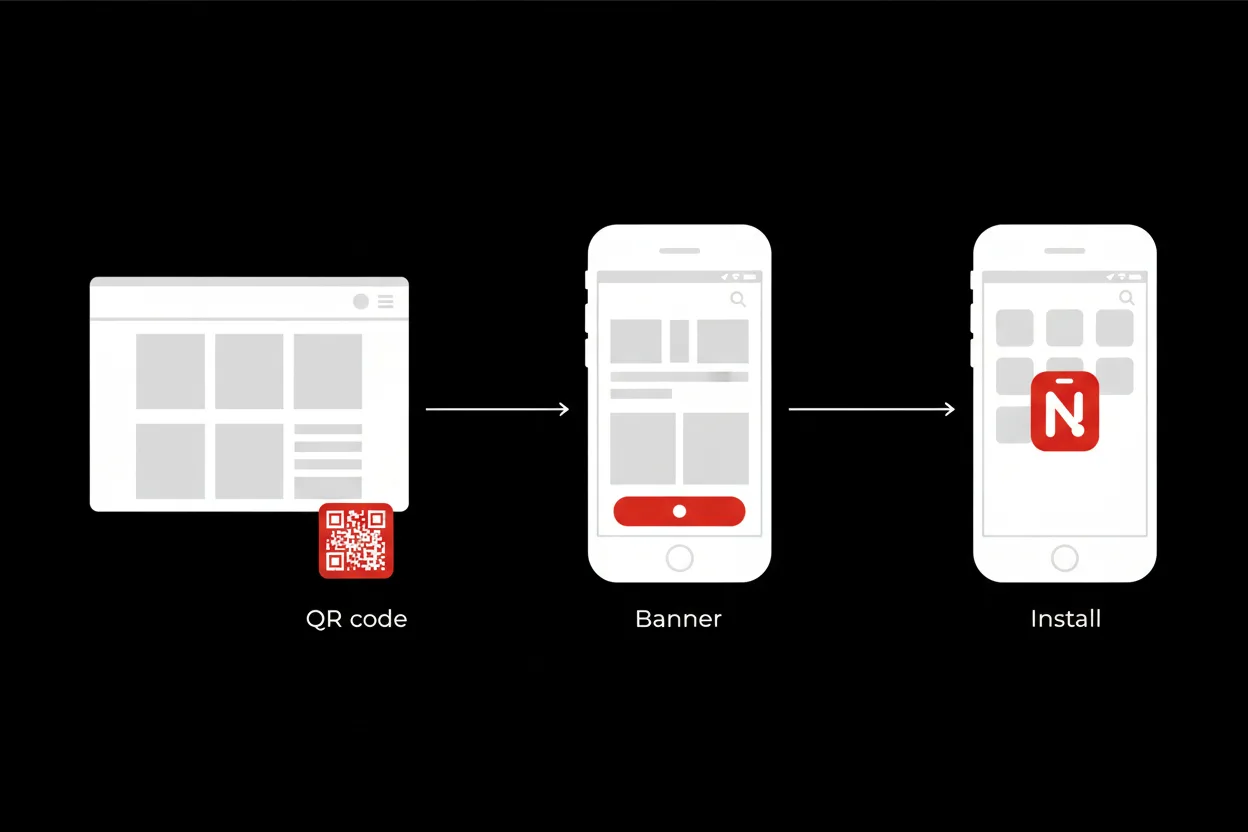
Give each source its own ct value: website banner, desktop QR code, email footer, Instagram bio. In NativTap, enter your App Store provider ID under Settings > App banner > Install tracking, and installs from the banner show up in App Store Connect.
How to track sales from the app
Count app orders only. Your Shopify total includes every sales channel, so it can't tell you what the app sells on its own.
Your app builder should report app orders separately. NativTap's Analytics counts orders placed in your app, leaves out cancelled orders, and shows revenue in your store's currency before refunds. Orders and revenue update within minutes; sessions, installs and push opens refresh every 12 hours.
Then look at conversion rate: orders divided by sessions. In NativTap, a session starts each time a shopper opens the app, and opening it again after 30 minutes in the background starts a new one.
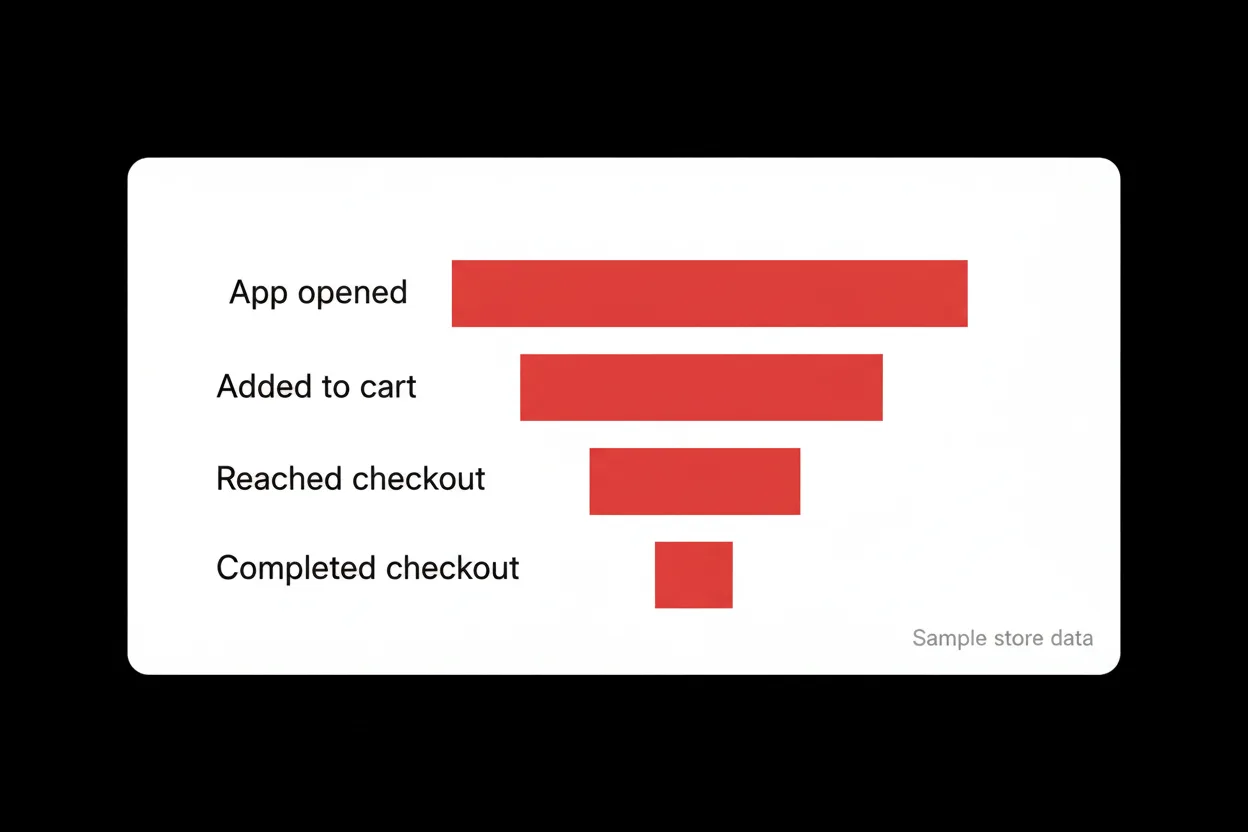
The conversion funnel tells you where to act:
- Many opens, few adds to cart. Shoppers aren't finding products. Check your home screen and collections.
- Many carts, few checkouts. Turn on a cart reminder. NativTap sends one an hour after a shopper leaves a cart by default, and you can pick 30 minutes, 4 hours or 24 hours instead.
- Many checkouts started, few completed. Check shipping costs and payment options in your Shopify checkout settings.
How to tell if push and app-only discounts pay off
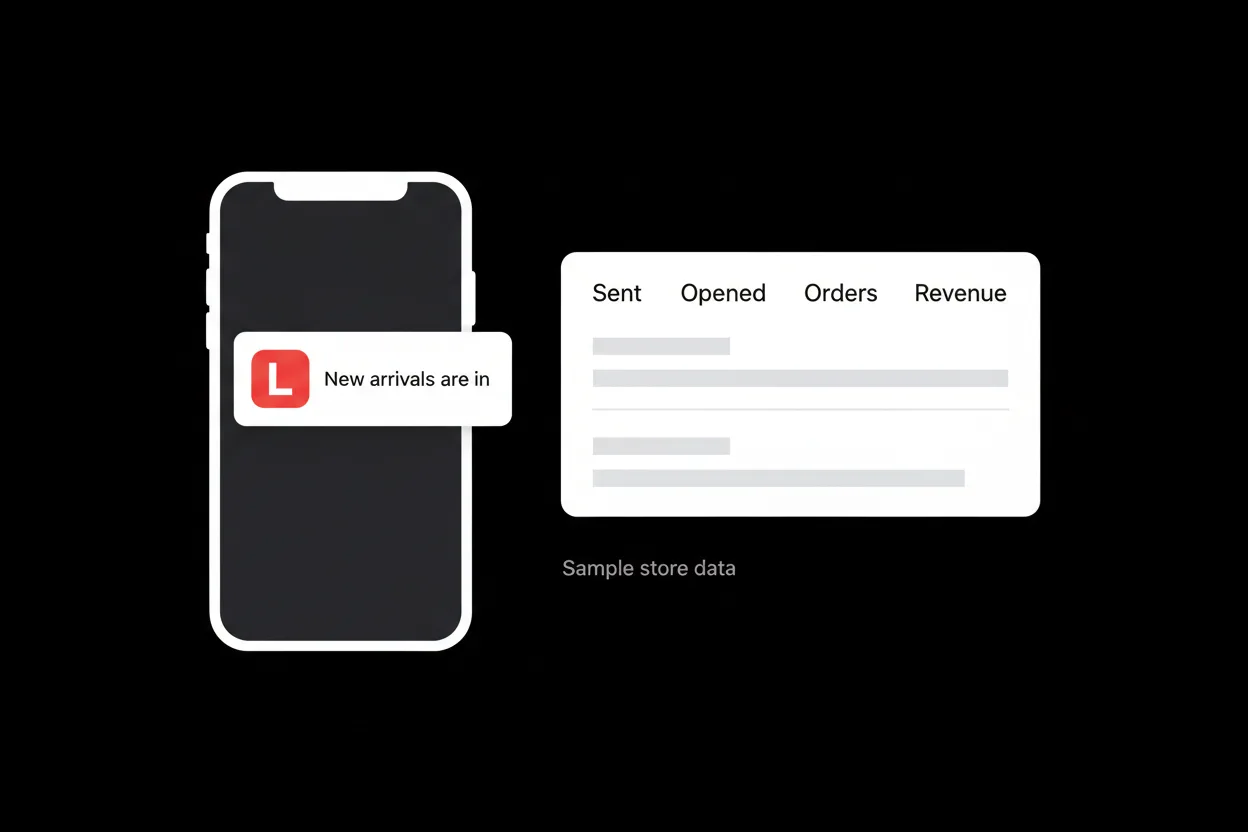
Judge each push by what it sold, not by opens alone. For every push, track four numbers: Sent, Opened, Orders and Revenue.
NativTap credits a push with app orders placed within 24 hours of a shopper opening it, before refunds. Test pushes sent to your own devices don't count in the results.
App-only discounts are easier to read, because each one has a usage count. Create one discount per offer, and its count tells you how many app orders it drove. In NativTap, Marketing > View discounts lists how many times each code was used.
A weekly check for a small store
Pick one day and run the same check each week, with the same date range.
- Installs this week against last week, and which campaign link brought them.
- App orders and revenue against the earlier period.
- Conversion rate, and the funnel step with the biggest drop.
- Orders and revenue for each push you sent.
- Uses of each app-only discount.
- One change to try next week, written down.
NativTap compares every period with the earlier period of the same length. Its Last 7 days ends yesterday, so a half-finished day never skews the comparison.
Where NativTap fits
NativTap turns your Shopify store into a native iPhone app, and Analytics is part of it: orders, revenue, average order value, conversion rate, installs, sessions, push opens and revenue from push, inside your Shopify admin.
You publish from your own Apple Developer account, so the App Store Connect numbers are yours as well. Apple charges for the membership, and you pay Apple directly. See Read your app's analytics, Add a website banner and Send push notifications.
Free, no card required.
FAQ
How do I see how many people downloaded my Shopify store's app?
Open App Analytics for your app in App Store Connect and read First Time Downloads for your date range. Apple shows it once your app has at least five first-time downloads. Some app builders, NativTap included, also show installs in the Shopify admin.
Why doesn't my Shopify sales total match my app revenue?
Your Shopify total includes every sales channel: web, app and in person. App revenue counts only orders placed in the app. In NativTap it also leaves out cancelled orders and is shown before refunds.
How do I know which push notification made sales?
Look at orders and revenue for each push, not only opens. NativTap credits app orders placed within 24 hours of a shopper opening a push, and shows Sent, Opened, Orders and Revenue for every push you send.
Can I track app installs that come from my website?
Yes. Add Apple's campaign parameters to the App Store link behind your website banner or QR code. In NativTap, enter your App Store provider ID under Settings > App banner, and installs from the banner appear in App Store Connect.