 NativTap

Yes. A Shopify app builder can publish your iPhone app under your own Apple Developer account, so the listing, ratings and installs stay with you. Giving it access is safe when the builder connects with an App Store Connect API key you create, at the lowest role it needs, and you can revoke that key at any time. An Admin invite or a shared password hands over far more than publishing requires.
This guide is for Shopify store owners who are choosing an app builder or already use one. The Apple details come from Apple's developer documentation, checked November 23, 2026.
Key takeaways
- Publishing under your own account keeps the app record, listing, ratings and installs in an account you control. You pay Apple directly for the Apple Developer Program.
- A builder reaches your account in one of two ways: you invite its team as users, or you give its software an API key.
- Apple's Admin role sees every app on your team and can add and delete users. Publishing one app needs less.
- Ask five questions before you grant access, and know how to take it back.
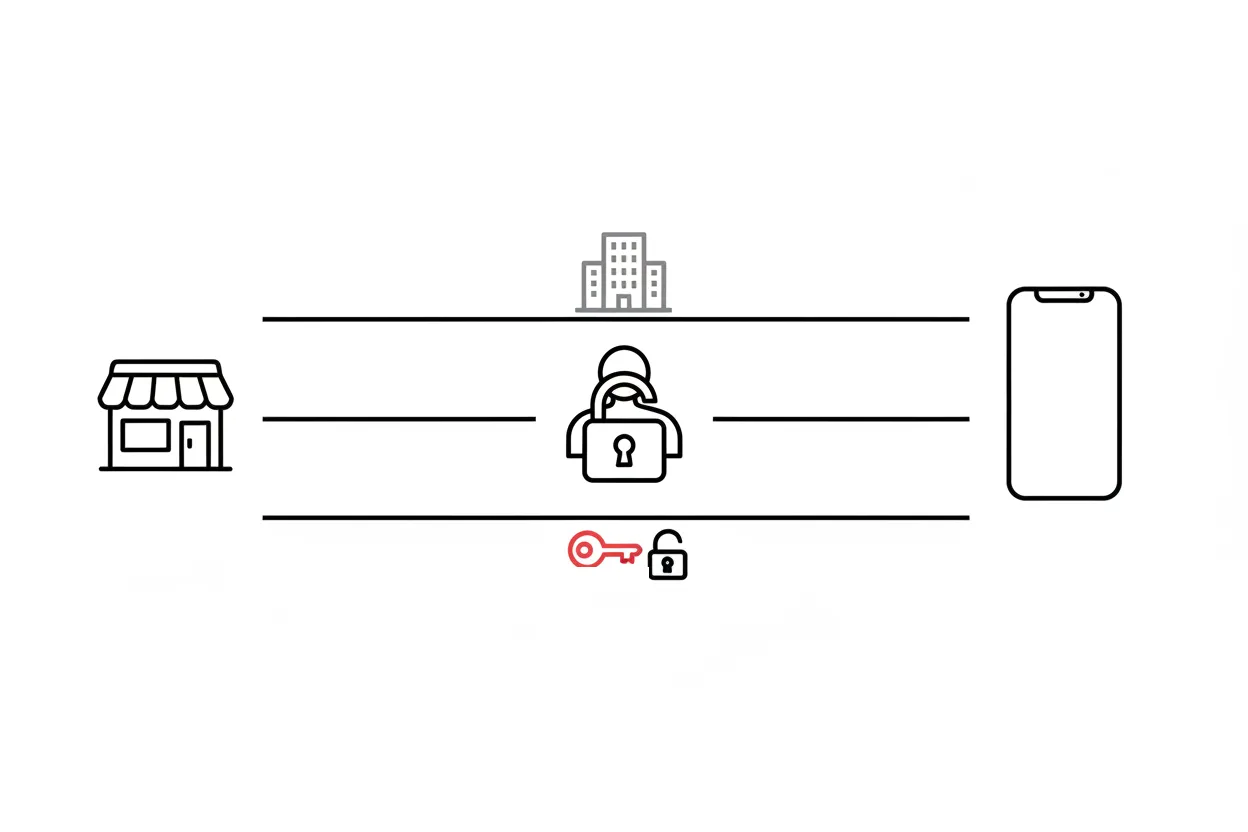
Three ways a builder can get your app on the App Store
Publishing under your own Apple Developer account means the app record, listing, ratings and installs live in an App Store Connect account you enrolled in and pay for. The builder works inside it with access you grant. You can take that access back without losing the app.
The Apple Developer Program costs $99 a year, paid to Apple (Apple Developer Program, checked November 23, 2026). Here is how builders get from your store to the App Store.
| Setup | Whose account holds the app | What the builder gets | How access ends |
|---|---|---|---|
| Builder's own Apple account | The builder's | Full control of the app record | The builder transfers the app to you |
| Admin invite | Yours | A user login with the Admin role on your team | You delete the user in Users and Access |
| App Store Connect API key | Yours | A key with the role you chose, and no login | You revoke the key in Integrations |
Builders choose different setups. Tapcart's help center asks merchants to invite Tapcart with the Admin role and says the account must be enrolled as an Organization (Tapcart Help Center, dated April 15, 2026, checked November 23, 2026). Shopney's help center also asks for Admin access, and its team uses that access to submit the app for you (Shopney Help Center, dated June 18, 2025, checked November 23, 2026). That suits a merchant who wants someone else to handle App Store Connect.
What Admin access hands over
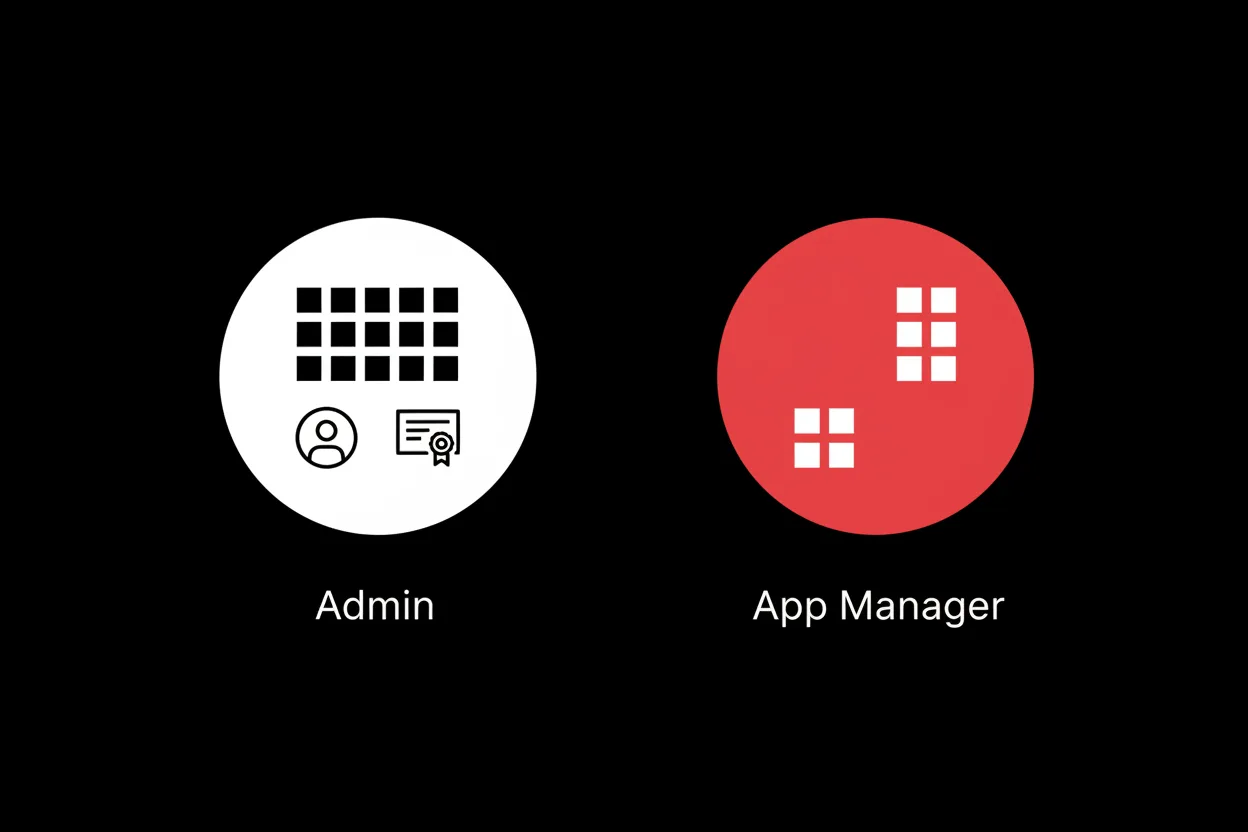
Apple describes an Admin as a secondary contact who "has many of the same responsibilities as the Account Holder" (App Store Connect Help, role permissions). In practice, an Admin:
- has access to every app on your team, and that access can't be limited to one app;
- gets Certificates, Identifiers & Profiles by default on an Organization team;
- can change other users' roles and delete users.
Apple's API documentation says the same about keys: Admin-role keys "have broad permissions and can do things like create new users and delete users" (Apple Developer Documentation, checked November 23, 2026). Only the Account Holder can sign legal agreements and request API access. Most other parts of the account are open to an Admin.
Unlike an Admin invite, an API key gives no person a login to your account, which means there is no extra user or password to protect. A Team key still reaches every app in your account, whatever its role. Apple states that "app access can't be limited for an API key" (App Store Connect Help), so the role you pick is your main control. For a store with one app, that limit matters little.
Is it safe? Five questions to ask before you grant access
Giving a mobile app builder access to your Apple Developer account is safe when three things hold. The access is no wider than the job, you know who holds it, and you can remove it yourself. Ask any builder these five questions, NativTap included.
- Whose Apple Developer account will the app be published under? You want yours, so the listing and its ratings never have to move.
- Which role do you need, and for which task? If the answer is Admin, ask what would fail with App Manager.
- Do you need my Apple ID password or a shared login? The answer should be no. An API key works without either.
- Who presses Submit for review? If you press it, no version reaches Apple without your OK.
- How do I remove your access, and what happens to the app if I leave? With your own account, the app and its listing stay where they are.
Five questions before you grant access.
A builder that answers all five plainly is a reasonable choice. An Admin invite can still be fine if you trust the team, keep two-factor authentication on your Apple Account and remove the user when the work is done.
How NativTap connects to your Apple account
NativTap asks for a Team key with the App Manager role. Apple describes App Manager as the role that "manages all aspects of an app, such as pricing, App Store information, and app development and delivery" (App Store Connect Help). You create the key in App Store Connect yourself. Our guide to creating an App Store Connect API key walks through each screen.
After you enter the Issuer ID, Key ID and .p8 file in Settings → Apple account, NativTap:
- registers your app's bundle ID with Apple;
- creates a distribution certificate at your next build;
- builds your app and uploads it to App Store Connect.
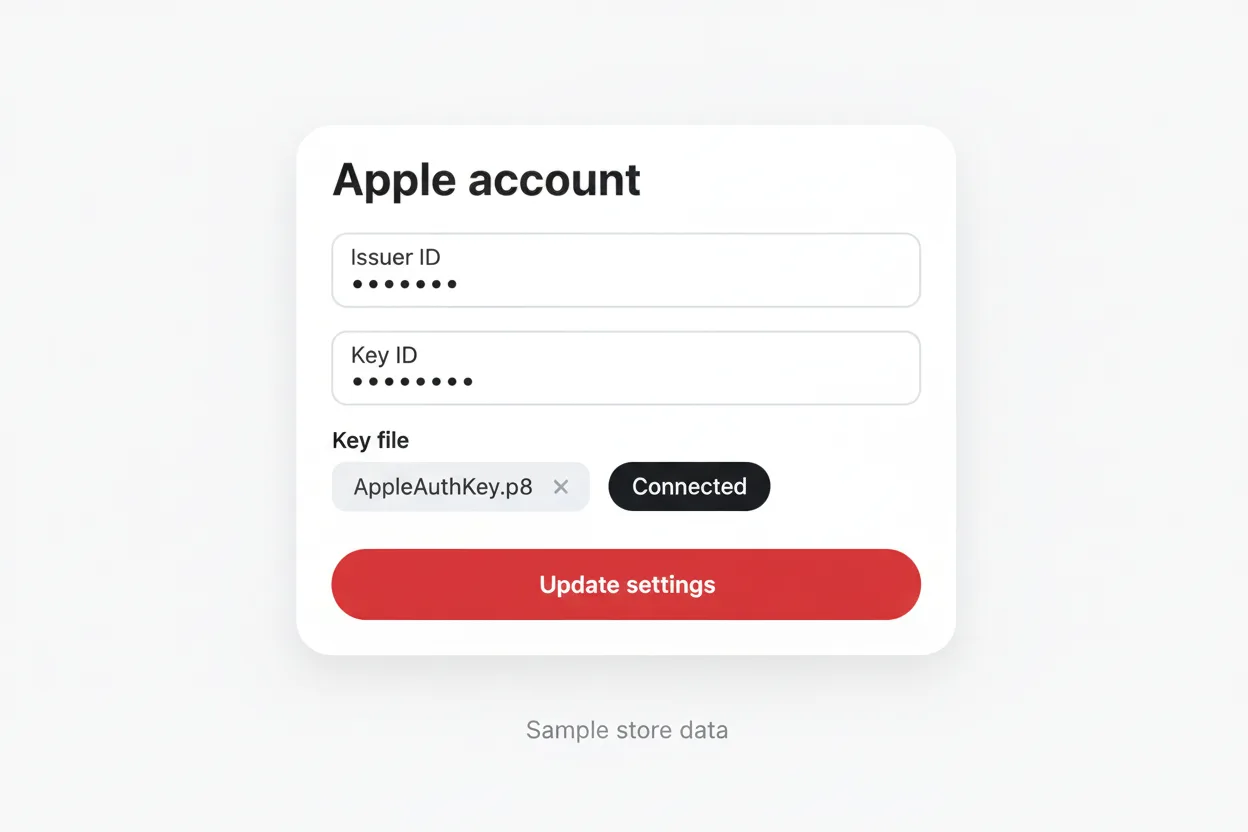
You press Submit for review yourself. Nobody is invited into your account, and NativTap never asks for your Apple ID password. If the key's role is too low, NativTap tells you and asks for a new App Manager key (Connect your Apple account).
Apple's first review usually takes 1–7 days. You can run up to 4 builds per store per month, and design changes are unlimited. Colors, blocks and screens update without a new release; new native features arrive with app updates. The full path, from enrollment to live, is in every step to the App Store. How a release moves from build to App Review is in Release your app on the App Store.
If you already gave a builder Admin access
You don't have to start over. Talk to the builder first, because lowering its role can stop a release in progress.
- Sign in to App Store Connect and open Users and Access.
- Select the builder's user. Change the role to the lowest one the builder confirms it needs, or delete the user. Only the Account Holder or an Admin can do this.
- Allow a few minutes. Apple notes that full removal can take up to 10 minutes to apply (App Store Connect Help, add and edit users).
- Open the Integrations tab and check Team Keys for keys you don't recognize. Revoke any you don't use. A revoked key can't be reinstated.
Your app record, listing and ratings stay in your account through all of this. If you're still choosing how to enroll, Apple reviews an Individual enrollment in about 1–2 days and an Organization in 2–4 weeks.
The answer, in one line
A Shopify app builder can publish under your own Apple Developer account, and it's safe when the builder uses an API key with the lowest role it needs. Keep the Account Holder role, press Submit for review yourself and revoke access when you stop using a tool.
NativTap is free, no card required. Start for free. Then open Settings → Apple account to connect your key.
FAQ
Can a Shopify app builder publish my app under my own Apple Developer account?
Yes. Many builders publish under the merchant's own account, either through a user you invite or an App Store Connect API key you create. NativTap uses a Team key with the App Manager role, builds and uploads your app, and you press Submit for review. The listing, ratings and installs stay in your account.
Is it safe to give a mobile app builder access to my Apple Developer account?
It is safe when the access is no wider than the job and you can remove it yourself. Prefer an App Store Connect API key over a user invite, pick the lowest role the builder documents, never share your Apple ID password, and revoke the key or delete the user when you stop using the tool.
Which App Store Connect role should I give an app builder?
The lowest role that covers what the builder does. Apple says Admin-role keys can create and delete users, and Admins see every app on your team. NativTap needs a Team key with the App Manager role. If a builder asks for Admin, ask which task needs it before you agree.
Do I need to share my Apple ID password with an app builder?
No. Publishing doesn't require your Apple ID password. A builder can work through a user account of its own that you invite, or through an API key you create. NativTap connects with an API key, so nobody logs in as you and nobody is invited into your account.
What happens to my app if I stop using the builder?
If the app is in your own Apple Developer account, the app record, listing and ratings stay there. Revoke the builder's API key in Users and Access → Integrations, or delete its user. To ship new versions later, you'll need another builder or a developer to produce the build.