 NativTap
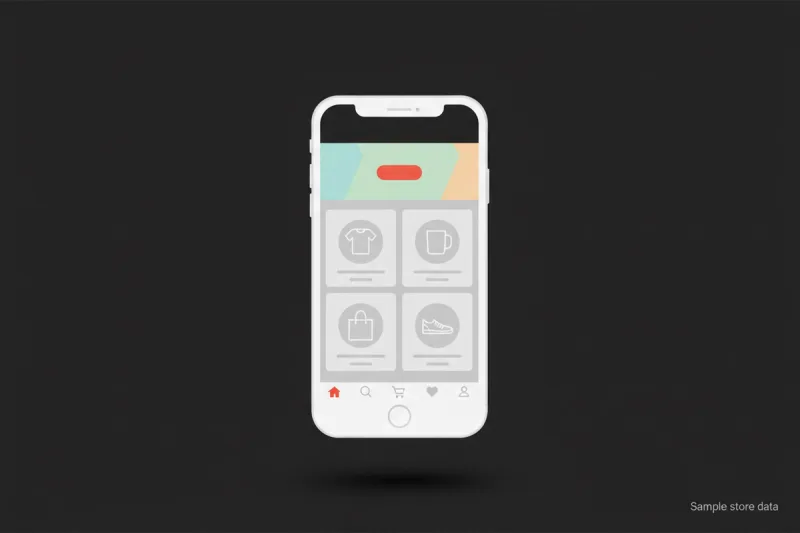
A native iPhone app is built with Apple's own language and interface tools, Swift and SwiftUI, so iOS draws every screen itself. A web view app loads your store's web pages inside an app frame. Both can sit on the App Store, but they look and behave differently on a shopper's iPhone.
This guide is for Shopify store owners comparing app builders. NativTap builds native iPhone apps for Shopify stores with Swift and SwiftUI, not a web view, and below you'll find five questions that tell you how any builder makes its apps.
Key takeaways
- Native means the app's screens are built with Apple's tools. Web view means your website, shown inside an app.
- Shoppers notice the difference in shopping screens, dark mode, push on the lock screen and in-app sign-in.
- Apple's App Review asks for more than a repackaged website, and wants apps from app builders submitted by the store itself.
- Ask any builder what its screens are built with, which screens load web pages, and whose Apple account the app is published from.
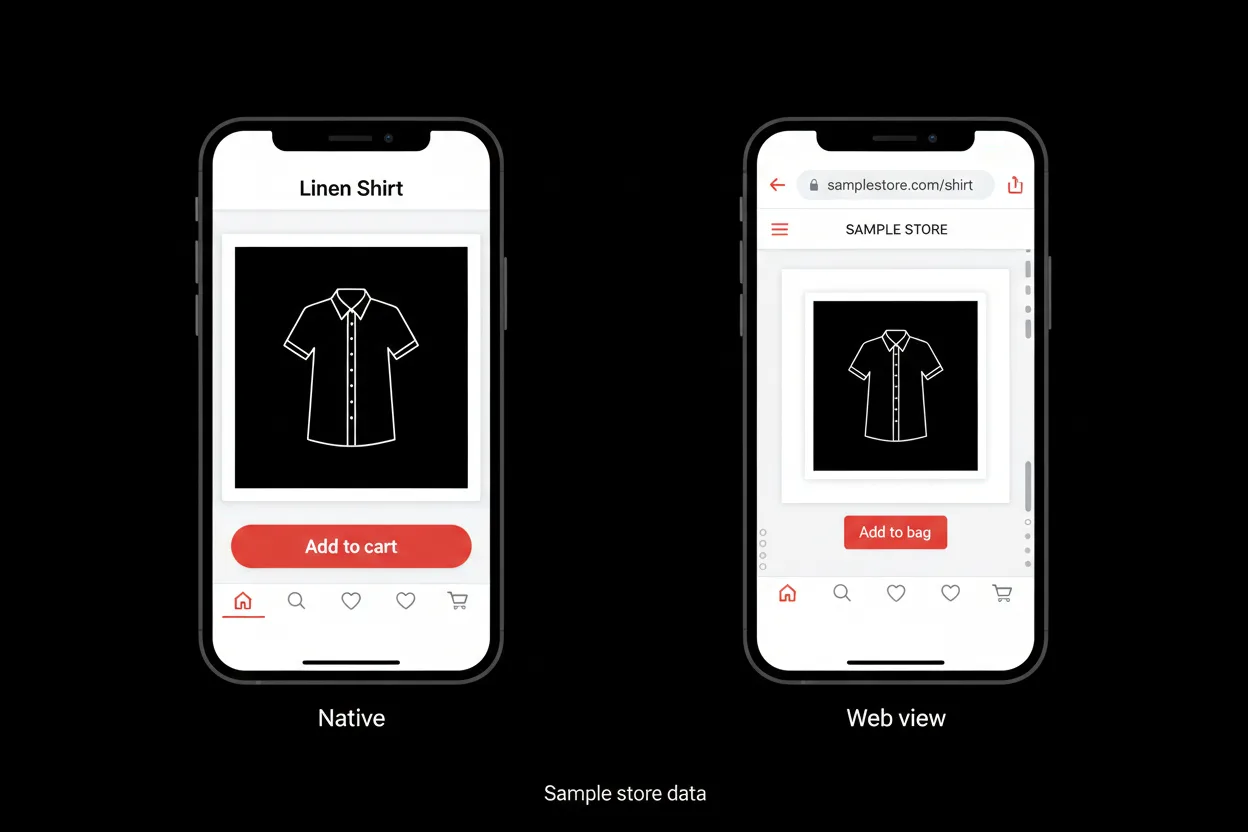
Native app vs web view app: the short version
Every iPhone app is installed from the App Store. What differs is how its screens are made.
| Native app | Web view app | |
|---|---|---|
| Screens are built with | Swift and SwiftUI, Apple's language and UI framework | HTML, CSS and JavaScript in a browser view inside the app |
| Content comes from | Your store's data, through Shopify's APIs | Your store's web pages |
| Looks and behaves like | Other iPhone apps | Your mobile website in an app frame |
| Design changes | Depends on the builder; some update without a new release | Usually follow your website |
Some apps sit in between: a few native screens, the rest web pages. That's why the questions further down matter more than the label.
Apple describes SwiftUI as a way "to build user interfaces across all Apple platforms with the power of Swift" (checked November 13, 2026). When a builder says "native," that's what to look for.
What native changes for your shoppers
Shoppers don't think about frameworks. They notice whether your app feels like the other apps on their phone.
- Native shopping screens. Collections, product pages, search, cart, wishlist and order history are iPhone screens, not web pages.
- Light and dark mode. A native app can follow the shopper's iPhone setting. NativTap apps come with 3 themes that follow light and dark mode.
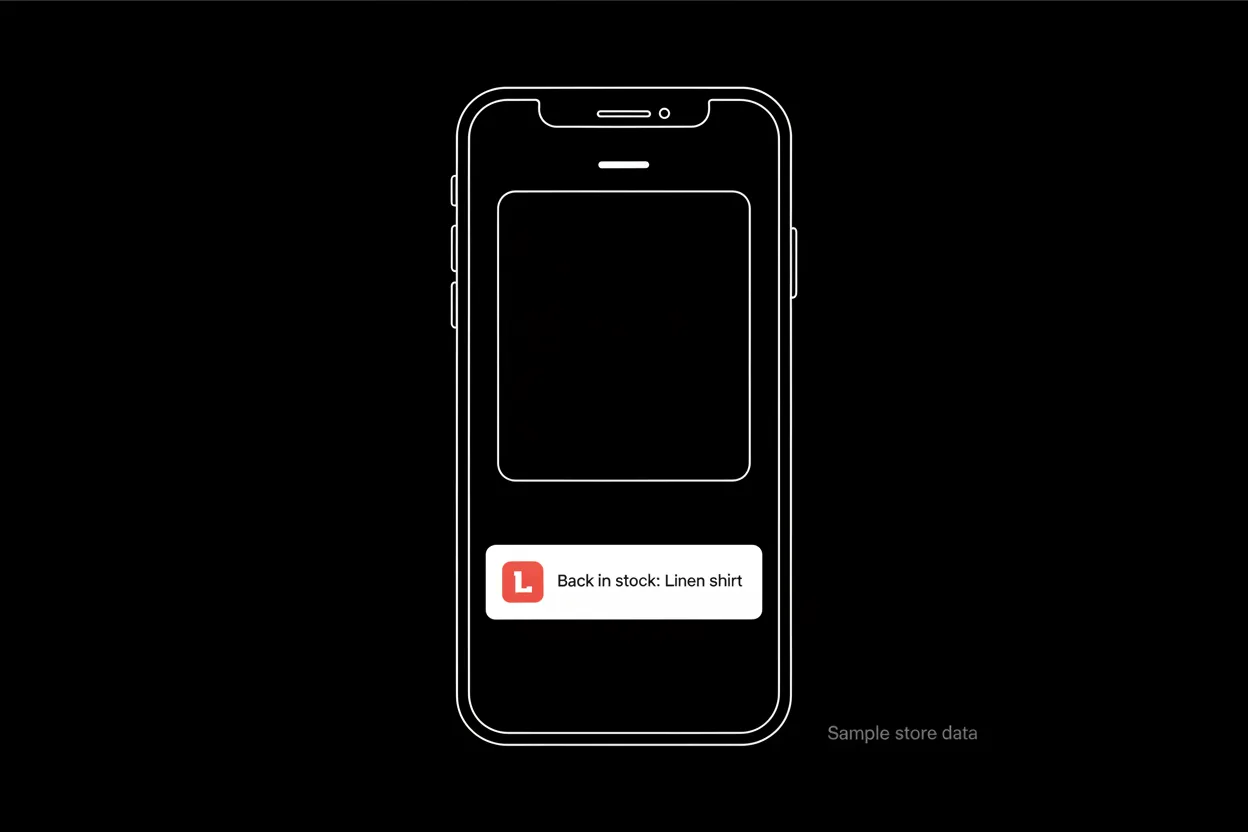
- Push on the lock screen. Your message shows on the lock screen, where your website and your emails never reach.
- Sign-in and checkout in the app. Shoppers sign in with their customer account, and Shopify checkout opens inside the app.
The shopper never needs to know what native means. They see an app that matches their phone, with your logo, colors and font.
Why it matters at App Review
Apple reviews every app before it goes on the App Store. Guideline 4.2 of the App Store Review Guidelines says: "Your app should include features, content, and UI that elevate it beyond a repackaged website" (checked November 13, 2026).
An app that only repeats your mobile website risks rejection. Native screens, push notifications and in-app sign-in are the kind of features that guideline asks for. Native alone doesn't guarantee approval, but it starts you on the right side of that rule.
Guideline 4.2.6 matters too. Apps made with an app generation service are rejected "unless they are submitted directly by the provider of the app's content," which is you. So whose Apple Developer account your app is published from is part of the question.
How to check if an app builder is native
Builders use "native" loosely. These five questions get you a clear answer.
- What are the app's screens built with? A clear answer names the language and framework, such as Swift and SwiftUI. "Native-like" or "app-like" means something else.
- Do any screens load web pages? Ask which ones. Checkout often runs on Shopify's own checkout, which is fine. Check your home, product and cart screens.
- Can I test it on my iPhone before I publish? Install the draft and use it. Switch to dark mode, search for a product, add it to the cart, sign in.
- Which changes need a new App Store release? Some builders update colors, blocks and screens the next time shoppers open the app. New native features still arrive with app updates.
- Whose Apple account is the app published from? Under your own account, the listing, ratings and installs stay with you.
What native doesn't change
Native is about how your app is built. It doesn't replace the steps Apple asks of every store.
- You still need an Apple Developer account. Apple charges for the membership, and you pay Apple directly. Individual enrollment usually takes 1 to 2 days, Organization 2 to 4 weeks.
- Apple still reviews the app. A first review usually takes 1 to 7 days.
- Your catalog still lives in Shopify. Products, prices and stock come from your store, so you don't copy anything by hand.
Where NativTap fits
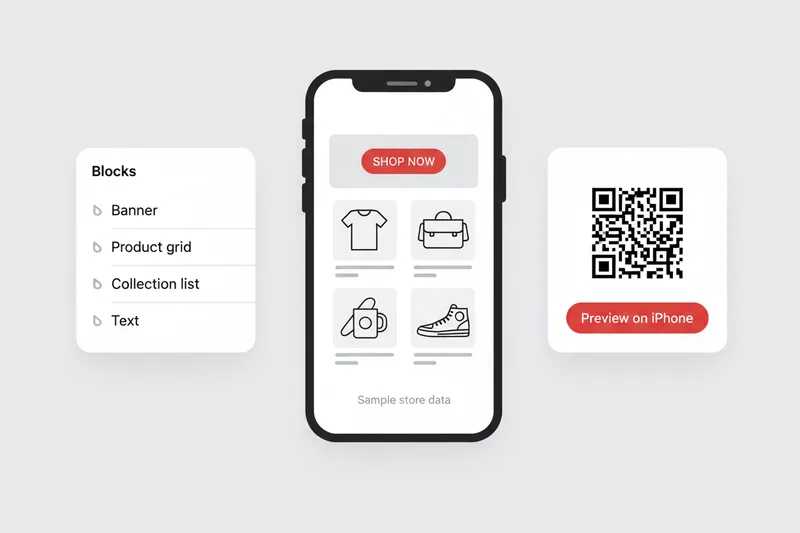
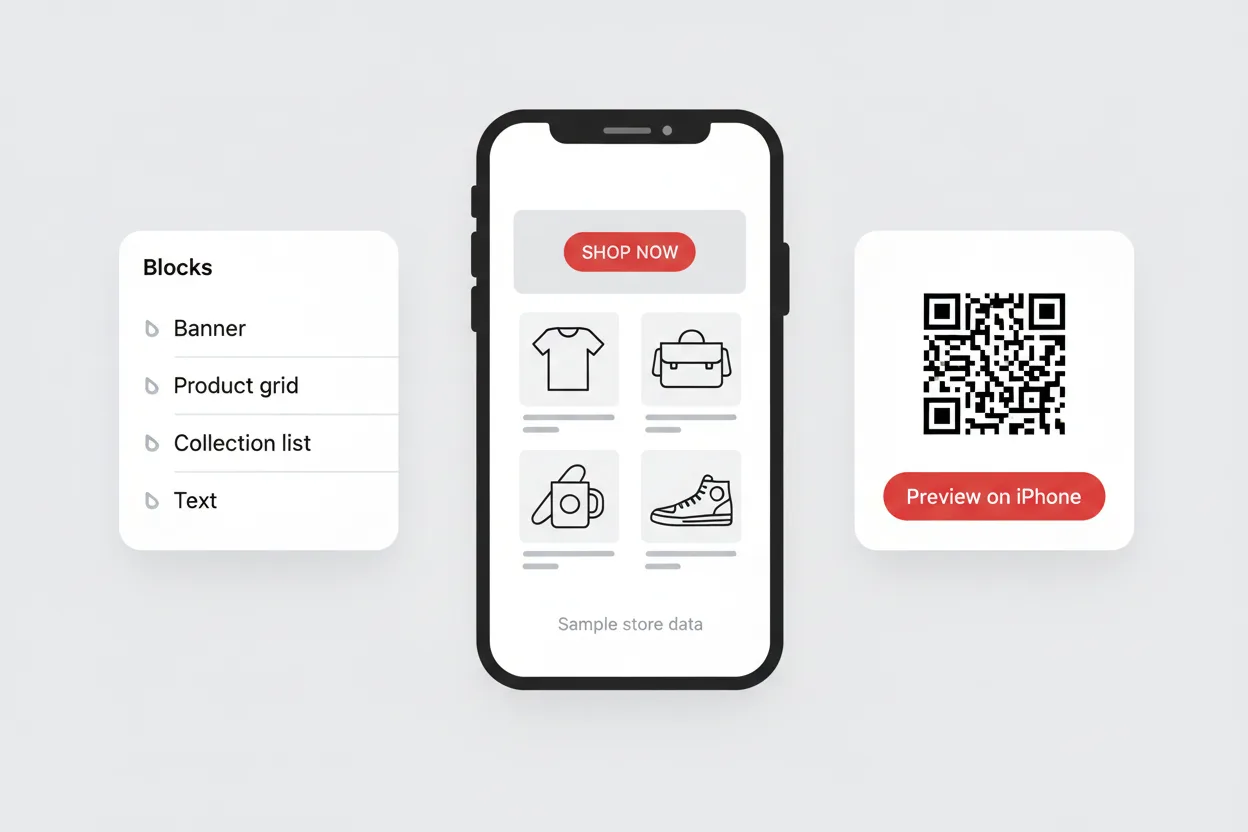
NativTap turns your Shopify store into a native iPhone app, built with Swift and SwiftUI. You design it in your Shopify admin with 14 block types and 3 themes, and preview the draft on your iPhone by scanning a QR code. Colors, blocks and screens change without a new release; new native features arrive with app updates.
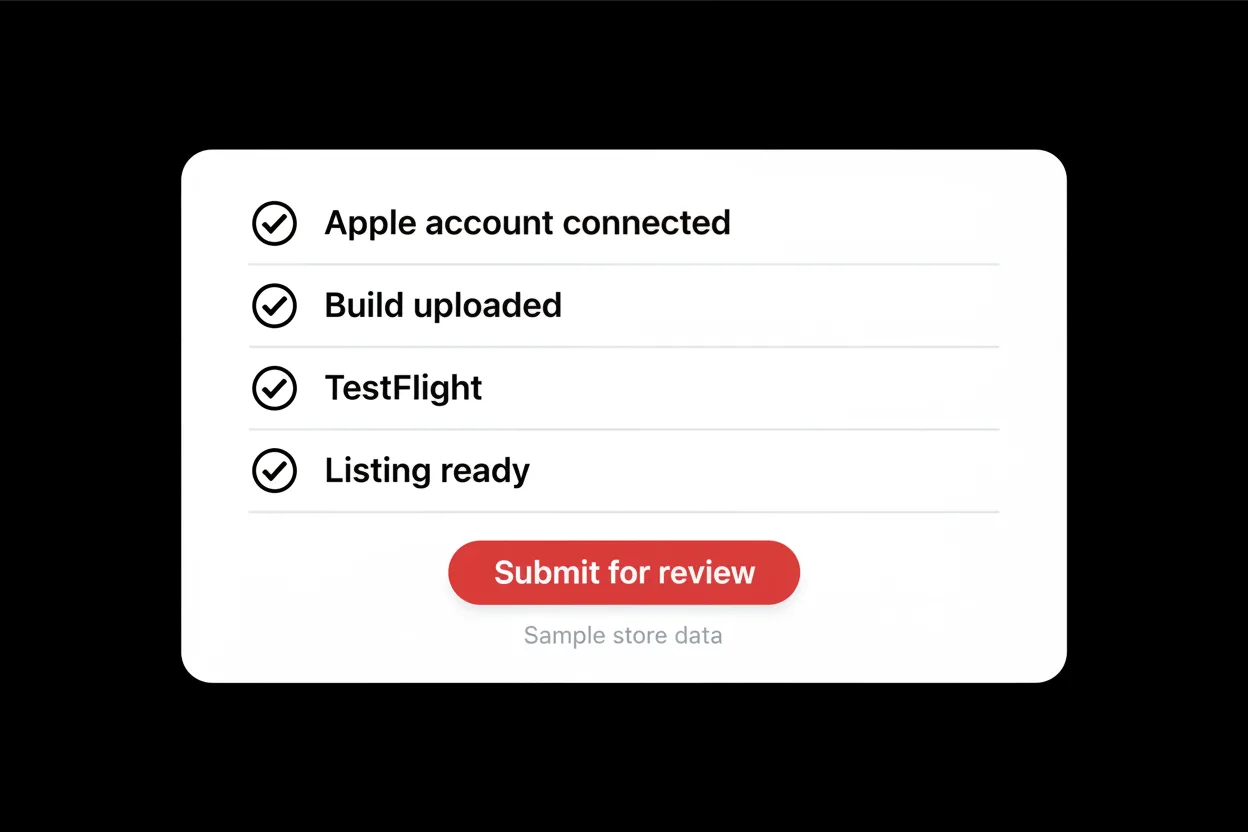
You publish from your own Apple Developer account with an API key, and nobody needs your Apple ID password. NativTap builds and uploads your app, and you press Submit for review. See Connect your Apple account and Release your app on the App Store.
Push notifications, cart reminders, app-only discounts and analytics, including installs are part of the app. NativTap builds iPhone apps today, not Android.
Free, no card required.
FAQ
Is there a Shopify app builder that makes native Swift iPhone apps?
Yes. NativTap builds native iPhone apps for Shopify stores with Swift and SwiftUI, not a web view. You design the app in your Shopify admin and publish it from your own Apple Developer account.
What's the difference between a native app and a web view app?
A native app's screens are built with Apple's tools and drawn by iOS. A web view app shows your store's web pages inside an app frame. Both install from the App Store, but a native app looks and behaves like other iPhone apps.
Will Apple reject a Shopify app that just shows my website?
It can. Apple's guideline 4.2 asks for "features, content, and UI that elevate it beyond a repackaged website." Native screens and push notifications are the kind of app features it means.
Do I need to know Swift to have a native app?
No. NativTap builds the Swift app from what you design in your Shopify admin. You don't write code or need a Mac.