 NativTap
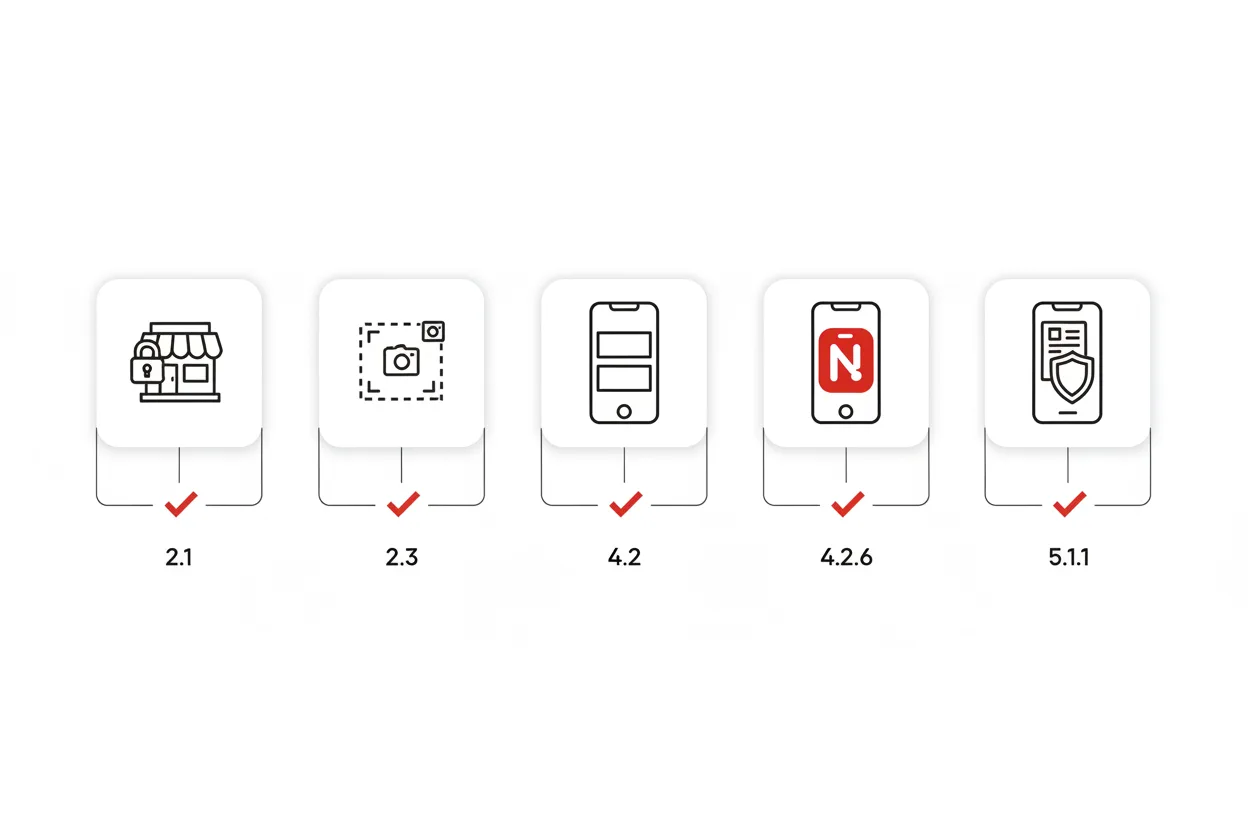
Shopify store apps are usually rejected under one of five App Review Guidelines: 2.1 (the app or store isn't finished), 2.3 (the listing doesn't match the app), 4.2 (the app feels like a repackaged website), 4.2.6 (a template app that the store didn't submit itself) and 5.1.1 (privacy policy or account deletion). You can fix most of them in your store and your App Store listing before you press Submit for review.
This guide is for Shopify store owners who publish an iPhone app from their own Apple Developer account. Guideline numbers and quotes come from Apple's App Review Guidelines, checked November 23, 2026. Apple makes every review decision. Use this list to remove the common causes before a reviewer finds them.
Key takeaways
- Apple rejects store apps that arrive half-finished, with a password page, placeholder text or empty collections (2.1), or that feel like a website in a frame (4.2).
- Your screenshots and description must show what the app does. Price words, "best" and the names of other platforms get listings rejected (2.3).
- Apps made from a template must be submitted by the business whose content they show (4.2.6). Publishing from your own Apple Developer account makes you that business.
- If shoppers can create an account in your app, they must be able to delete it in the app (5.1.1(v)).
In this guide: The five guidelines · What to have ready · Step by step · If Apple rejects your app · How long review takes · FAQ
The five guidelines behind most Shopify app rejections
App Review is Apple's check of each app version against the App Review Guidelines before it reaches the App Store. When Apple rejects a version, the message in App Store Connect names the guideline the reviewer applied. For a store app built with an app builder, these five are the ones to check first.
| Guideline | What Apple's text says | How it shows up in a Shopify store app | What to fix |
|---|---|---|---|
| 2.1 App completeness | "Placeholder text, empty websites, and other temporary content should be scrubbed before submission." | Online store password page, empty collections, test products, broken menu links | Remove the password, fill or hide empty collections, test every link |
| 2.3 Accurate metadata | Metadata must "accurately reflect the app's core experience." | Website screenshots, a description of features the app lacks, "free" or "best" in the name, a mention of Android | Show the app in use; describe only what it does; drop price words and other platform names (2.3.3, 2.3.7, 2.3.10) |
| 4.2 Minimum functionality | Apps "should include features, content, and UI that elevate it beyond a repackaged website." | The storefront inside a web view, or a Home screen with one banner and a few products | Native product, cart and search screens; a full Home screen; real products with photos |
| 4.2.6 Template apps | Template apps "will be rejected unless they are submitted directly by the provider of the app's content." | The builder submits your app from its own account, or your app looks like every other store's | Submit from your own Apple Developer account; use your brand throughout |
| 5.1.1 Data collection and storage | A privacy policy link is required "in the App Store Connect metadata field and within the app." Apps that support account creation must "offer account deletion within the app." | No privacy policy URL, a policy that never mentions the app, no way to delete an account | Add an app section to your privacy policy; offer Delete account in the app |
Guideline 4.2.6 is the rule written for app builders. Apple says template services "should not submit apps on behalf of their clients." Unlike a builder that submits every client's app from one company account, publishing from your own Apple Developer account makes you the provider of the app's content. Apple still judges the app itself against 4.2 and the rest of the guidelines.
What to have ready before you submit
- An Apple Developer Program membership in your name or your company's name. You pay Apple directly. Enrollment review usually takes 1–2 days for an Individual and 2–4 weeks for an Organization. Every step to the App Store covers enrollment.
- A store a reviewer can shop. No password page, and a Shopify plan that lets buyers check out.
- Real products with photos, in collections that aren't empty.
- A privacy policy URL and a Support URL that open without a login.
- A contact for App Review: a name, phone number and email Apple can reach during the review.
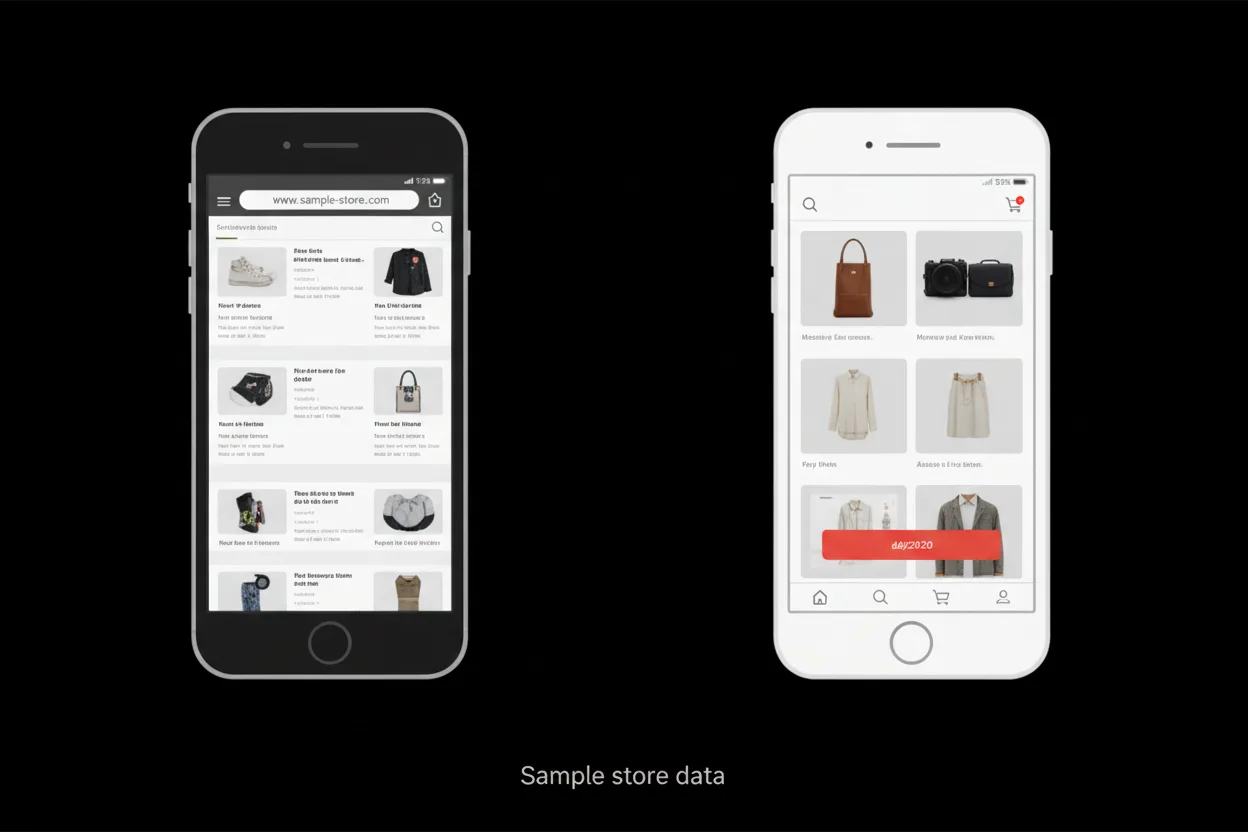
- Screenshots of the app itself, not of your website.
How to avoid an App Store rejection, step by step
- Open your store as a stranger. Sign out, confirm the password page is gone and tap every collection and menu link. Guideline 2.1 says Apple rejects apps that "crash or exhibit obvious technical problems."
- Replace anything temporary. Delete test products, "coming soon" pages, sample images and placeholder text.
- Give the app more than your website. Build a Home screen with several sections, such as collections, featured products and banners. Keep native search, cart, wishlist and order history in the app (what native means and how to check).
- Make it look like your brand. Use your own logo, colors, font, icon and launch screen. Guideline 4.3(b) asks you not to submit apps "indistinguishable from what's already widely available."
- Write the listing for the app. Keep the name to 30 characters, leave prices out of the name, subtitle and screenshots, and skip "best," "#1" and the names of other platforms (2.3.7, 2.3.10). Write your App Store listing covers each field, and Create your App Store screenshots covers the images.
- Publish your privacy answers and policy. Answer App Privacy in App Store Connect and add a section about the app to your store's privacy policy. Answer App Privacy walks through both.
- Check account deletion. If shoppers can create an account, Apple says the app must "let people initiate deletion of their account" from inside the app (Apple's account deletion guidance, checked November 23, 2026).
- Fill in App Review Information. Add your contact and a note that says the app is your store's own shopping app. Guideline 2.1 asks for demo account details if a feature needs a login.
- Test the build on your iPhone. Install the TestFlight build and go from Home to checkout before you press Submit for review.
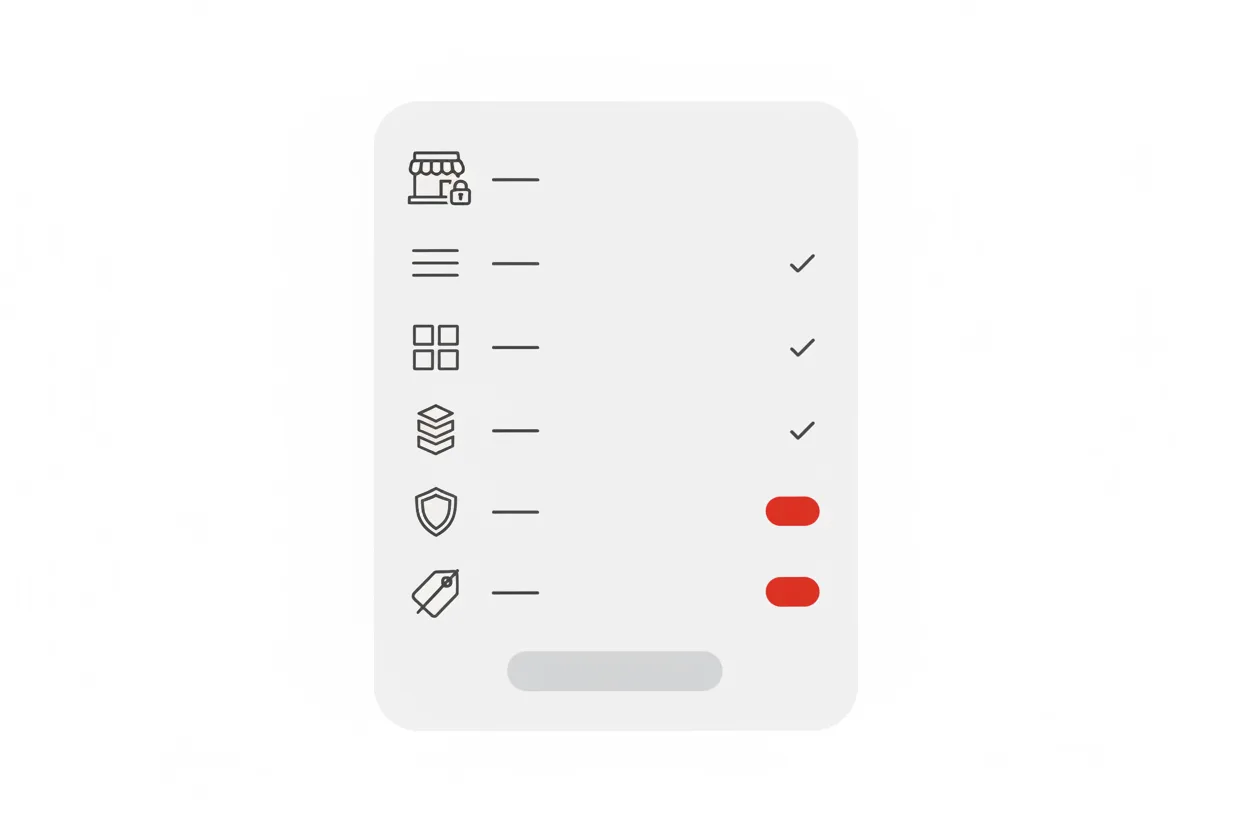
In NativTap, the Before you submit card on the Releases tab runs part of this list for you. It flags an online store password, an unfinished listing, too few products or Home blocks, and price or ranking words in your listing. Each line links to the page that fixes it, and you press Submit for review yourself (Release your app on the App Store).
What to do if Apple rejects your app
- Read Apple's message. Apple says that if a submission doesn't pass review, "you'll receive a message from App Review in App Store Connect detailing the issues requiring your attention." Note the guideline it names and what it asks you to change.
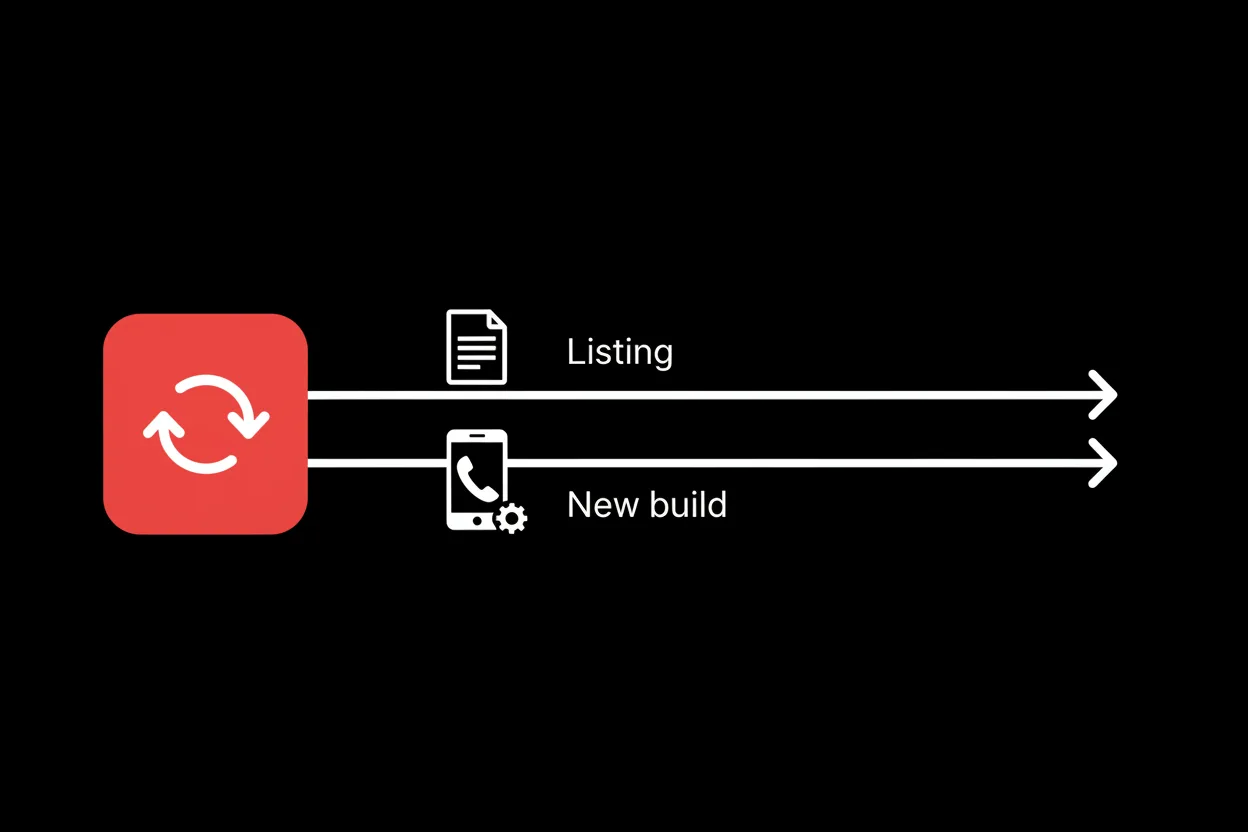
- Decide what changed: the listing or the app. A listing problem (text, screenshots, links) needs no new build. A problem in the app needs one.
- Fix everything, then submit again. Apple asks you not to resubmit "until you've resolved every issue identified by App Review," and resubmitting starts a new review (Track a submission's review status).
- Ask, or appeal. For questions, use Reply to App Review in App Store Connect (Contact App Review). If you disagree with the outcome, reply to the rejection first, then file an appeal with the App Review Board. Apple asks you not to use the reply field for appeals (all checked November 23, 2026).
In NativTap, a rejected version shows a red Rejected badge. The Apple rejected this version card matches common guidelines to a fix and suggests either Send updated listing to Apple or Create release with a new build. A new build counts toward your 4 builds per store per month; design changes are unlimited. Fix an Apple rejection has every step.
How long review takes, and what a rejection adds
| Step | Usual time | Who decides |
|---|---|---|
| Apple Developer Program enrollment | Individual 1–2 days; Organization 2–4 weeks | Apple |
| Design, products and listing | Up to you | You |
| Apple's first review | 1–7 days | Apple |
| Each resubmission after a rejection | Another review round | Apple |
A rejection adds at least one more review round. A listing-only fix avoids a new build, which is one more reason to get the listing right the first time. NativTap can't speed up App Review.
Get your Shopify app through review
Shopify store apps get rejected by App Store review for a short list of reasons: an unfinished store, a listing that doesn't match the app, an app that feels like a website, a template submitted by someone else, or missing privacy and account deletion. Fix those before you submit and you remove the causes reviewers cite most for store apps. Apple still makes the call.
NativTap builds a native iPhone app from your store and checks your listing before you submit from your own Apple Developer account. Free, no card required. Start for free. Then open the Releases tab to see your Before you submit list.
FAQ
Why did Apple reject my Shopify app under guideline 4.2?
Guideline 4.2 asks for features, content and UI that "elevate it beyond a repackaged website." Reviewers apply it when a store app looks like the mobile site in a frame, or has a thin Home screen and few products. Add native screens, a fuller Home screen and real products with photos, then submit again.
Does guideline 4.2.6 ban apps made with an app builder?
No. Guideline 4.2.6 rejects apps from a template or app generation service unless "the provider of the app's content" submits them directly. Apple also asks these services to offer tools for customized apps. When you publish from your own Apple Developer account with your own branding, you are the submitter Apple describes.
Can a password-protected Shopify store cause a rejection?
Yes. A reviewer who hits a password page can't browse or buy, and guideline 2.1 asks for final versions without temporary content. Remove the online store password and make sure your plan lets buyers check out before you submit. NativTap's Before you submit list flags a store password.
Do I need a new build after a rejection?
Only when Apple rejected the app itself. If Apple asked for changes to your listing text, screenshots or links, you can fix them and send the updated listing without a new build. In NativTap, a new build counts toward your 4 builds per store per month.
How long does App Store review take for a Shopify store app?
Apple's first review usually takes 1–7 days. Before that, Apple reviews your Apple Developer Program enrollment: usually 1–2 days for an Individual and 2–4 weeks for an Organization. Each rejection adds another review round, and NativTap can't speed up Apple's review.