 NativTap
Most free Shopify mobile app builders let you design and preview an app at no cost, then put iOS publishing on a paid plan. We checked seven builders' Shopify App Store listings on November 16, 2026. None of their free plans listed iOS publishing, and the cheapest paid plan that did was $9 a month.
Whichever builder you pick, Apple charges 99 USD a year for the Apple Developer Program membership your app is published under. This guide is for small Shopify store owners comparing builders: what each free plan covers, what a first year costs, and what to ask before you commit.
Key takeaways
- "Free" on a builder's listing can mean a design-only plan, a time-limited trial or a plan that includes publishing. The pricing section tells you which.
- On the seven listings we checked, no free plan listed iOS publishing. Paid plans that list it start at $9 a month.
- The Apple Developer Program costs 99 USD a year, paid to Apple, whichever builder you use.
- Ask whose Apple Developer account the app is published under. That account holds your listing, ratings and installs.
What "free" means for a Shopify app builder
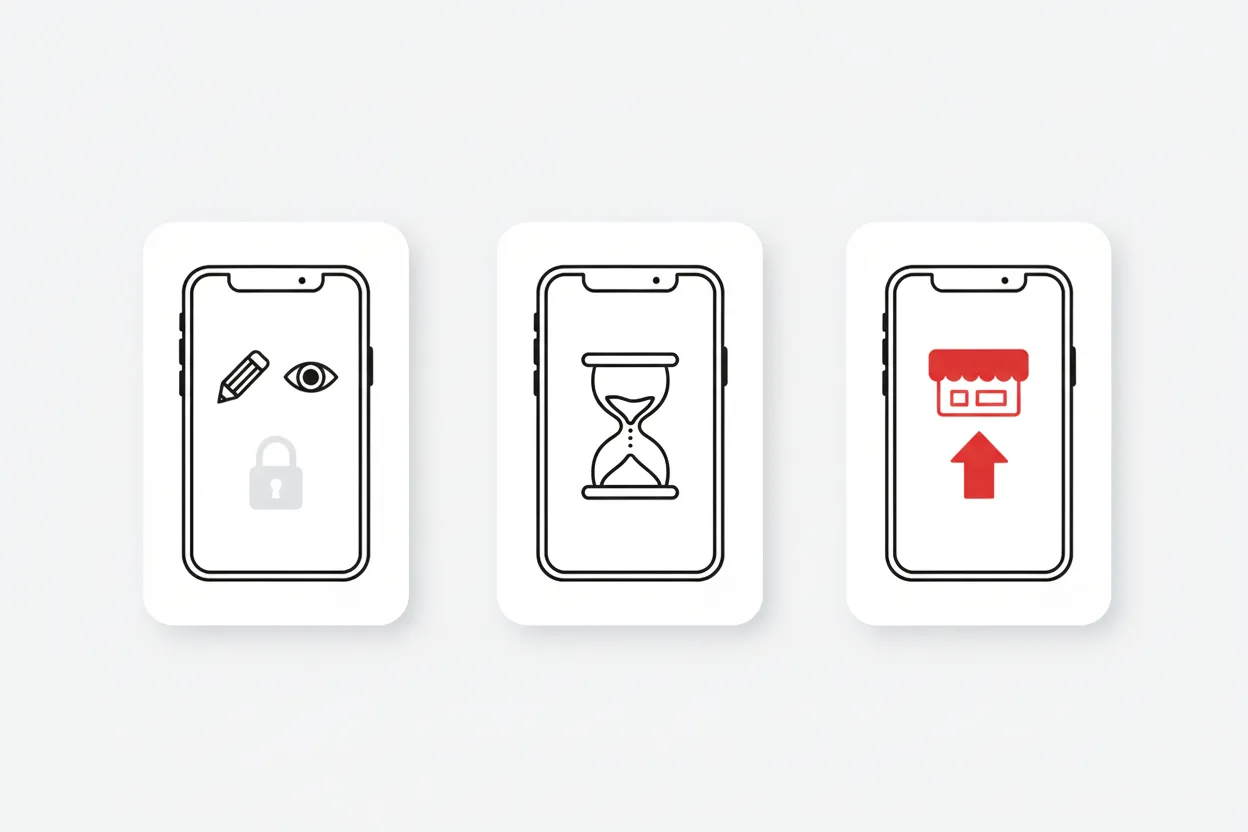
"Free" covers three different offers on Shopify App Store listings. Read the pricing section to see which one you're getting.
- A free plan without publishing. You design screens, set brand colors and preview the app. To release it on the App Store, you upgrade.
- A free trial. You use a paid plan for 7 to 30 days. Then the monthly charge starts, or you stop using it.
- A free plan that includes publishing. You build the app and release it without a monthly fee. You still pay Apple for the developer membership.
Some paid plans also take a share of the revenue your app makes. That fee costs nothing at first and grows with your sales, so read it next to the monthly price.
Free Shopify app builder plans compared
The details below come from each app's Shopify App Store listing, checked November 16, 2026; MobiCart's prices were rechecked November 23, 2026. Listings change often, so open them before you decide. "Not stated" means the listing doesn't say.
| Builder | Free plan | What the free plan covers | Lowest plan that lists iOS publishing | Price | Other fees listed |
|---|---|---|---|---|---|
| Ego | Yes | Editor and live preview on Apple and Android; publishing not listed | Growth | $79/mo | "No Revenue-share Fee" |
| OneMobile | Yes | Native app not listed | Scale Up | $99/mo | 2.9% of mobile revenue above $2,000 |
| MageNative | No (30-day trial) | - | Starter | $99/mo or $1,069.20/yr | Not stated |
| Shopney | No (30-day trial) | - | Not stated (lowest listed plan: Silver) | $149/mo | Not stated |
| Tapcart | 7-day trial only | Build in App Studio | Not stated (lowest listed plan: Growth) | $500/mo | External charges may be billed separately |
| Mobile App Builder by CreateWith | Yes | "No app publishing" | Essentials | $9/mo | External charges may be billed separately |
| MobiCart | Yes | iOS and Android app files; 5 test push notifications and 5 orders a month | Launch | $19/mo or $199/yr | "No revenue share" (Launch) |
Prices are in USD as of November 16, 2026 (MobiCart: November 23, 2026). Two patterns stand out. Free plans are built for designing and testing, and the step that puts your app in front of shoppers sits on a paid plan. For Shopney and Tapcart, the listing doesn't say which plan includes iOS publishing, so ask before you start a trial.
What the first year costs
This estimate adds 12 months of each builder's lowest plan that lists, or may include, iOS publishing to Apple's 99 USD membership. Where a listing shows a yearly price, it uses that. Taxes and revenue-based fees are left out.
| Builder | Lowest plan | Plan for 12 months | Plus Apple membership |
|---|---|---|---|
| Mobile App Builder by CreateWith | Essentials | $108 | $207 |
| MobiCart | Launch (yearly) | $199 | $298 |
| Ego | Growth | $948 | $1,047 |
| MageNative | Starter (yearly) | $1,069.20 | $1,168.20 |
| OneMobile | Scale Up | $1,188 | $1,287, plus 2.9% of mobile revenue above $2,000 |
| Shopney | Silver | $1,788 | $1,887 |
| Tapcart | Growth | $6,000 | $6,099 |
The plan price is only part of the picture. Push notification caps, design block limits and app-only discounts differ by plan too. MageNative's Starter plan, for example, lists 5 push notifications.
Whose Apple account your app is published under
The Apple Developer Program costs 99 USD a year, "in local currency where available," and prices may vary by region (Apple, checked November 16, 2026). You pay it to Apple directly. Enrollment review usually takes 1–2 days for an Individual account and 2–4 weeks for an Organization.
The account your app is published under decides whose name appears as the seller and who holds the listing, ratings and installs. Some listings say which account they use:
| Builder | What the listing says (checked November 16, 2026; MobiCart and OneMobile rechecked November 23, 2026) |
|---|---|
| Ego | "Go live on Apple & Google Play Store using Ego's Developer or your own account" |
| OneMobile | Not stated on the listing |
| MobiCart | Launch plan: "App Store on your own Apple account" and "Google Play on our shared account" |
| MageNative, Shopney, Tapcart, CreateWith | Not stated on the listing |
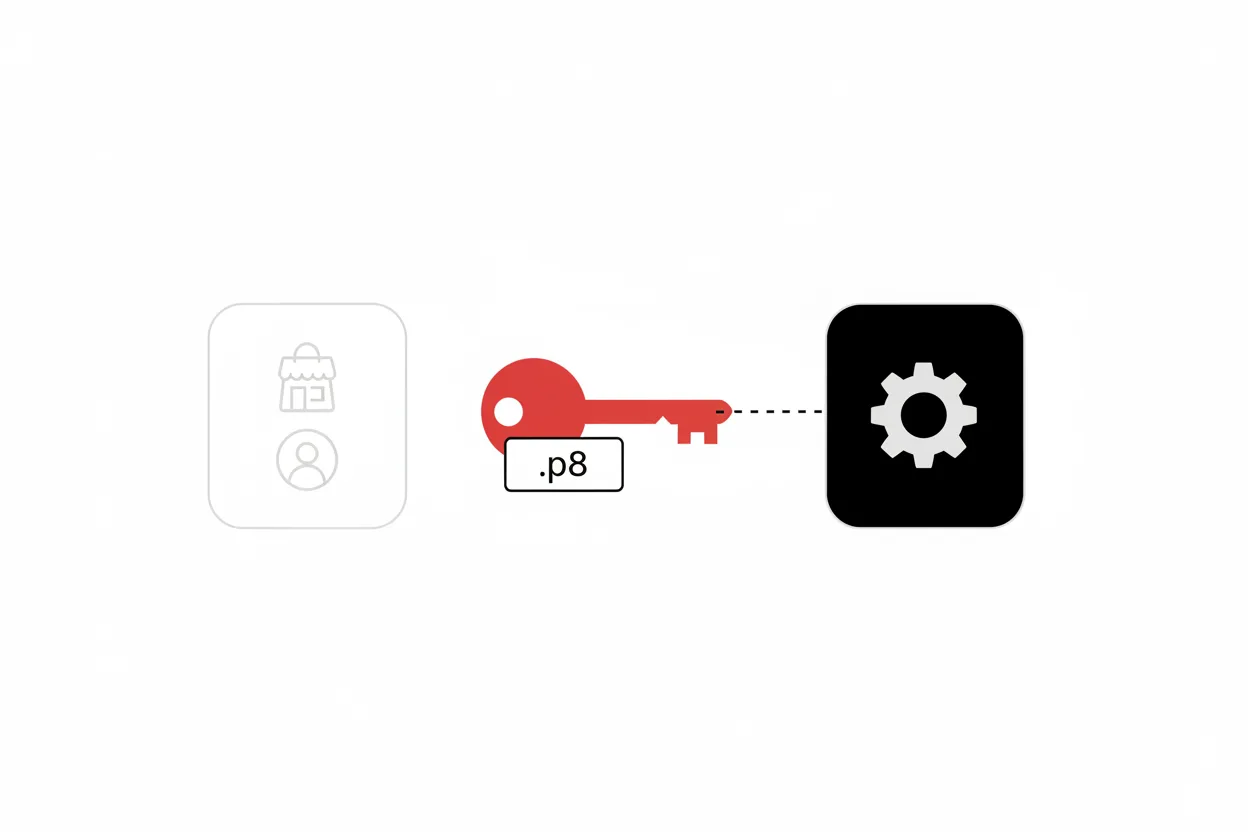
If a builder offers to start your app under its own account, ask how and when the app moves to yours. When you publish from your own account, you don't need to share your Apple ID password. An App Store Connect API key gives a tool the access it needs, and you can revoke it at any time. Our guide to creating an App Store Connect API key walks through it.
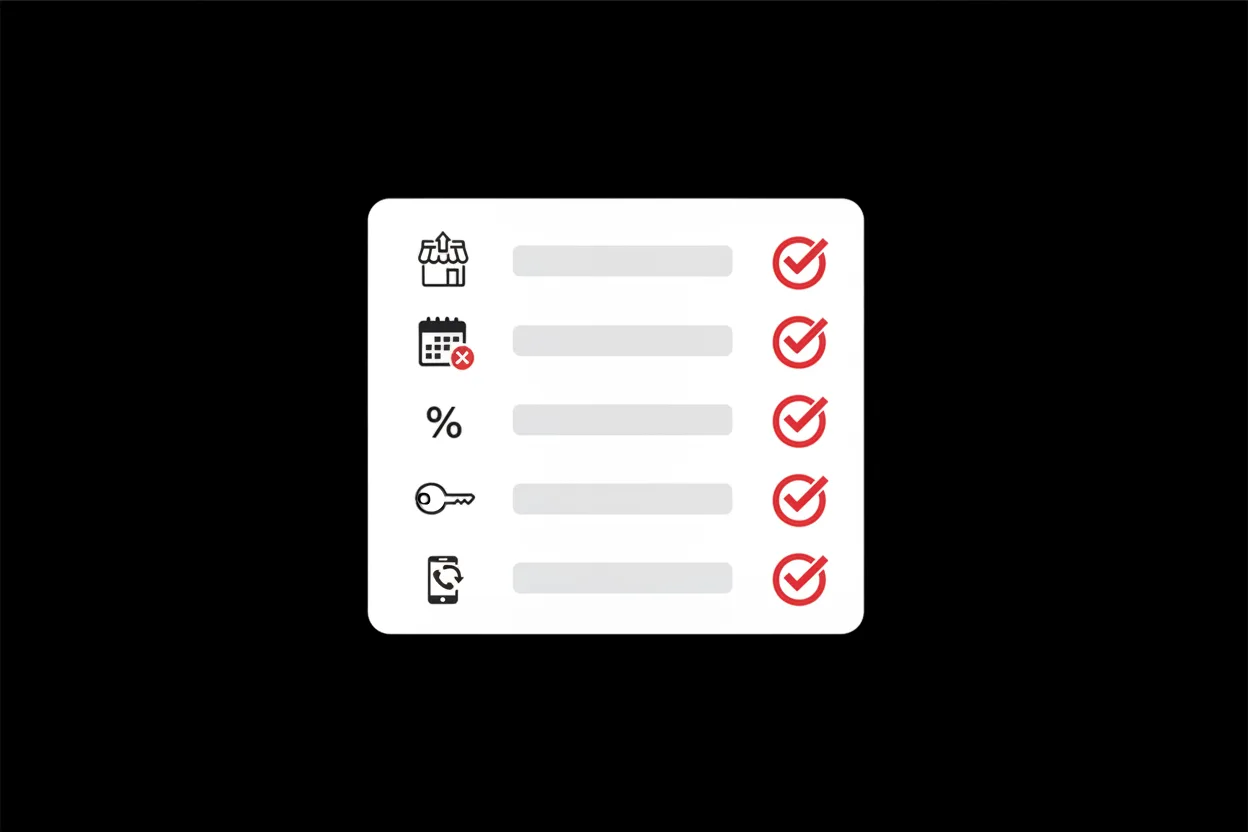
Five questions to ask before you pick a free builder
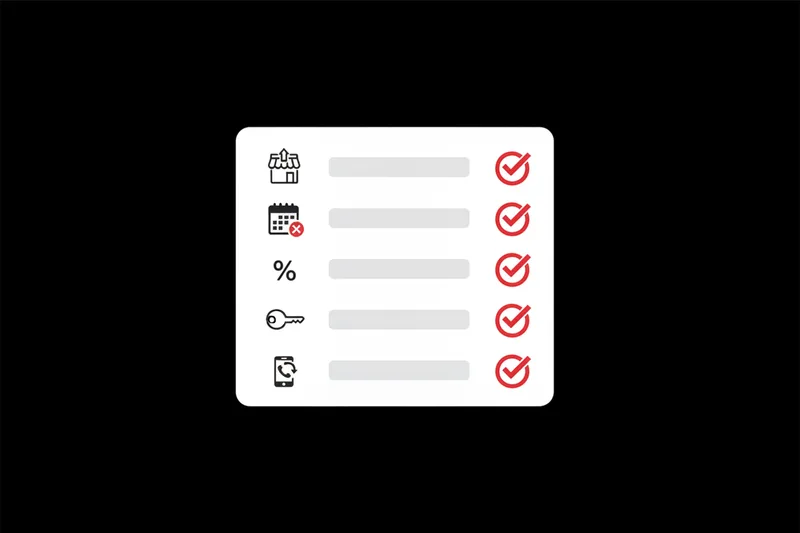
- Does the free plan publish to the App Store, or only preview? Look for "publish", "App Store" or "iOS" on the free plan itself. If those words only appear on paid plans, the free plan is a design tool.
- Is it a free plan or a free trial? A plan has no end date. A trial does, and your app may stop working when it ends unless you pay.
- Is there a revenue-based fee? Find the threshold and the rate before you launch, not after your app starts selling.
- Whose Apple Developer account is the app published under? Your own account keeps the listing, ratings and installs with you.
- Do design changes need a new App Store release? Ask which changes reach shoppers right away and which need an update sent to Apple.
Five checks before you install a builder.
Where NativTap fits
NativTap turns your Shopify store into a native iPhone app, built with Swift and SwiftUI, using your store's logo, colors and products. You design it in the Shopify admin, preview it, and publish it from your own Apple Developer account with an API key. NativTap builds and uploads your app, and you press Submit for review.
NativTap is free, no card required, and there's no revenue share. You pay Apple directly for your developer membership. You can run up to 4 builds per store per month; design changes are unlimited.
Push notifications sent now or scheduled, cart reminders, app-only discounts and analytics, including installs sit in the same admin. Colors, blocks and screens change without a new release; new native features arrive with app updates (when you need a release). NativTap builds iPhone apps today, not Android.
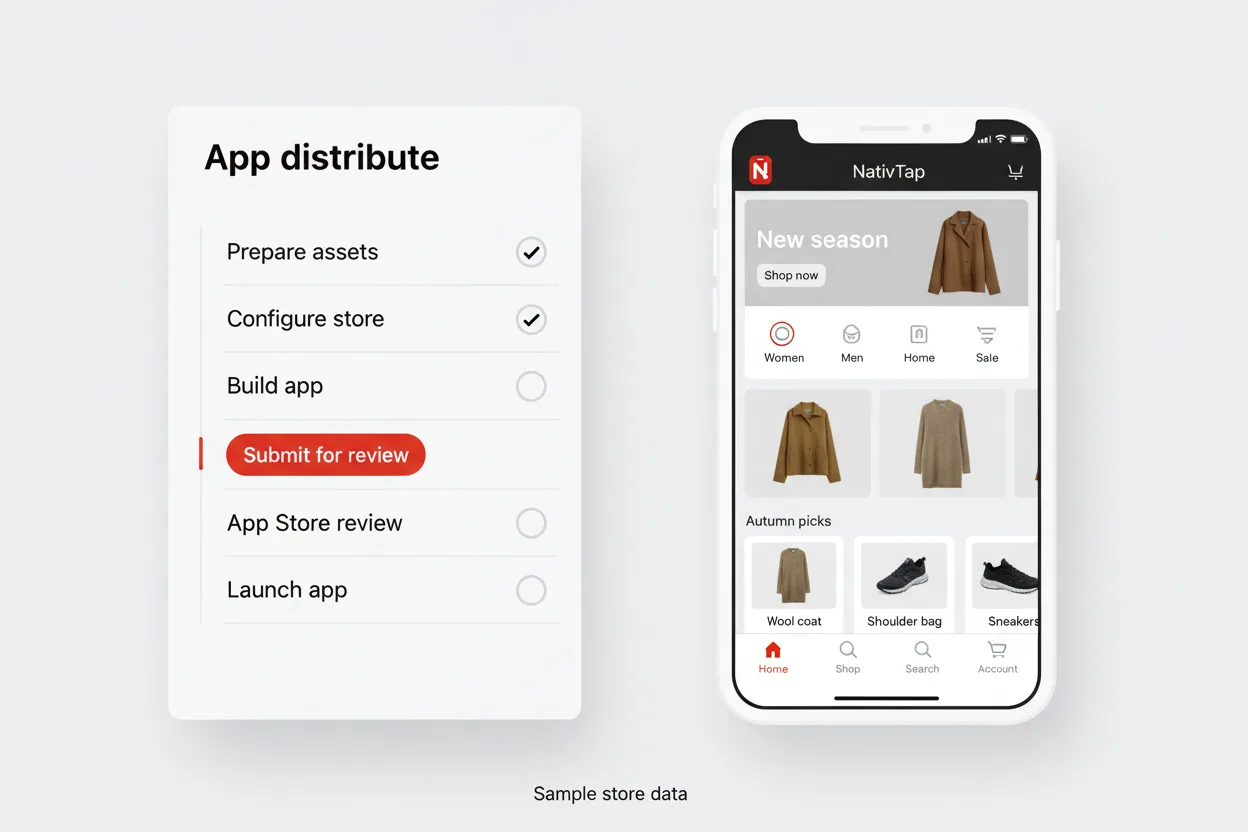
So, is there a free Shopify app builder that publishes to the App Store? On the free plans we checked, publishing sat behind a paid plan. With NativTap, publishing from your own Apple account is part of the free app, and Apple's membership is the one cost you can't skip. Start for free, then open Settings → Apple account to connect your Apple account.
FAQ
Is there a free Shopify app builder that publishes to the App Store?
On the seven Shopify App Store listings we checked on November 16, 2026, free plans covered design and preview, and iOS publishing started on paid plans from $9 a month. NativTap is free, no card required, including publishing from your own Apple Developer account. You still pay Apple for the membership.
Do I still pay Apple if the app builder is free?
Yes. The Apple Developer Program costs 99 USD a year, in local currency where available, and prices may vary by region. You pay Apple directly, whichever builder you use, and your app is listed under that account when you publish from it.
What's the difference between a free plan and a free trial?
A free plan has no end date but may leave out publishing. A free trial gives you a paid plan for a set time, from 7 to 30 days on the listings we checked, and then the monthly charge starts.
Do I need to give an app builder my Apple ID password?
No. Create an App Store Connect API key with the role the builder asks for, such as App Manager for NativTap, and revoke it whenever you want. Nobody needs your password or an invite into your Apple account.