 NativTap
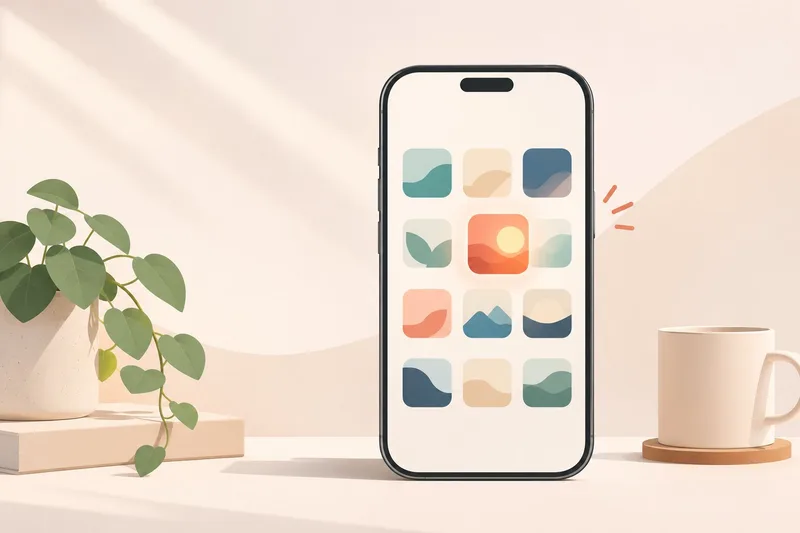
A shopper who likes your store still has to remember it. They search for it again, dig through an old email, or hunt for a tab they left open last week. A shopper who installs your app has already made a choice: your icon now sits among the few dozen things they use every day.
That choice is small, but it changes the relationship your brand has with them. This post looks at what a native app adds to a Shopify brand, what it asks of you in return, and when you are better off waiting.
A website is visited, an app is kept
Your online store lives inside a browser. The browser brings its own address bar, its own tabs and its own idea of how a page should behave. Your brand shows up as a guest.
An app turns that around. It opens with your launch screen, in your colors and your font, and nothing else on the screen competes with it. The icon sits next to the apps your shopper opens without thinking, and it asks for nothing until they tap it.
Not every shopper wants this. The ones who do are telling you they plan to come back, which is a different signal from a visit and worth treating differently.
Control the whole frame
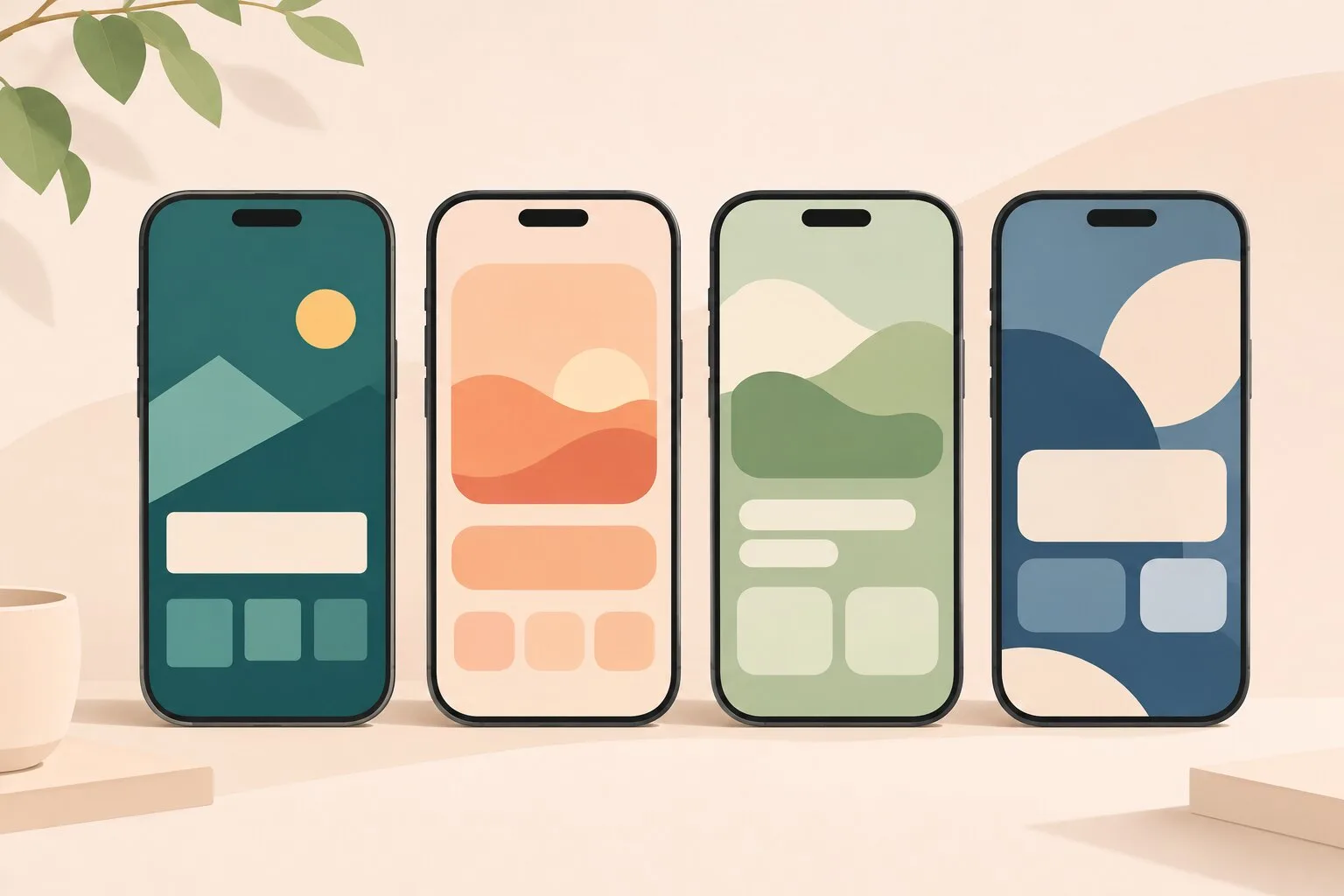
A brand is made of small choices repeated until people recognize them: a logo, one color used with discipline, a typeface, how round the corners are, what the tab bar says. On a website, your theme covers many of these and the browser decides the rest.
In a Nativtap app you set them for the whole app. Use Scan my store to copy the logo, colors and font from your online store, or start from one of four ready-made themes: Classic, Bold, Soft or Editorial. Every theme comes with Light and Dark colors, so your brand holds up in both. Edits stay in a draft until you publish, so shoppers never see a half-finished app.
The steps are in Choose and copy a theme and Set your colors, fonts and corners.
An app that feels like the phone
"Native" is a technical word, so here is what it means for a shopper. Nativtap apps are written in Swift and SwiftUI, the tools Apple builds its own apps with. Lists scroll, sheets slide up and buttons respond the way they do everywhere else on the phone, because the app uses the same building blocks. Shoppers already know how to use it.
Checkout stays Shopify's. Your products, prices and orders remain in your Shopify admin, so there is no second catalog to keep in step. Products reach your app through the Nativtap sales channel, and you decide which ones stay. See Publish your products to the app.
Give people a reason to come back
An icon on the home screen is a quiet reminder. What you do with it is up to you. Nativtap gives you three tools today:
- Push notifications. Send a message now, or at a time you choose, to everyone who allowed notifications for your app. Shoppers decide whether to allow them, so each push should earn its place. See Send push notifications.
- A cart reminder. When a shopper leaves items in their cart, your app can send one push about it. You choose how long to wait. See Remind shoppers about their cart.
- Offers only the app has. An app-only discount works in your app alone, and the app applies it to the cart, so shoppers never type a code. See Create an app-only discount.
Your app can also keep a Notifications page that lists the pushes you sent in the last 30 days, so a shopper who missed one can find it later. See Show notifications in your app.
A few messages that are specific and timely will do more for your brand than many that are not. The point of the channel is that people chose it.
A channel you own
Most of the ways shoppers find a store are rented: a search ranking, a social feed, a marketplace listing. Each comes with rules that can change, and you rarely get a say.
An app on a shopper's phone is a different kind of place. You publish it to the App Store under your own Apple Developer account, and what the shopper sees there is your brand, not a page shared with every other brand in the results. It is not independence from every platform, because you still follow Apple's rules and pass its review. It is a space that belongs to you, with a direct line to the people who chose to install it.
When an app is not the next step
An app shows your Shopify catalog in a new frame. It does not repair a weak one. Wait if any of these is true:
- Shoppers already leave your mobile site before they reach a product. Find out why first, because the app will inherit the same photos, prices and descriptions.
- You cannot yet keep up a rhythm of pushes and offers, even a modest one. An app nobody writes to is just an icon.
- You are not ready for the Apple steps. Enrolling in the Apple Developer Program and passing Apple's review are part of the work. The roadmap lists each step, who does it and how long it takes.
If none of these applies, you are in a good position to start.
Where to start
- Decide what the app is for. One clear reason, such as "my regulars should hear about new products first", keeps the design honest.
- Start your app design by copying the theme of your online store or beginning from one of the four themes.
- Set your colors, fonts and corners until the preview feels like your brand.
- Read See every step to the App Store, then release your app.
A native app will not make a weak brand strong. It gives a strong one a place of its own.